
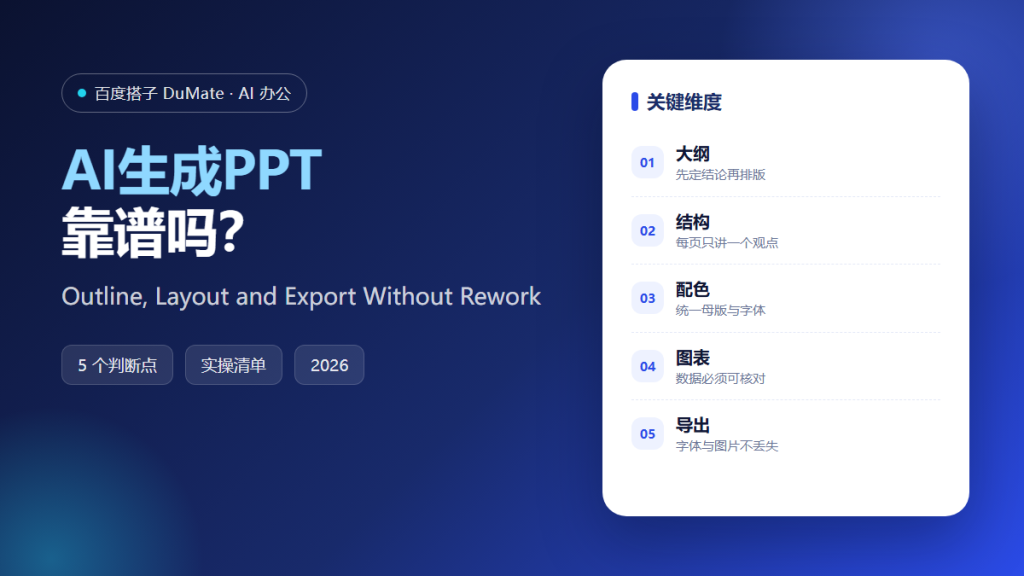
What AI生成PPT Can and Cannot Do
AI生成PPT can turn a document into a deck in minutes, but speed is not the same as quality. The tool is good at outlining, layout suggestions, and repetitive formatting. It is weak at judgment: deciding what the audience needs, which number is credible, and what should be left out. A useful workflow therefore splits the job into two parts, thinking and formatting.
- Use AI生成PPT for structure and layout, not for the core argument.
- Write the conclusion before you generate any slide.
- Keep one idea per page and one chart per claim.
- Verify every number against the source table.
- Export only after checking fonts, images, and page numbers.
- Reuse the same master for the next deck.
A Five-Step AI生成PPT Workflow
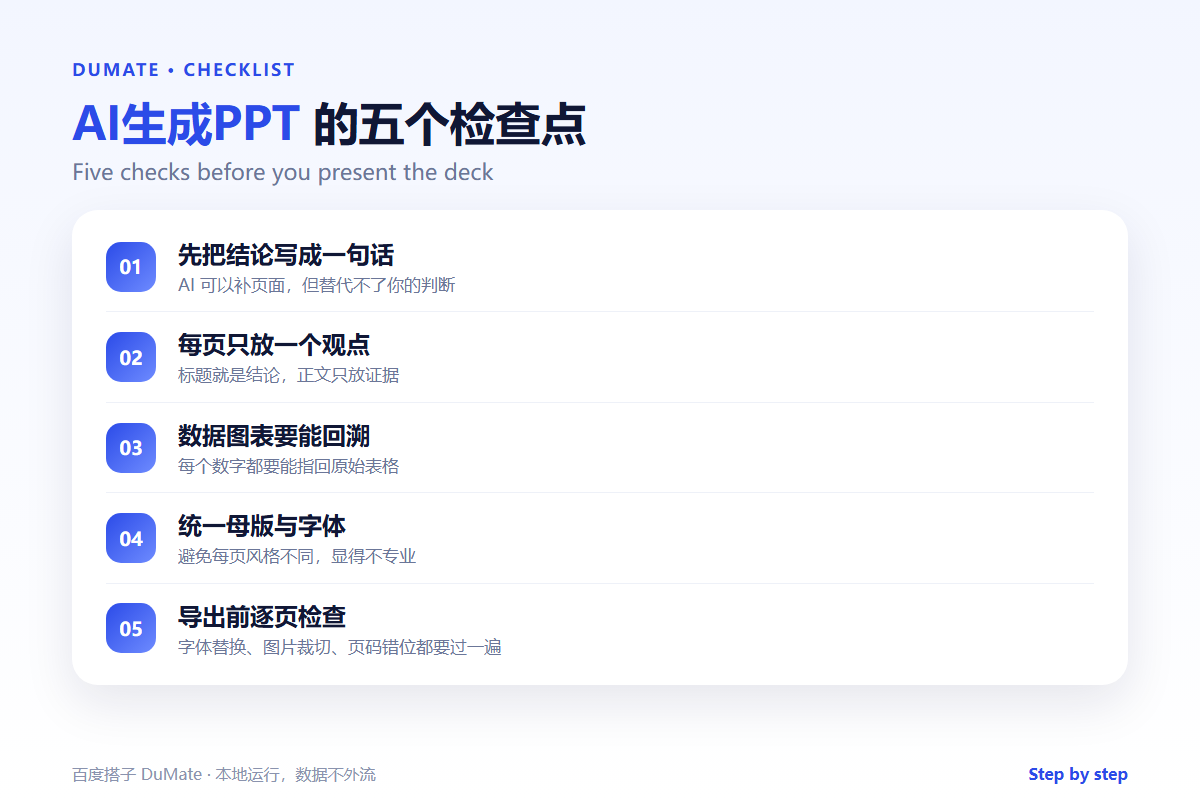
The first step happens away from the tool. Write the decision you want the audience to make, then list the evidence they need. Only then should you ask AI生成PPT to draft an outline. This order prevents the common failure where a polished deck has no point.
- Write the one-sentence conclusion.
- Draft an outline with one claim per slide.
- Attach evidence to every claim.
- Generate layout and apply one master.
- Export and review page by page.
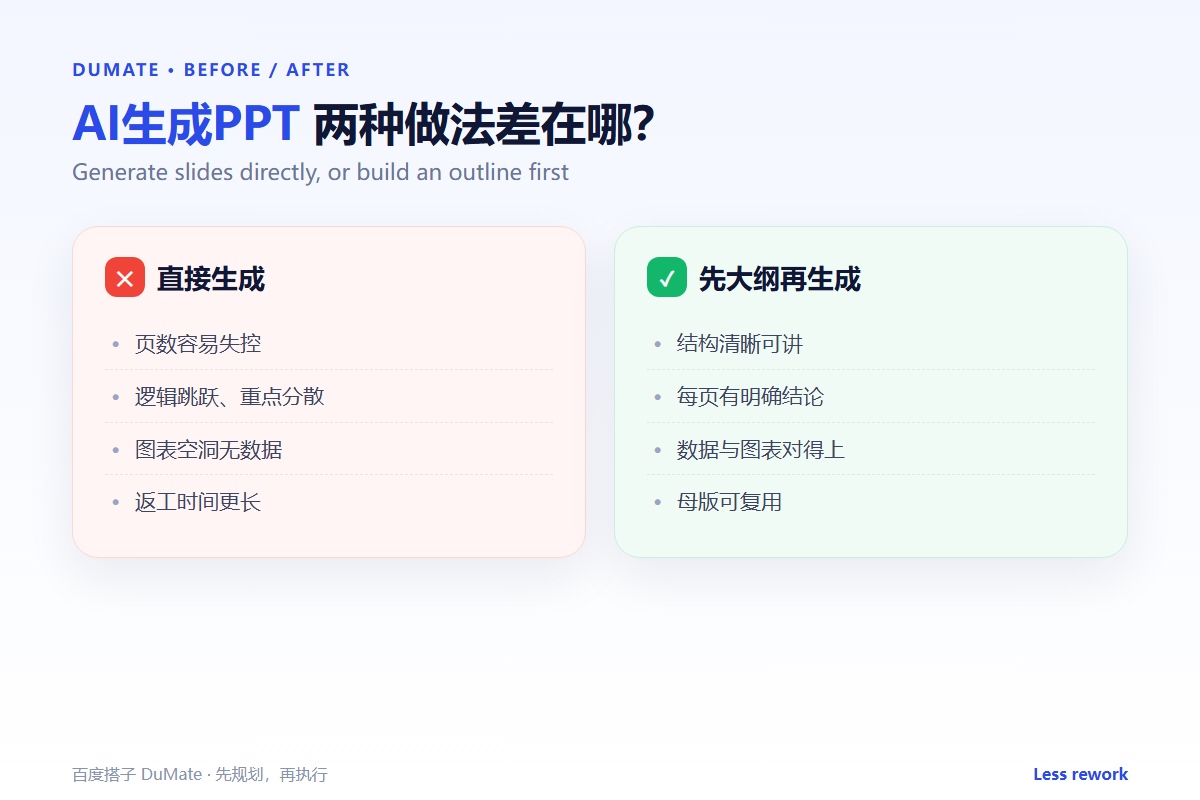
Start with the outline, not the template
A template cannot fix a weak argument. An AI生成PPT that starts from a clear outline produces fewer slides and fewer revisions. If the outline has ten points, ask which three matter most; the rest can become an appendix.
Structure: One Idea per Slide
Each slide should answer one question. The title states the answer, and the body provides the evidence. This rule makes the deck easy to present and easy to review. It also gives AI生成PPT a clear target, because the tool knows what each page must prove.
| Slide type | Title pattern | Content |
|---|---|---|
| Problem | The cost is rising | One chart and one sentence |
| Evidence | Three sources agree | Table or comparison |
| Decision | We will start with one team | Scope, owner, date |
| Risk | Two risks remain | Mitigation and owner |
When the structure is clear, the visual style becomes a secondary choice. The AI文档处理 guide is useful for converting source documents before you outline, so the deck and the report share the same facts.
Design and Data Checks
AI生成PPT often produces attractive charts with weak data. Check the axis, the unit, and the sample size. Then check the color contrast and the font size in the room where the deck will be shown. A chart that looks fine on a laptop may be unreadable on a projector.
Consistency beats decoration
Use one accent color, two font sizes for body text, and a fixed title position. Consistency signals control. Decoration without purpose distracts from the claim. If the tool adds icons, keep only those that help the audience find the section.
Where AI生成PPT Fails
Generated decks fail in predictable ways. They overfill slides, invent transitions, and repeat the same point in different words. They also flatten nuance: a caveat becomes a bullet, and a condition disappears. Review the deck as if a colleague wrote it, because in practice that is what happened.
- Too many slides for the time slot.
- Charts without a source or unit.
- Text that repeats the spoken script.
- Inconsistent fonts after export.
- No clear ask at the end.
FAQ
Can AI生成PPT use my company template?
Usually yes, if the tool can import a master or apply brand colors and fonts. Check the export result, because some layouts break when fonts are missing.
How many slides should I generate?
Start with one slide per minute of speaking time, then cut. A twenty-minute talk rarely needs more than fifteen content slides.
Is it safe to upload internal documents?
Check the data policy first. If the deck contains customer or financial data, use a local or approved deployment. The 百度搭子 review covers the local-processing option.
References
Related reading: AI智能体 和聊天机器人差在哪, AI会议纪要 怎么生成.
延伸阅读: 《AI合同审查 能看出什么?Clauses, Risks and Questions》。
延伸阅读: 《AI报告生成 怎么从数据到结论?From Data to a Report》、《AI写作助手 怎么写得像人写的?Draft Without Robotic Tone》。
评论
还没有评论,来说两句吧。以下为本文的引用通告: