
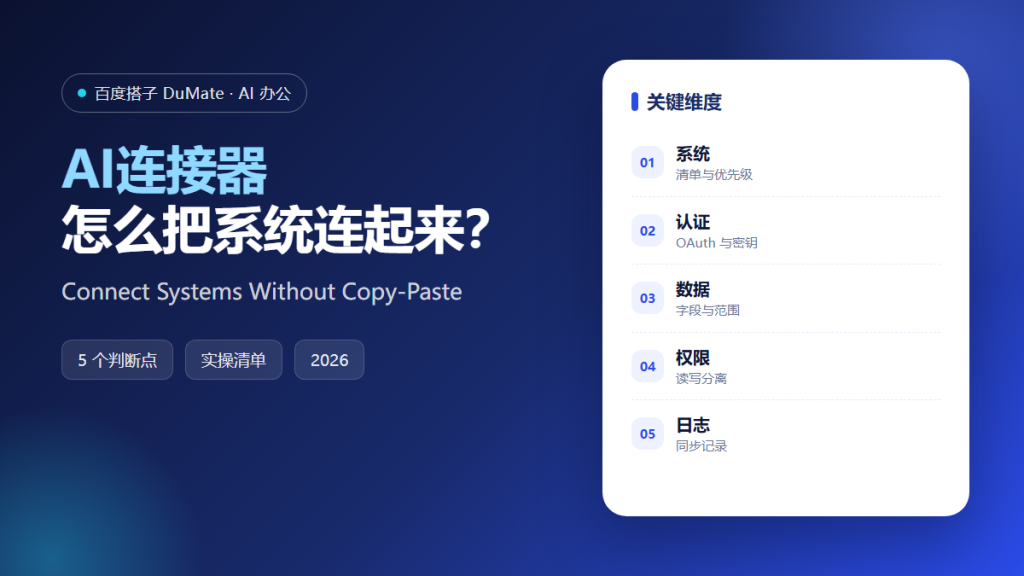
What an AI连接器 Actually Connects
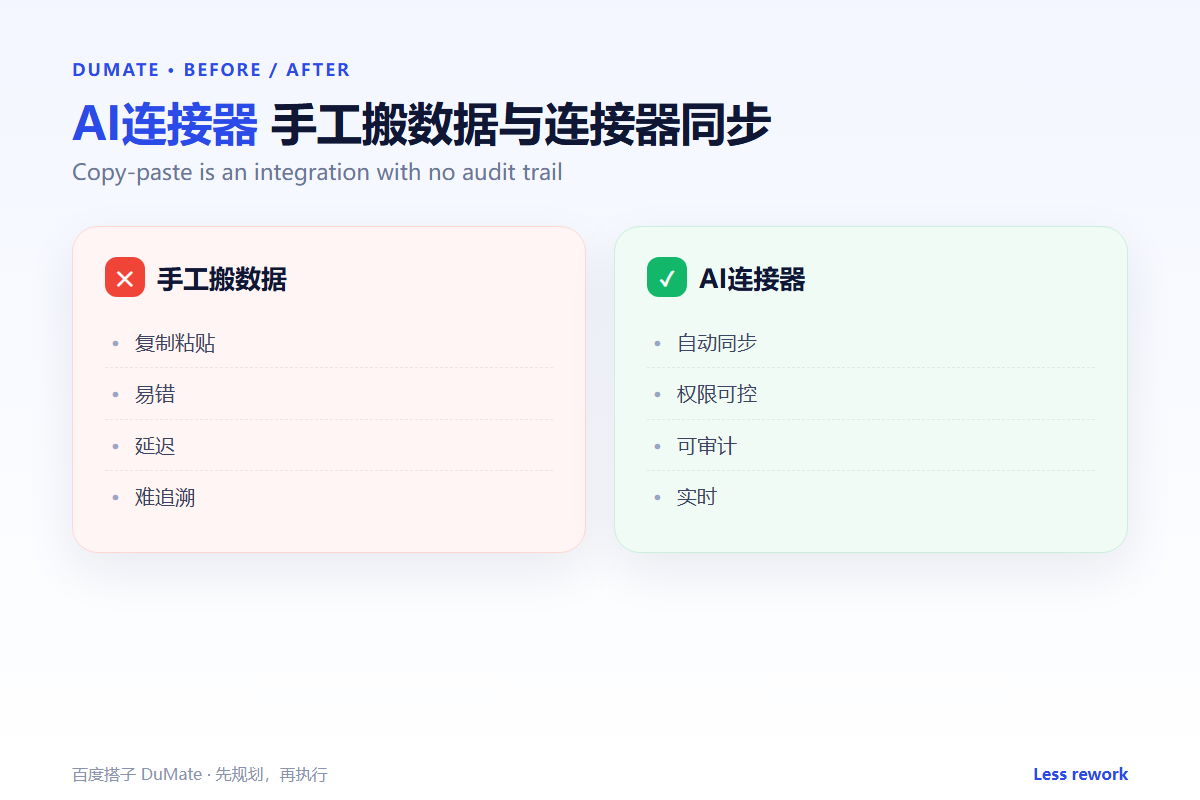
An AI连接器 links two systems so data moves without copy-paste. The hard part is not the connection; it is the contract: which fields, which direction, and which permission. A useful AI连接器 makes those choices explicit.
- List the systems that truly need to talk.
- Confirm the authentication method.
- Limit the fields and records synced.
- Separate read and write permissions.
- Monitor the sync log.
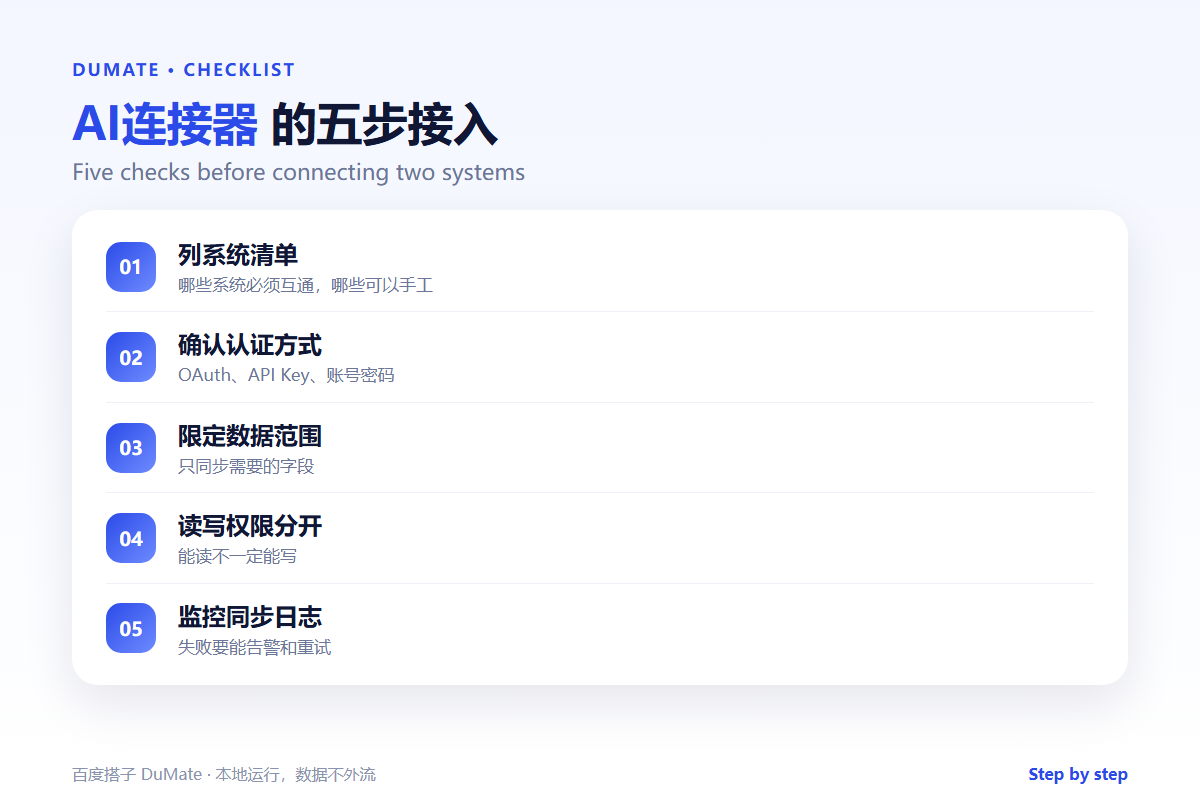
A Five-Step AI连接器 Setup
Start with one pair of systems and one use case. A broad “connect everything” project fails because nobody can test the result. A narrow sync is easier to verify and easier to stop.
- Choose two systems and one workflow.
- Document the fields and direction.
- Set the authentication and scope.
- Run a small sync and compare.
- Enable alerts for failures.
Direction matters
A one-way sync from a source of truth is simpler than a two-way sync. AI连接器 projects often break when both sides can edit the same field. Pick an owner for each field.
Where the Real Risks Sit
The risk is a silent mismatch. A date format, a currency, or a status label can change meaning in the other system. A small test reveals it; a large batch hides it.
| Risk | Check | Fix |
|---|---|---|
| Field mapping | Do the labels mean the same? | Write a mapping table |
| Direction | Who owns the field? | Make one side read-only |
| Failure | Will someone be alerted? | Add an error alert |
| Scope | Is the connector too broad? | Reduce permissions |
For cross-application handoffs, the AI跨应用操作 guide covers the validation points. If the sync triggers a workflow, the AI自动化流程 checklist shows where to add confirmation.
How to Evaluate AI连接器
Ask for a field map and a failure log. A good AI连接器 will show what happens when a record is missing or a token expires. A poor one will only show the happy path.
Start with one real task
Sync ten records from a test account. Compare both sides field by field. Then break one record on purpose and see whether the connector reports it.
What an AI连接器 cannot do
It cannot resolve a disagreement about data ownership. That is a process decision. For enterprise controls, the 企业AI助手 guide covers permissions and audit.
FAQ
Do I need a connector for every app?
No. Start with the pair that creates the most manual work. The AI浏览器自动化 workflow can cover a web app that has no API.
How often should it sync?
As often as the business needs, but not more. A five-minute sync on a daily process adds noise and cost.
What if the API changes?
Version the connector and monitor errors. A sudden spike in failures is the signal to review.
References
评论
还没有评论,来说两句吧。