
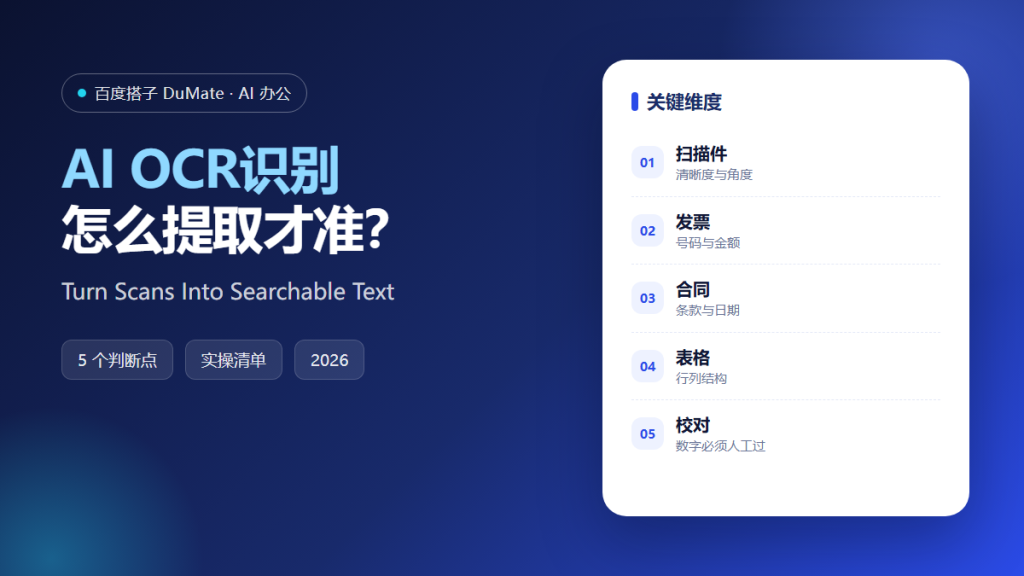
What AI OCR识别 Can Reliably Extract
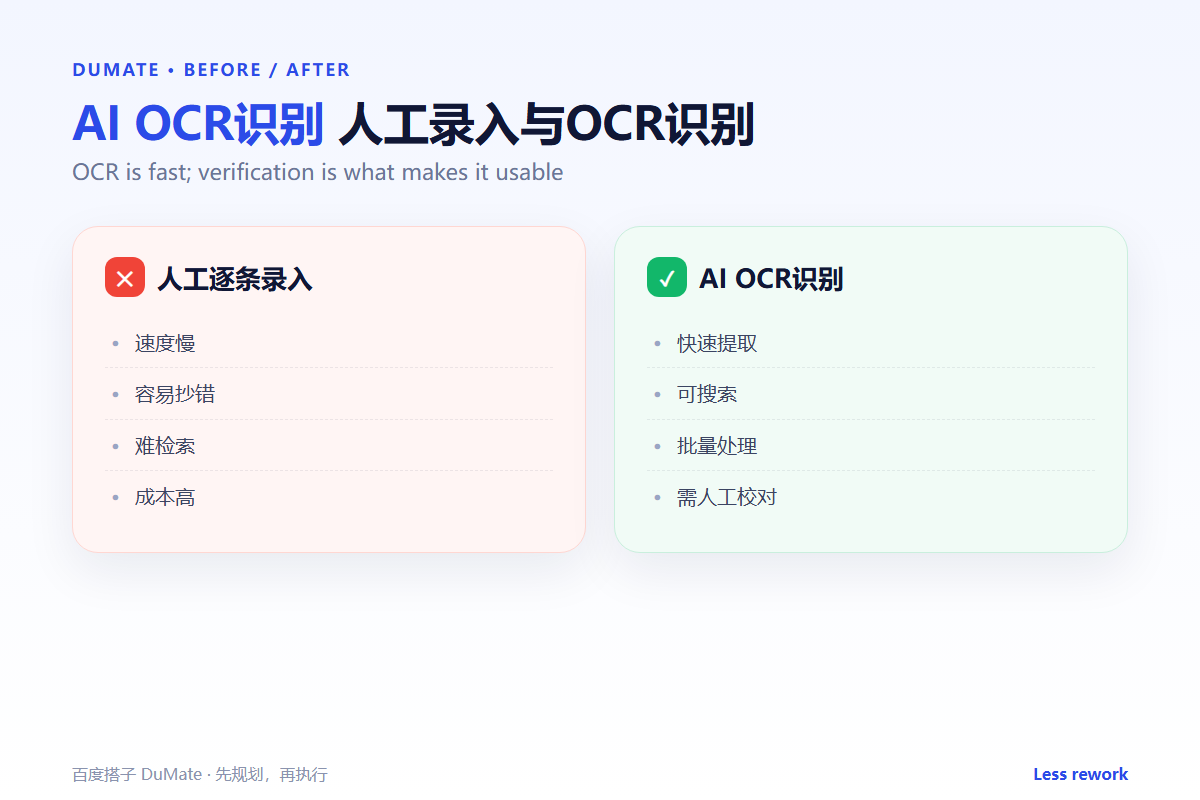
AI OCR识别 turns a scan into text, but accuracy depends on the quality of the source. Clean printed pages work well; photos, handwriting, and complex tables need review. A useful AI OCR识别 workflow treats the output as a draft, not as the final record.
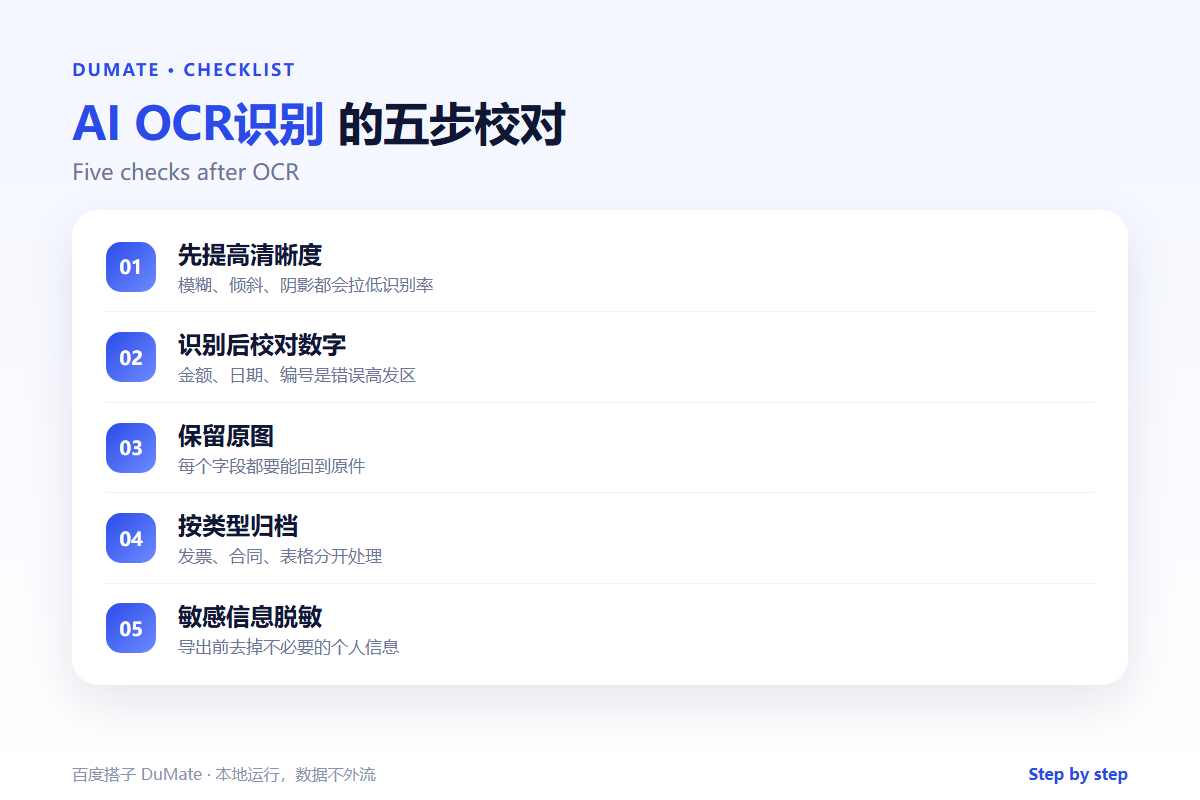
- Improve brightness, angle, and resolution first.
- Always review numbers, dates, and names.
- Keep the original image next to the text.
- Separate invoices, contracts, and tables.
- Remove unnecessary personal data before export.
A Five-Step AI OCR识别 Workflow
Start with one page, not a folder. Check the character accuracy on the hardest part of the page. If the numbers are wrong, the rest of the text does not matter.
- Choose a clear sample page.
- Run recognition and inspect the text.
- Correct names, amounts, and dates.
- Attach the result to the source image.
- Export with a consistent file name.
Tables are the hard case
A table can look perfect in the image and collapse into one column in the text. An AI OCR识别 pass should preserve row and column boundaries, or at least flag where the structure was lost.
Where the Real Risks Sit
The risk is a wrong digit that looks right. A single misread amount can change an invoice, a contract value, or a report total. Human review is not optional for financial and legal documents.
| Field | Risk | Check |
|---|---|---|
| Amount | Digit substitution | Compare with the source image |
| Date | Format confusion | Read day and month explicitly |
| Name | Character misread | Check against a known list |
| Table | Row or column merge | Compare row counts |
When the scan is part of a larger document workflow, the AI文档处理 guide covers conversion and extraction. Store the outputs with the AI自动整理文件 rules so the image and text stay together.
How to Evaluate AI OCR识别
Use a page with a table, a footnote, and a stamp. A good AI OCR识别 result will keep the reading order and mark uncertain characters. A poor one will return a clean block of text with the structure gone.
Start with one real task
Take one invoice you already processed manually. Run it through the tool and compare every field. If the amount and tax number match, try a second format.
What AI OCR识别 cannot do
It cannot certify that a document is authentic. It extracts what is visible. For contracts, pair the output with the AI合同审查 checklist and a human review.
FAQ
Does AI OCR识别 work on handwriting?
Sometimes, with low accuracy. Use it for indexing, not for amounts or signatures.
Can it read multi-language documents?
Yes, if the language is supported and the scan is clear. Mixed-language pages may need separate runs.
Should I keep the original scan?
Always. The image is the evidence; the text is a convenience.
References
评论
还没有评论,来说两句吧。