
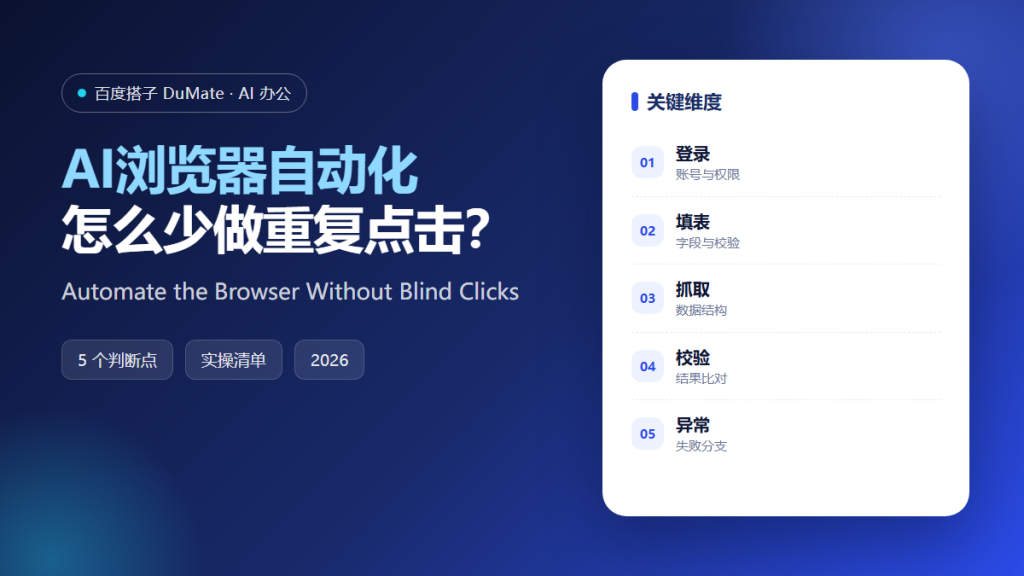
What AI浏览器自动化 Is Good At
AI浏览器自动化 is useful when a web task repeats with the same steps and a clear success signal. Filling the same form, downloading a report, or checking a status page are good candidates. A login flow, a payment, or a page that changes weekly is not.
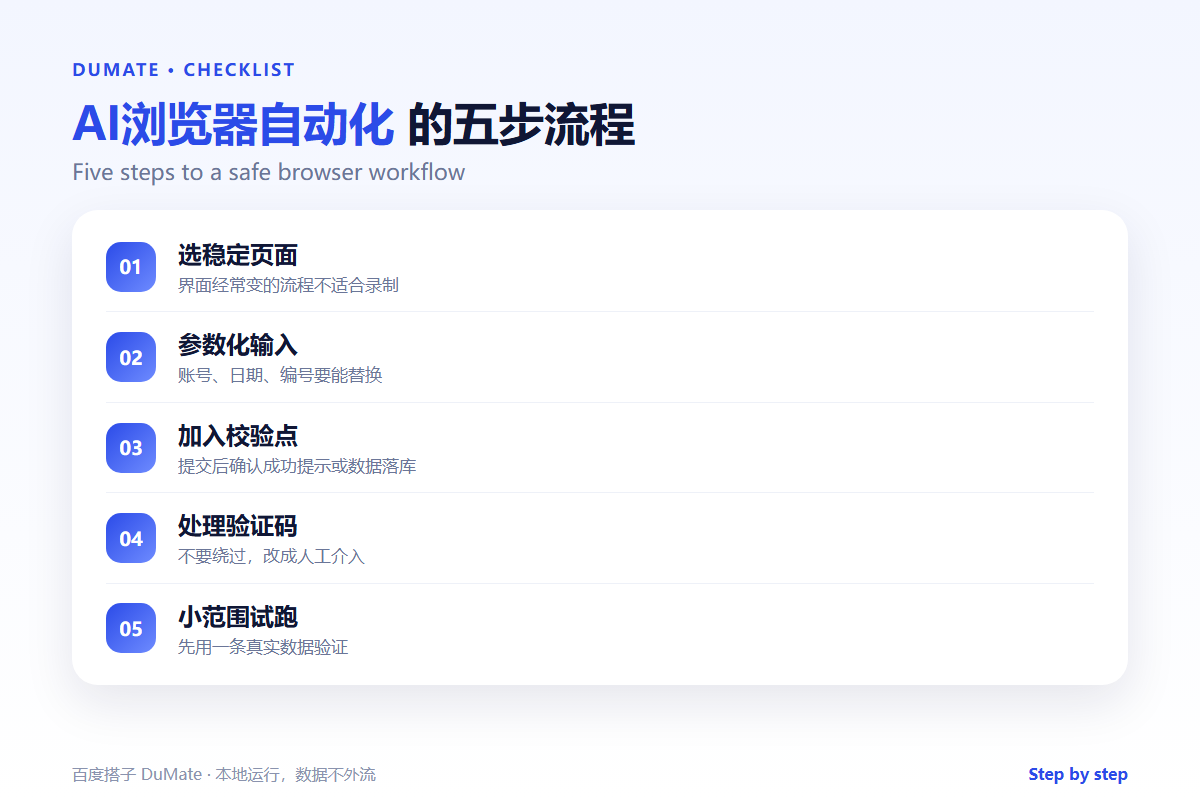
- Choose a page with stable fields and labels.
- Turn dates, names, and IDs into parameters.
- Check the result after every submit.
- Do not bypass a CAPTCHA; pause for a human.
- Test with one real record first.
A Five-Step AI浏览器自动化 Workflow
Start by writing the steps as a person would perform them. Then remove the parts that only apply to this one record. The remaining sequence is the workflow.
- Record the stable path with real data.
- Parameterize the variable fields.
- Add a check after each submit.
- Define what happens on failure.
- Run one record end to end.
A success message is not proof
A page can show “saved” while the record fails to appear. An AI浏览器自动化 check should confirm the data in the list or the database, not just the toast message.
Where the Real Risks Sit
The biggest risk is a silent wrong submission. A missing filter can export the wrong month; a stale session can post to the wrong account. Keep the credential scope small and log every run.
| Risk | Check | Fix |
|---|---|---|
| Wrong record | Does the ID match? | Stop and review |
| Session | Which account is logged in? | Use a dedicated account |
| Page change | Do the labels still match? | Fail fast and alert |
| CAPTCHA | Is a human needed? | Pause the run |
For the recording and replay mechanics, the AI操作录制 guide covers the safety checks. When the workflow moves data between sites, the AI跨应用操作 guide explains where to add validation.
How to Evaluate AI浏览器自动化
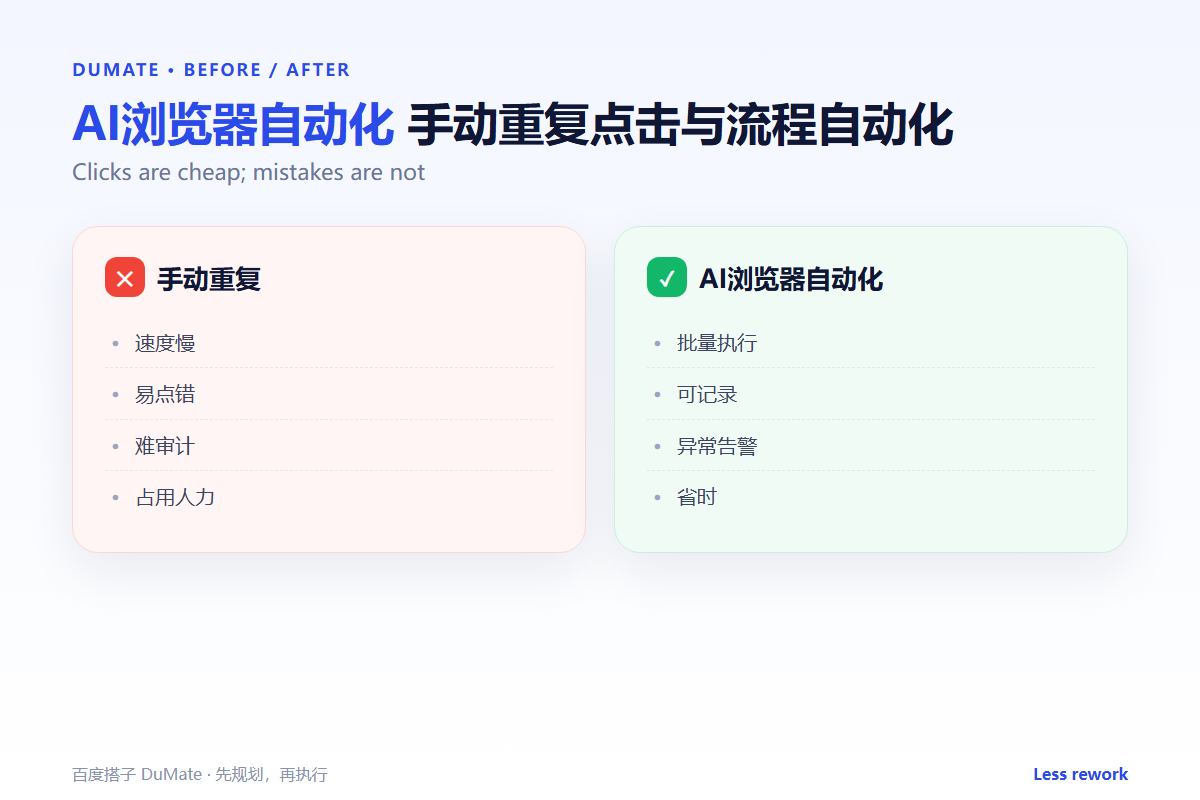
Use a test account and a record you can delete. A good AI浏览器自动化 run will show each step and stop on an unexpected page. A poor one will click through a changed layout and submit the wrong form.
Start with one real task
Pick a weekly download or status check. Run it twice and compare the output. If the second run differs, the workflow is not stable enough to schedule.
What AI浏览器自动化 cannot do
It cannot make a broken process reliable. If the website changes every week, fix the process or keep it manual. For repeatable multi-step work, the AI自动化流程 guide shows how to design the checkpoints.
FAQ
Can it log in for me?
It can use a dedicated account, but do not store a personal password in the script. Use the minimum permissions and rotate credentials.
What about two-factor authentication?
Plan for a human step or an approved token. Bypassing 2FA is a security risk, not an automation feature.
Can it run on a schedule?
Yes, if the page is stable and the checks are reliable. Add a pre-run check for login state and file paths.
References
延伸阅读: 《AI连接器 怎么把系统连起来?Connect Without Copy-Paste》。
相关阅读: 《AI桌面自动化 怎么让应用自己跑?Desktop Automation》、《AI批量处理 怎么批量还不乱?Batch Work Safely》。
评论
还没有评论,来说两句吧。以下为本文的引用通告: