

What AI批量处理 Should Never Skip
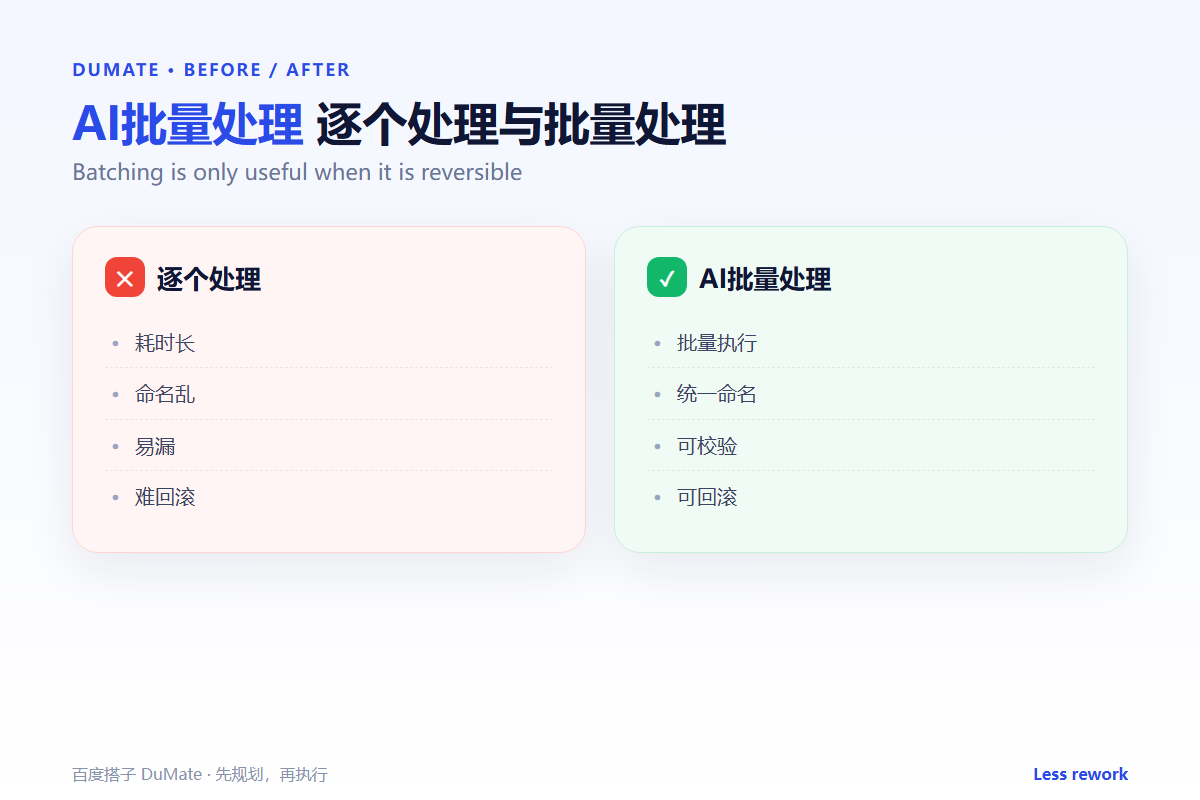
AI批量处理 is powerful because it applies one rule to many files. That is also why a small mistake becomes a large one. The first step is always a backup, and the second is a naming rule you can reverse.
- Back up the original folder first.
- Write the naming rule before the run.
- Process ten files at a time.
- Check each batch before the next.
- Keep a log of what changed.
A Five-Step AI批量处理 Workflow
Start with a sample that includes an edge case: a duplicate name, a locked file, or an unusual format. If the sample passes, run the first small batch.
- Copy the source to a backup folder.
- Define the output naming pattern.
- Run a ten-file batch.
- Verify counts, sizes, and samples.
- Continue or roll back.
Naming is a safety feature
A clear name shows the source, the date, and the version. An AI批量处理 output without a naming rule becomes a second pile of files that nobody can match to the original.
Where the Real Risks Sit
The risk is an overwrite that nobody notices until the original is gone. The second risk is a silent skip: a file is locked, the tool moves on, and the final count is short. Count the inputs and outputs every time.
| Risk | Check | Fix |
|---|---|---|
| Overwrite | Is the source untouched? | Restore from backup |
| Skip | Do the counts match? | Re-run the missing files |
| Name clash | Are there duplicates? | Add a suffix |
| Format | Do the outputs open? | Re-convert the batch |
For folder rules, the AI自动整理文件 workflow keeps inputs and outputs separate. For format changes, the AI文档处理 guide covers the conversion checks.
How to Evaluate AI批量处理
Use a folder with a duplicate, a locked file, and one unexpected format. A good AI批量处理 run will report the skip and keep the rest moving. A poor one will finish with a clean summary and a missing file.
Start with one real task
Take a folder you can restore. Run the batch, compare the counts, and open three outputs at random. If any one fails, stop and fix the rule before the next batch.
What AI批量处理 cannot do
It cannot know that a file is the approved version. Version control is a human decision. Keep the approved file in a separate folder, and use the AI操作录制 checks if the batch runs on a schedule.
FAQ
How many files per batch?
Ten is a safe default. Increase only when the error rate is zero across several runs.
Can it handle subfolders?
Often yes, but decide whether the output keeps the folder structure. Mixing flat and nested outputs creates confusion.
What if a file is open?
Skip it and log the name. Retry after the file is closed. The AI表格处理 log is a useful model for recording skipped items.
References

延伸阅读: 《AI文件转换 怎么批量转还不乱?Batch Convert Safely》、《AI浏览器自动化 怎么少做重复点击?Automate the Browser》。
评论
还没有评论,来说两句吧。以下为本文的引用通告: