
What AI跨应用操作 Actually Connects
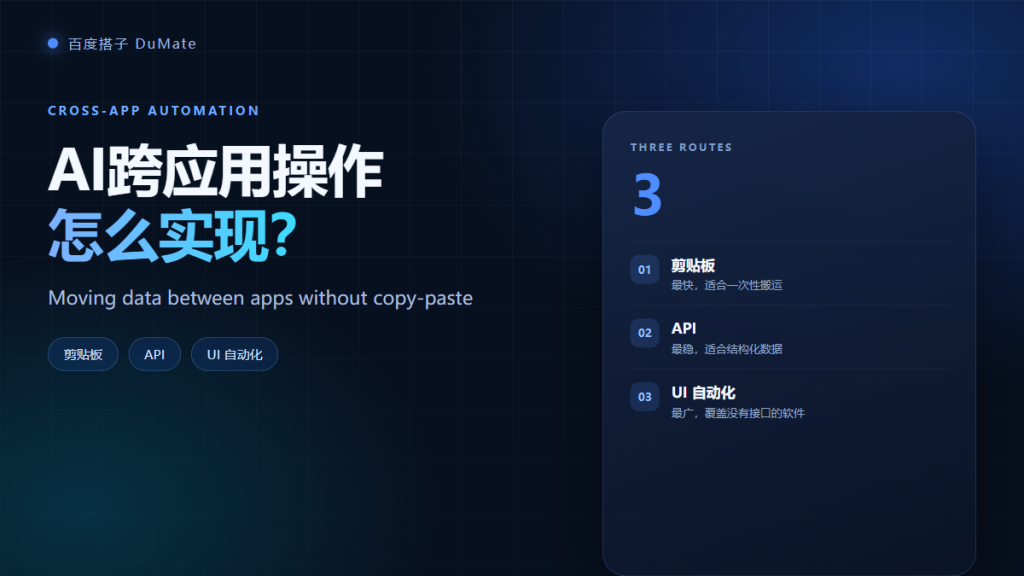
AI跨应用操作 is the work of moving data and actions between programs that were never designed to talk to each other. The agent may copy a field, call an API, or click through a screen. Each route has a different reliability and risk profile. Choosing the wrong route is the main reason a demo fails in production.
- AI跨应用操作 can use clipboard, API, or UI automation.
- API is the most stable route when it exists.
- UI automation covers old software but breaks on layout changes.
- Field mapping must be explicit and testable.
- Duplicate checks prevent repeated records.
- Every route needs a failure and rollback plan.
The Three Routes: Clipboard, API, UI
The clipboard route copies a value from one window and pastes it into another. The API route sends structured data directly. The UI route drives the interface like a person. In practice, most workflows mix two or three routes, because no single method covers every system.
| Route | Best for | Weakness |
|---|---|---|
| Clipboard | One-off, few fields | No validation, easy to misplace |
| API | Structured, repeated data | Requires access and documentation |
| UI automation | Legacy apps without APIs | Fragile when screens change |
Route One: Clipboard Transfer
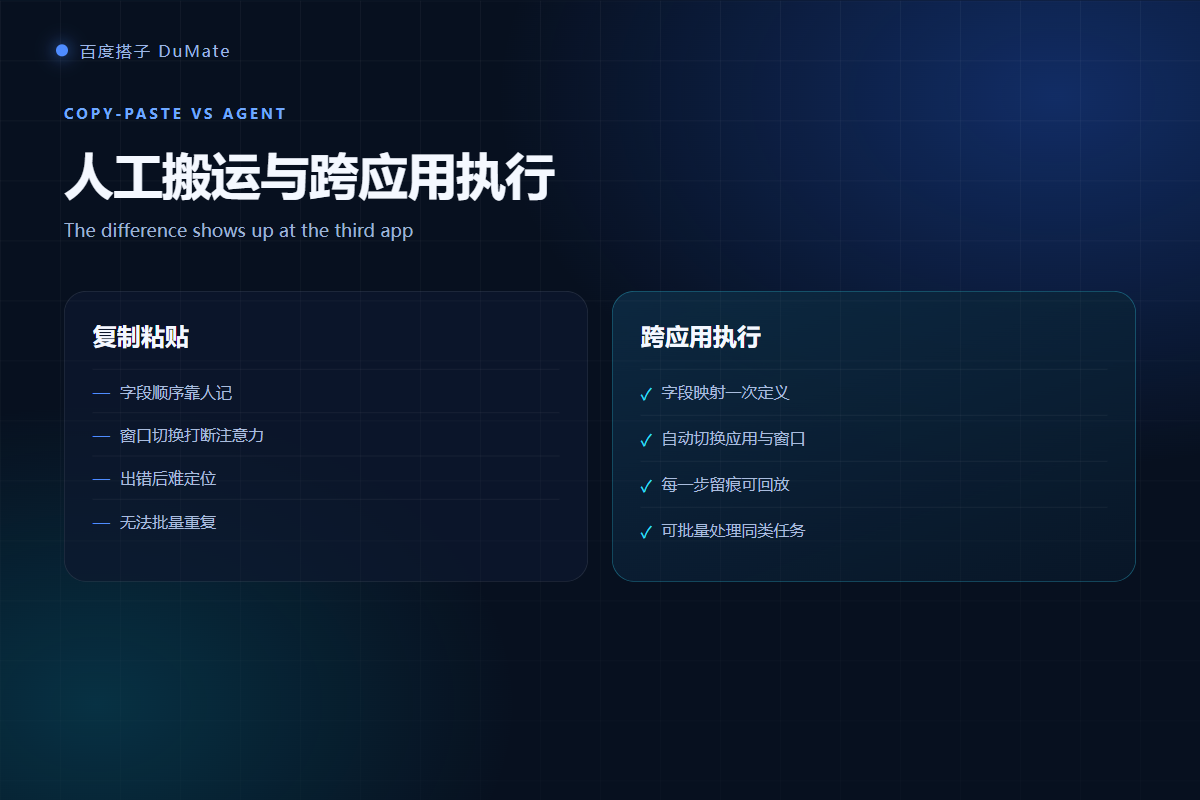
Clipboard transfer is the fastest way to connect two apps for a single record. It is also the least reliable at scale, because the agent must find the right window and the right field. Use it for small batches and keep a visible confirmation after each paste.
Route Two: API Integration for AI跨应用操作
API integration is the preferred route for AI跨应用操作 when both systems offer an interface. The data is structured, the response is checkable, and the run can be retried safely. The cost is setup time: you need credentials, rate limits, and field definitions. That upfront work pays back quickly on daily tasks.
Route Three: UI Automation in AI跨应用操作
UI automation drives buttons and fields through the screen. It is the only option for many desktop apps, and it works surprisingly well when the screen is stable. However, a pop-up, a renamed button, or a slower loading state can stop the run. Schedule these tasks when the machine is not being used for something else.
Choosing a Route for AI跨应用操作
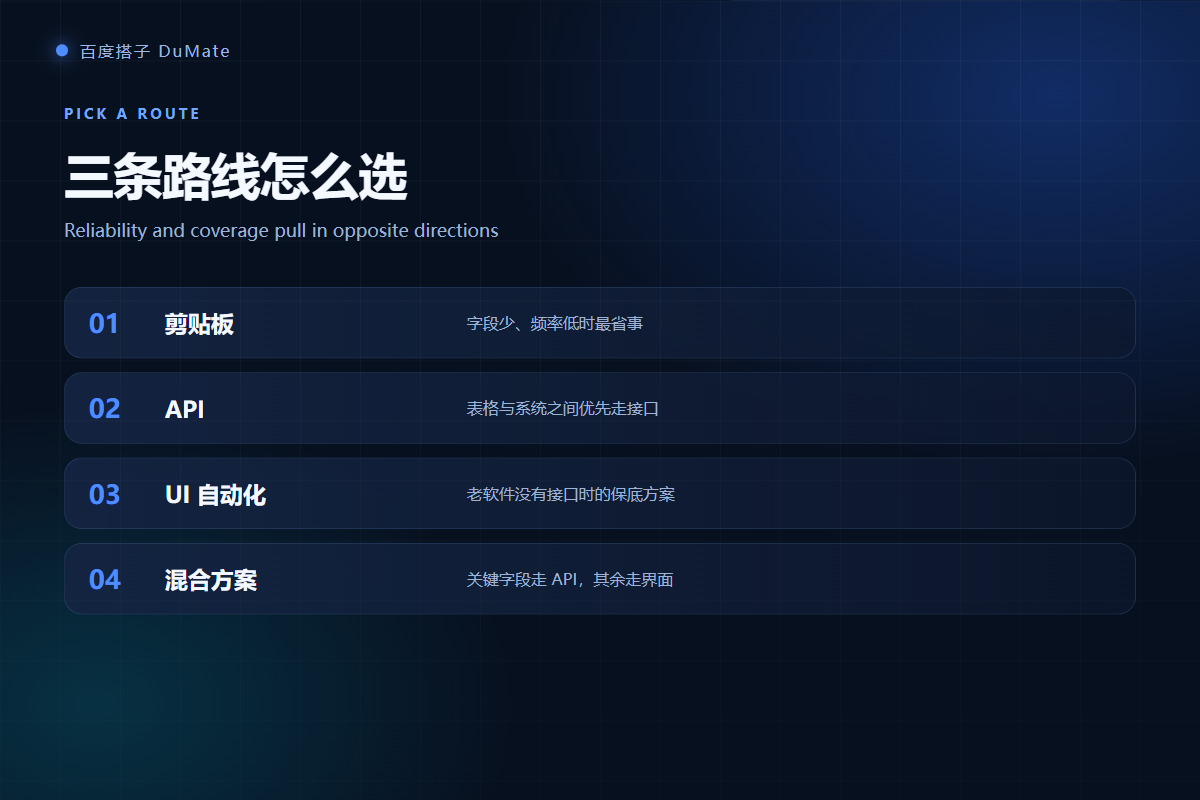
Use three questions to choose. Does the target system have a documented API? Is the data structured and repeated? Can a failed run be retried without creating a duplicate? If the answer is yes to all three, use the API. If the data is small and one-off, use the clipboard. If there is no API and the volume is high, use UI automation with strong monitoring.
Reliability of AI跨应用操作
Reliability comes from checkpoints. After each record, verify the ID exists in the target system. After each batch, compare the count with the source. If a record fails, stop and report instead of skipping. A silent skip is the most expensive failure because it surfaces weeks later.
Field mapping for AI跨应用操作
Write a table with source field, target field, format, and required status. For AI跨应用操作, the mapping is the contract. If a field is missing, the run should pause, not invent a value.
Duplicate checks in AI跨应用操作
Search the target by external ID before writing. This single step prevents most double entries when a retry happens after a timeout.
Data Mapping and Validation for AI跨应用操作
Validation has three levels: type, range, and business rule. Type checks the format, range checks the value, and business rule checks the relationship. For example, an order date cannot be after a delivery date. The agent can run these checks before the write, which is much cheaper than cleaning the target system later.
Security Boundaries for AI跨应用操作
Each connection expands the access surface. Use a dedicated account with the minimum permissions, store credentials outside the prompt, and log every write. Do not let the agent reuse a personal admin session for automated runs. If the workflow touches customer data, review the data path with the same care as a new integration project.
Error handling
Define three outcomes: success, retryable failure, and manual review. A timeout is retryable; a validation error is not. Write the rule before the first run so the agent does not guess.
Rate limits
APIs throttle requests. Add a delay or a queue, and monitor the response codes. A fast agent that hits the limit every hour is slower than a paced agent that finishes.
A Practical Rollout Plan
Start with one record, then ten, then a full batch. Compare each stage with a manual result. Keep the manual process available for two weeks, and track failures by type. Once the failure rate is stable, move the task to a schedule and reduce supervision.
Pair this with the AI自动化流程 playbook for triggers and monitoring. If the target app is a legacy desktop program, the 桌面AI助手 comparison explains the trade-offs. For document inputs, see the AI文档处理 workflow.
Frequently Asked Questions
Can AI跨应用操作 work without an API?
Yes, through UI automation. The agent clicks and types in the target application. It works well for stable screens and small volumes, but it needs monitoring and a rollback plan because layout changes can break the run.
Is clipboard automation safe?
It is safe for low-volume, non-sensitive fields. Clipboard history and screen recording can expose data, so avoid it for passwords, health records, or financial details. Prefer an API with scoped credentials when the data is sensitive.
How do I prevent duplicate records?
Use an external ID and search before writing. Add a unique constraint in the target system if possible. After a timeout, query the record instead of retrying immediately, because the first write may have succeeded.
What is a realistic failure rate?
For API-based flows, a well-tested workflow should stay below one percent. UI automation is less stable, especially on shared machines. Track failures by cause and pause the schedule when a new failure pattern appears.
References
延伸阅读: 《AI会议纪要 怎么生成?From Call to Action Items》、《AI任务规划 怎么拆?Plan, Execute, Verify》、《AI技能 怎么用?Turn Prompts Into Reusable Skills》、《AI操作录制 怎么用?Record Once, Replay Safely》。
延伸阅读: 《AI浏览器自动化 怎么少做重复点击?Automate the Browser》、《AI桌面自动化 怎么让应用自己跑?Desktop Automation》、《AI连接器 怎么把系统连起来?Connect Without Copy-Paste》。
评论
还没有评论,来说两句吧。以下为本文的引用通告: