
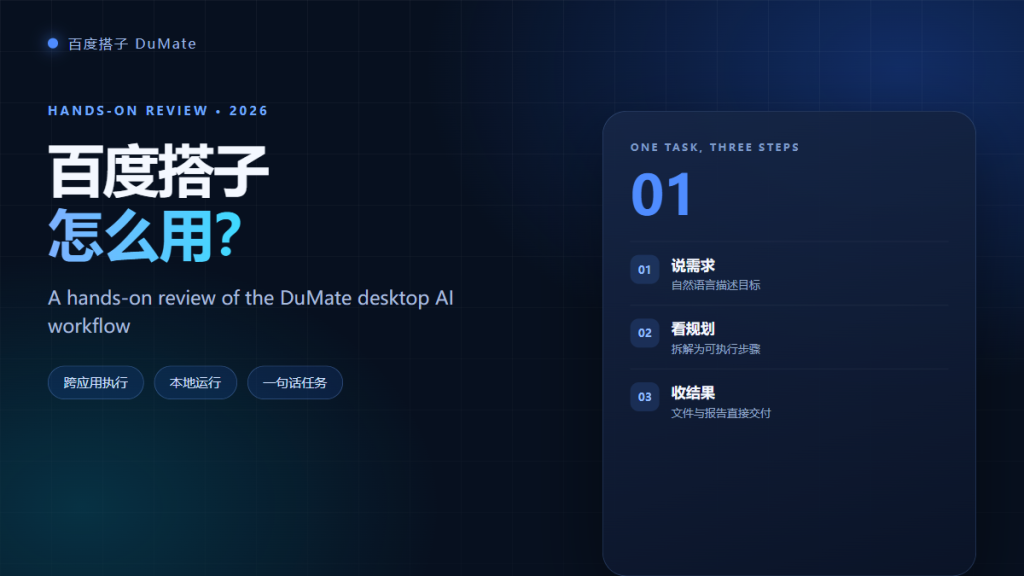
What 百度搭子 Actually Is
Unlike a browser chatbot, 百度搭子 sits on the desktop and works with the files and applications that are already there. You describe an outcome, and the agent plans the steps, opens what it needs, and returns a result. In practice, that means three differences: it can read a project folder without manual uploads, it can move data between apps, and it can run a chain of steps instead of a single answer.
- Desktop context: reads only the folders you authorize.
- Multi-step execution: plans and runs a sequence of actions.
- Local processing: keeps sensitive files on the device where possible.
How I Tested It in a Normal Workday
I tested three tasks that most office teams repeat every week: cleaning a shared project folder, summarizing three spreadsheets, and moving sixty records into another desktop app. Each task had a defined input, a requested output, and a time limit. Moreover, I checked every result by hand instead of trusting the summary screen. That last step matters, because a confident answer is not the same as a correct one.
Install and First-Run Setup
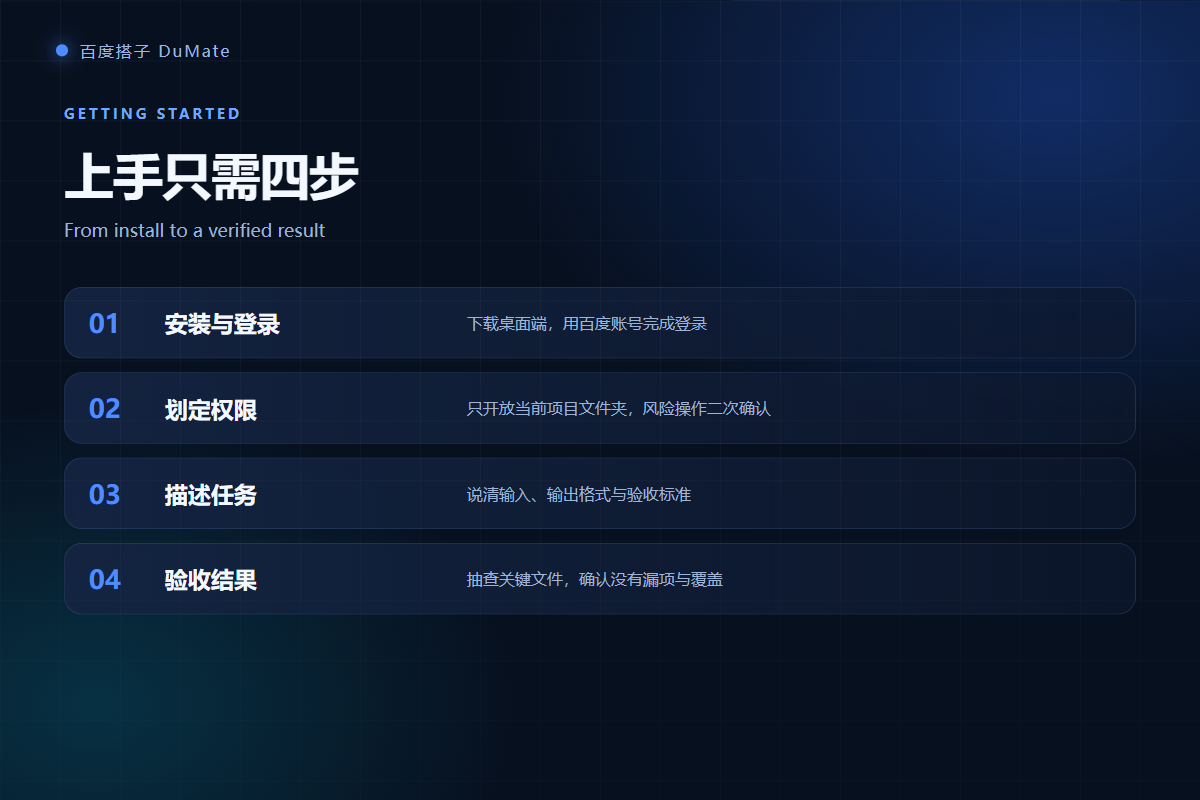
The download is a normal desktop installer. You sign in with a Baidu account, choose a workspace, and grant folder access. The whole setup took under ten minutes on a machine with 16 GB of RAM.
System requirements
Windows 10 or later and recent macOS builds are supported. For large folders, keep at least 5 GB of free disk space for temporary files and logs. A stable network helps, although basic local tasks continue when the connection drops.
Your first prompt
A useful first prompt names four things: the input folder, the output format, the deadline, and the acceptance rule. For example, ask it to group invoices by month and vendor, export a CSV, and list every file it could not classify. Consequently, the first run produces an audit trail instead of a black box.
Permission Model: Start With One Folder
Grant one project folder, not the entire disk. 百度搭子 asks for confirmation before risky actions, but the permission scope is still your decision. I created a test directory, copied 412 files into it, and pointed the agent at that folder only.
- Scope: one folder per task, removed when the task ends.
- Confirmation: keep the second-confirm prompt enabled for deletes and overwrites.
- Network: disable upload for folders that contain client or personnel data.
Task One: Let 百度搭子 Clean a Project Folder
The first task was a folder with 412 files, 87 duplicates, and names that mixed dates, clients, and random download suffixes. I asked 百度搭子 to classify by project and year, remove exact duplicates, and rename the rest with a date prefix. It finished in about nineteen minutes, including my review time.
| Metric | Before | After |
|---|---|---|
| Files | 412 | 412 kept, 87 duplicates removed |
| Folders | 1 messy folder | 6 stable folders |
| Lookup time | About 5 minutes | About 8 seconds |
The important part was not speed. The agent produced a change list, so I could see every rename and every deletion candidate. Therefore, I approved the cleanup in two batches instead of one risky click.
Task Two: Ask 百度搭子 to Summarize Spreadsheets
The second task used three Excel exports with different column names. I asked 百度搭子 to align them by order ID, calculate monthly totals, and produce a short summary with one chart. It handled the join well, but it initially misread two date columns because the source used mixed formats.
- Define the key column explicitly.
- State the date format and the currency.
- Ask for a reconciliation row count.
After I added those rules, the second run matched my manual check on all 1,840 rows. For a deeper workflow, see our guide to AI数据分析工具的选择与验证.
Task Three: Move Data Between Desktop Apps
The third task moved sixty customer records from a spreadsheet into a desktop CRM screen. 百度搭子 used UI automation because the app had no usable API. It filled the fields, saved each record, and paused when a required field was empty.
Copying the same data by hand took about thirty-five minutes in my earlier test. The agent needed four minutes, plus six minutes of review. However, the gain depends on screen stability: a pop-up or a changed layout can break the run, so keep a human checkpoint at the end.

Where 百度搭子 Struggles
Two failure modes appeared repeatedly during the test. Neither is unusual for desktop agents, and both are manageable once you know them.
Long tasks drift
When a task runs for more than twenty minutes, 百度搭子 may lose the original constraint. In one case it started reorganizing an archive folder that was outside the brief. The fix is to split the work into stages and confirm each stage before the next one starts.
Vague instructions
A prompt such as clean up these files produces a plausible result that may not match your definition of clean. The agent cannot infer your naming convention or retention policy. Therefore, write the rule, not the intention, and give one example of a correct output.
Pricing and Plan Fit
The free plan is useful for a trial, but heavy daily use needs credits. The Pro plan starts at 9.9 yuan for the first month and then 59 yuan per month with 25,000 credits. The Max plan starts at 69 yuan and then 129 yuan per month with 100,000 credits. In my test, the three tasks consumed roughly 3,400 credits, so a normal office user can stay within Pro.
| Plan | Price | Monthly credits |
|---|---|---|
| Free | 0 yuan | Daily check-in credits |
| Pro | 9.9 first month, then 59 yuan | 25,000 |
| Max | 69 first month, then 129 yuan | 100,000 |
Who Should Use 百度搭子?
百度搭子 fits operations, finance, admin, and small teams that repeat structured work. It is a poor fit for decisions that need accountability, and it is not a replacement for a reviewed data pipeline. For regulated data, start with the local permission model and a written approval rule. If you are rolling it out to a team, read our enterprise AI assistant checklist before you buy seats.
For an individual user, the practical test is simple: pick one weekly task, run it for two weeks, and count the review time. If the saved time survives the review, keep it. If not, the task is not ready for an agent yet. Our 本地AI助手 data boundary guide explains how to verify what stays on the device.
Frequently Asked Questions
Is 百度搭子 free?
Yes, there is a free tier with daily check-in credits. It is enough to test the workflow, but heavy use will hit limits. The Pro plan removes most of those limits for 59 yuan per month after the first month, and the Max plan adds a larger credit pool for teams that process documents all day.
Does 百度搭子 upload my files?
The product is designed to process files locally where possible, and folder permissions limit what it can read. However, some features may call cloud services. Check the network settings and test with a non-sensitive folder before you trust it with client data, especially if your industry has strict data residency rules.
Can 百度搭子 work offline?
Basic local tasks can continue without a connection, but planning quality and some skills depend on online models. In my test, folder classification still ran offline, while the summary step paused until the network returned. Plan critical work around a stable connection.
Is 百度搭子 safe for company data?
It can be, if you scope permissions, disable uploads for sensitive folders, and keep an audit log. The tool itself is not a compliance program. Your team still needs a data classification rule and a named owner for approvals before any wide rollout.
References
- DuMate official product site
- Baidu Cloud DuMate product page
- Virtual assistant overview on Wikipedia
延伸阅读: 《AI智能体 和聊天机器人差在哪?Agent vs Chatbot Explained》、《AI生成PPT 靠谱吗?Outline, Layout and Export》、《AI文件搜索 怎么用?Find by Meaning, Not Name》、《AI技能 怎么用?Turn Prompts Into Reusable Skills》。
延伸阅读: 《AI效率工具 怎么选才不白买?Pick by Workflow》、《AI免费版 够用吗?What You Get Before You Pay》。
评论
还没有评论,来说两句吧。以下为本文的引用通告: