
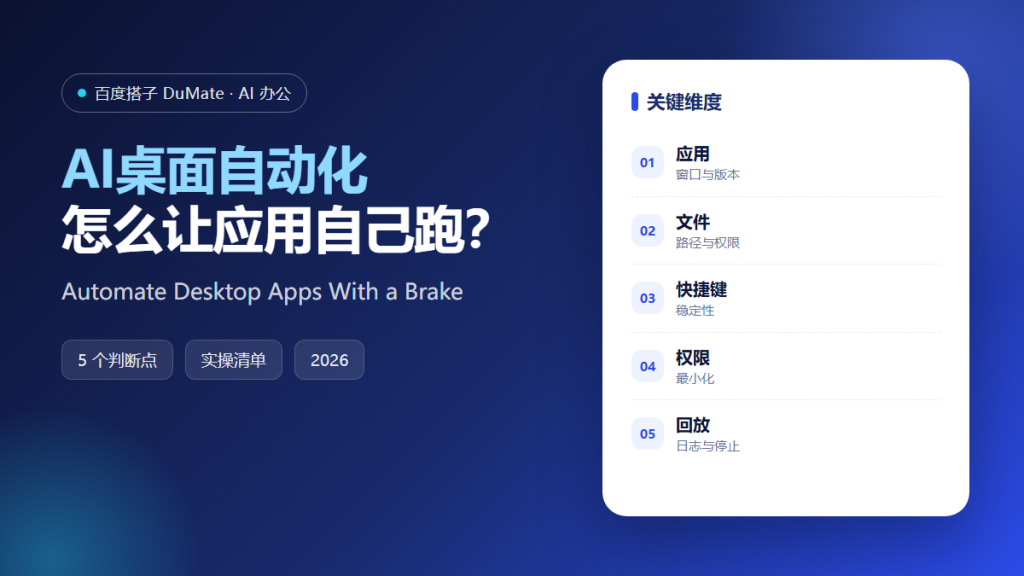
What AI桌面自动化 Can Do
AI桌面自动化 connects the applications that never had an API. It can open a file, fill a local form, rename a folder, and move data between windows. The value is real, but so is the risk: a click in the wrong window can overwrite a file.
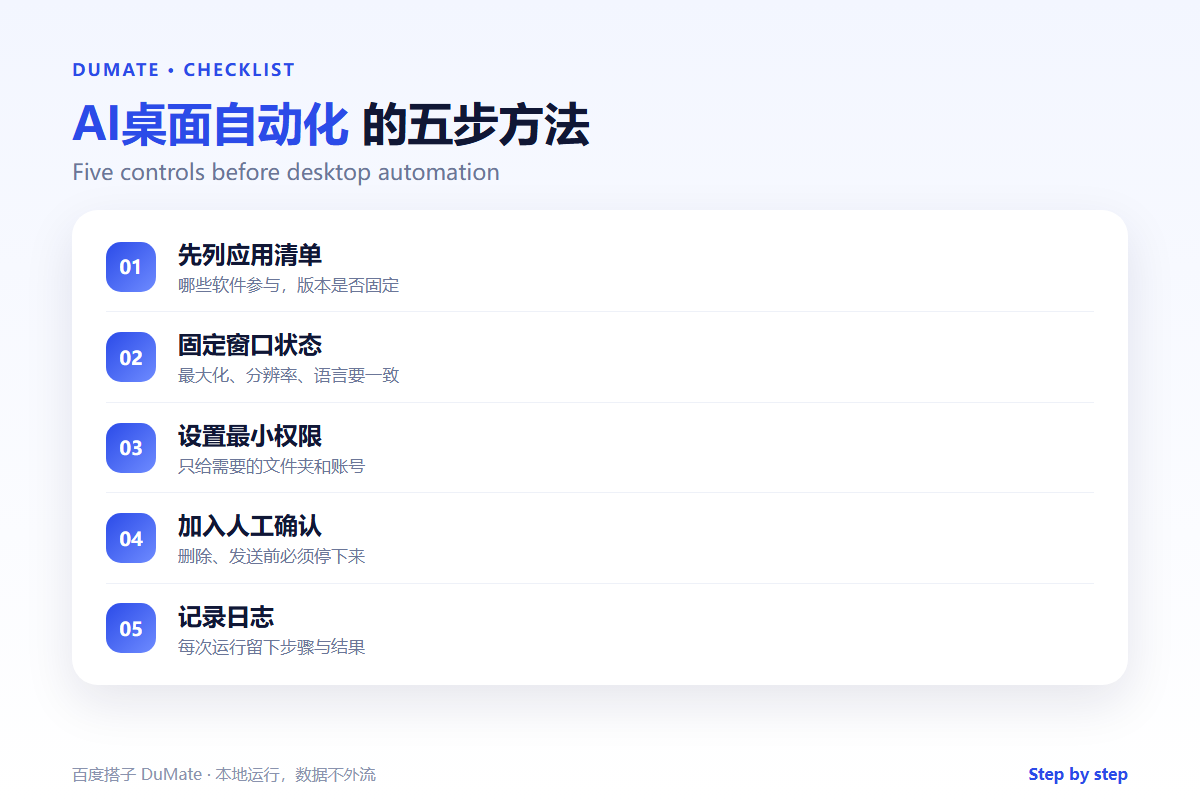
- List every application in the workflow.
- Fix the window size and language.
- Give only the folders and accounts needed.
- Pause before delete, send, or pay.
- Keep a log and a stop control.
A Five-Step AI桌面自动化 Setup
Start with the smallest workflow that still saves time. One application, one file type, one output. Expand only after the run is stable for a week.
- Map the application and file paths.
- Record the stable sequence.
- Add checks at each handoff.
- Set a human confirmation gate.
- Run and review the log.
Window state is part of the script
A maximized window and a restored window can expose different buttons. An AI桌面自动化 run that worked yesterday may fail after an update. Pin the version and check the layout before each release.
Where the Real Risks Sit
The risk is a correct action in the wrong context. A file with a similar name, a different account, or an old window can receive the edit. Confirmation and logging are the controls that make the workflow safe.
| Risk | Check | Fix |
|---|---|---|
| Wrong file | Path and modified time | Stop and confirm |
| Wrong account | Logged-in user | Use a dedicated account |
| App update | Button labels and layout | Re-record the step |
| No rollback | Is there a copy? | Back up before run |
When the workflow crosses several applications, the AI跨应用操作 guide covers the handoffs. For the recording itself, the AI操作录制 checklist applies directly.
How to Evaluate AI桌面自动化
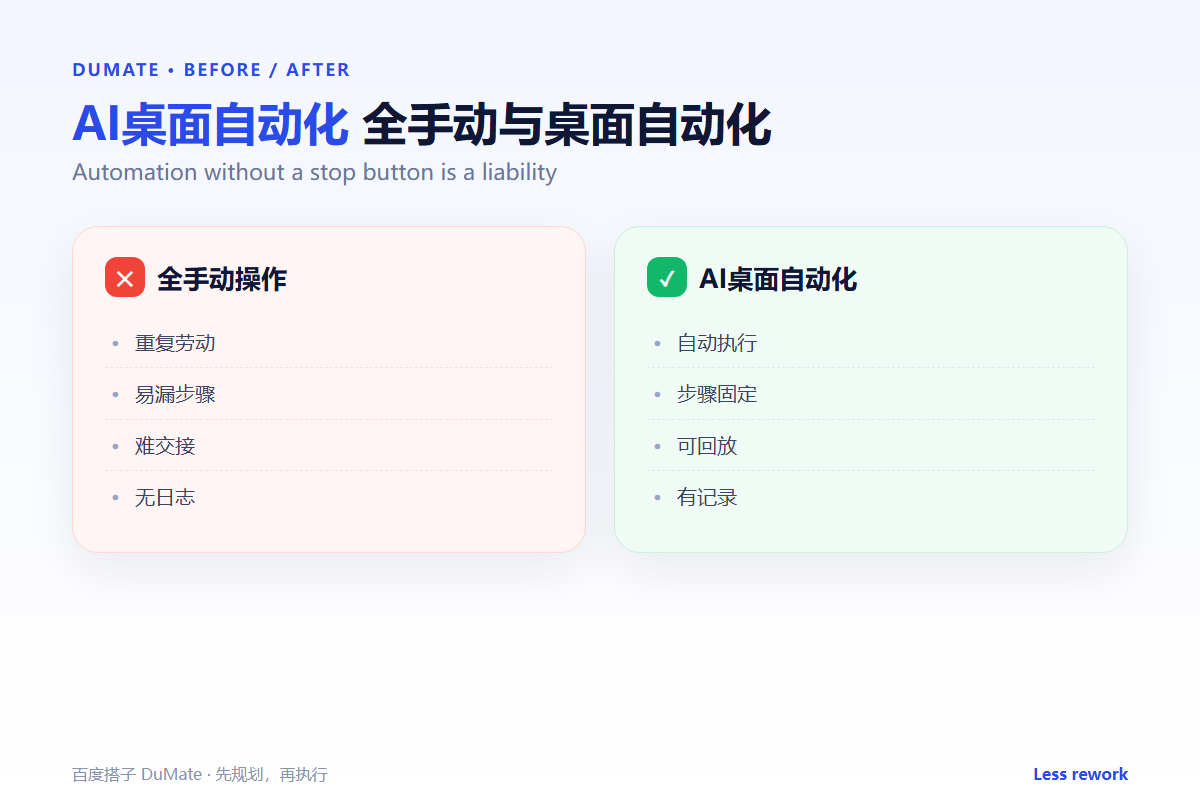
Use a virtual machine or a test account. A good AI桌面自动化 run will stop when the expected window does not appear. A poor one will keep clicking and change something else.
Start with one real task
Pick a weekly rename or export. Run it on a copy of the folder and compare the result with the manual version. If the output differs, do not schedule it.
What AI桌面自动化 cannot do
It cannot understand a dialog it has never seen. Build an exception path or return control to a person. The 桌面AI助手 comparison explains why local access changes the risk profile.
FAQ
Does it work with legacy software?
Often yes, if the interface is stable and the controls are visible. Old applications may need a fixed resolution.
Can it run unattended?
Only for reversible tasks with strong checks. Anything that sends or deletes should keep a human gate.
How do I maintain it?
Version the script, keep a test case, and review the log after every application update.
References
评论
还没有评论,来说两句吧。以下为本文的引用通告: