
What AI文件转换 Changes in Practice
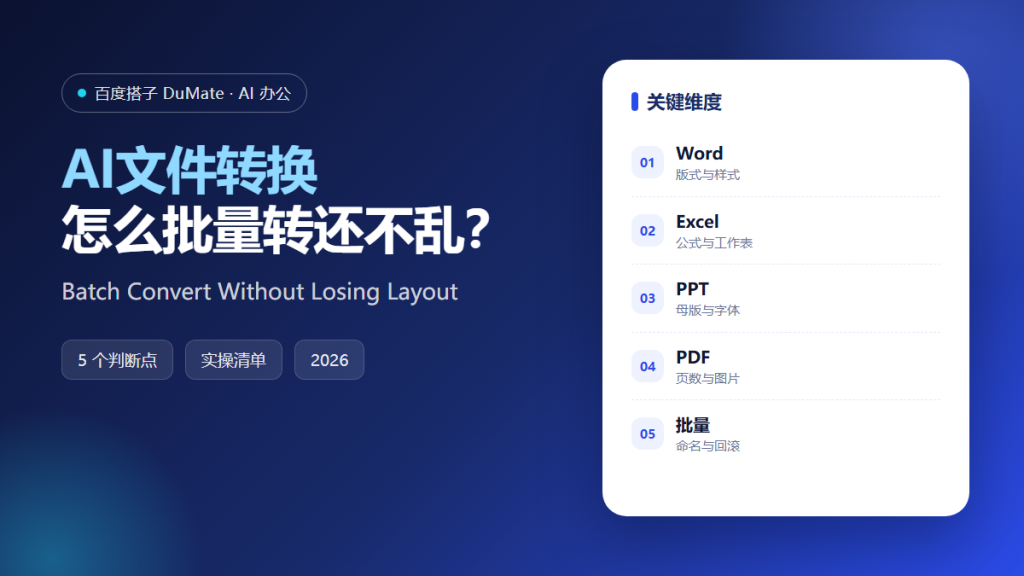
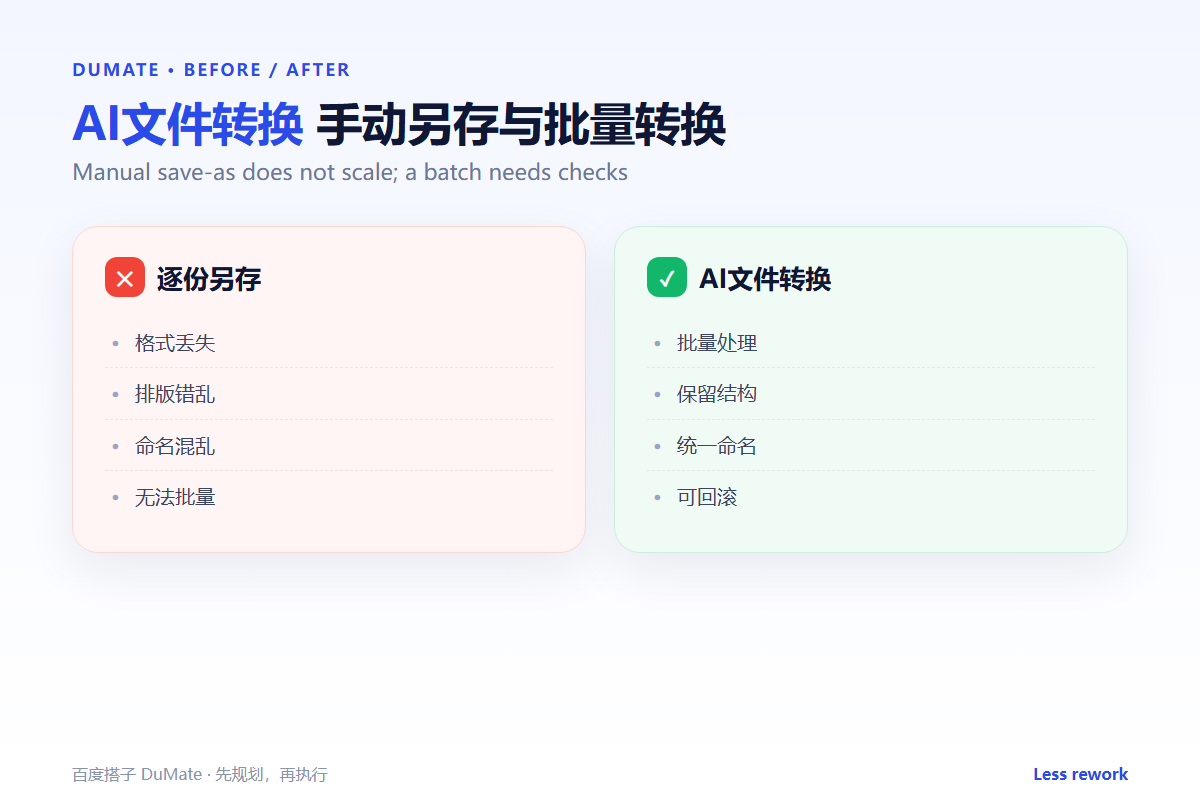
AI文件转换 looks simple until a batch of fifty files comes back with broken tables and missing fonts. The tool changes the file format, not the content contract. A reliable AI文件转换 workflow protects the layout, the names, and the original file.
- Test with the most complex file first.
- Decide which layout elements must survive.
- Use a naming rule that shows the source.
- Check page counts and images after conversion.
- Never overwrite the originals.
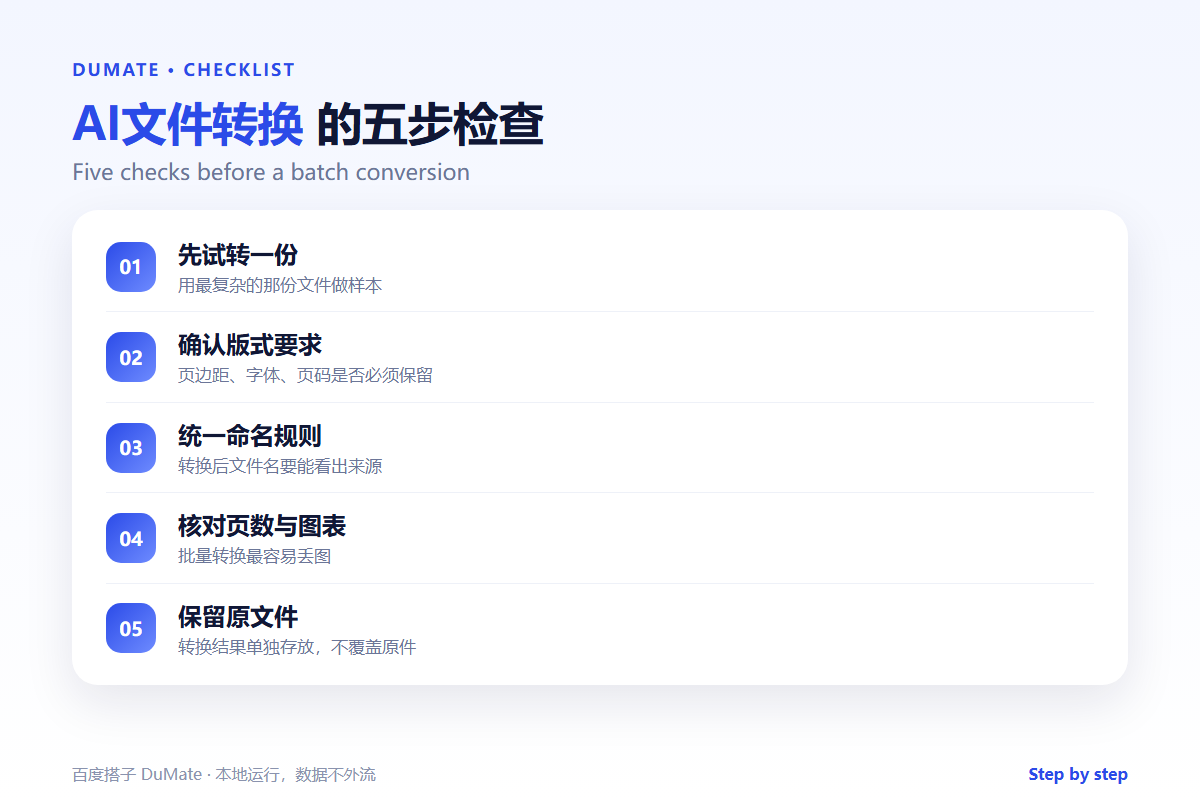
A Five-Step AI文件转换 Checklist
The first conversion should be a sample, not a batch. Convert one representative file, open it, and compare it with the source. Only after that should you run the rest.
- Pick a representative sample file.
- Confirm fonts, margins, and page numbers.
- Set a clear output naming rule.
- Convert in small batches.
- Check pages, charts, and links.
Layout is the fragile part
Text usually survives a format change; layout often does not. Tables may reflow, images may shift, and fonts may be substituted. An AI文件转换 pass is only complete when the output still communicates the same thing as the source.
Where the Real Risks Sit
The worst outcome is a silent overwrite. If the converted file replaces the original, there is no way back. Keep the source folder untouched and write the output to a separate directory with a clear suffix.
| Risk | Check | Fix |
|---|---|---|
| Fonts | Open the output on another machine | Embed or substitute |
| Tables | Compare row and column counts | Re-export the table |
| Images | Check resolution and crop | Reinsert originals |
| Names | Match the source list | Rename before upload |
When the output is a document to be processed further, the AI文档处理 guide covers extraction and batch handling. For the folder rules, the AI自动整理文件 workflow keeps inputs and outputs apart.
How to Evaluate AI文件转换
Give the tool a file with a table, a chart, a footnote, and a non-Latin font. A good AI文件转换 result will keep the structure and warn you about substitutions. A poor one will return a file that opens but no longer reads correctly.
Start with one real task
Use a document you send to customers. Convert it, open it on a phone, and check the first three pages. If the layout holds there, the batch is likely safe.
What AI文件转换 cannot do
It cannot decide which version is authoritative. A converted file is a new artifact, not a replacement for the approved source. Record the mapping in the AI表格处理 log so the team can trace it later.
FAQ
Can AI文件转换 keep formulas?
Sometimes. Spreadsheet formulas may survive, but cross-sheet references often break. Recalculate and compare before you trust the output.
Should I convert everything to PDF?
Only for distribution. Keep an editable source for future changes.
How do I avoid duplicates?
Use a consistent suffix and a source-name column. Check the output count against the input count before uploading.
References
延伸阅读: 《AI翻译工具 怎么保证术语一致?Translate Without Drift》。
相关阅读: 《AI OCR识别 怎么提取才准?Turn Scans Into Text》、《AI批量处理 怎么批量还不乱?Batch Work Safely》。
评论
还没有评论,来说两句吧。以下为本文的引用通告: