
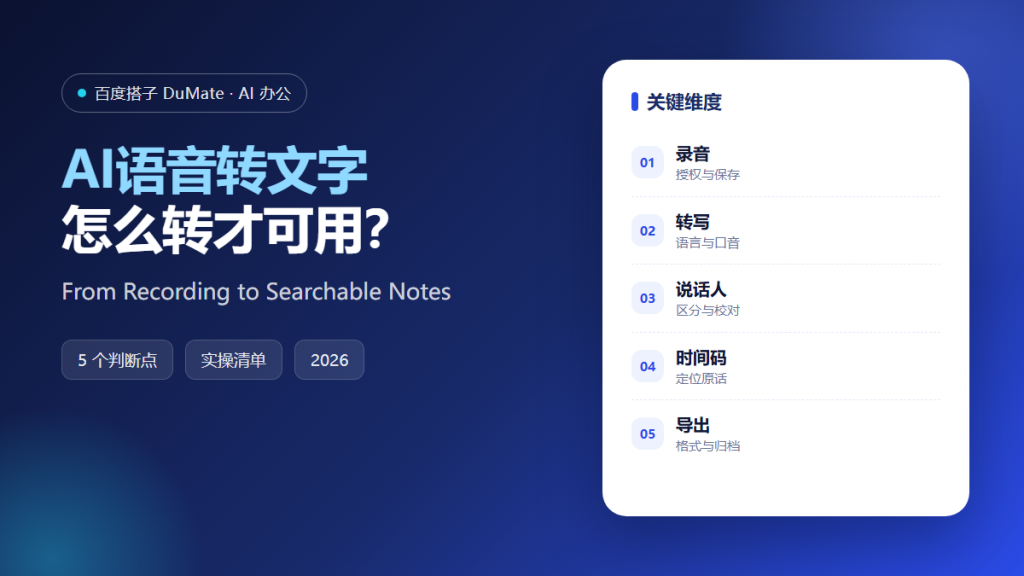
What AI语音转文字 Changes
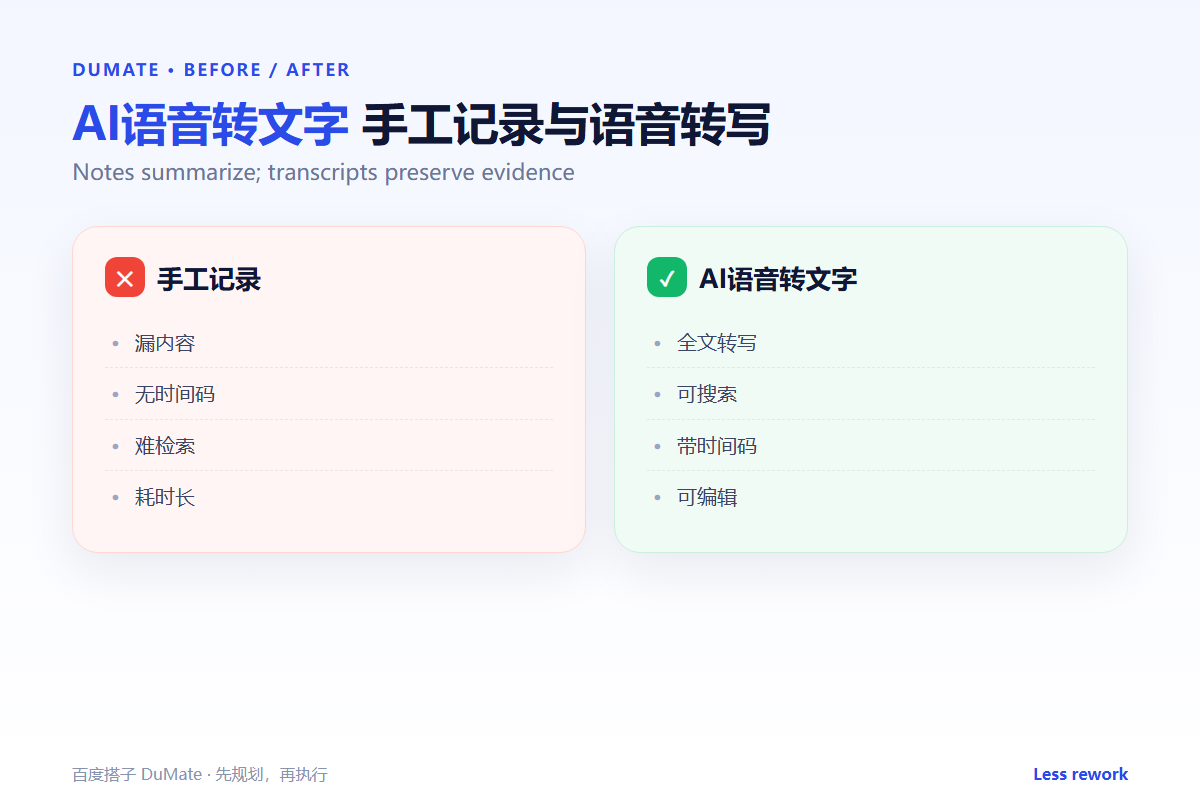
AI语音转文字 turns a recording into searchable text, but a transcript is not a meeting summary. The raw output needs speaker labels, corrected names, and a clear record of what was decided. A useful AI语音转文字 workflow separates evidence from interpretation.
- Confirm recording consent and retention first.
- Choose the right language before you start.
- Correct names, products, and acronyms.
- Keep time codes for disputed passages.
- Export with a consistent file name.
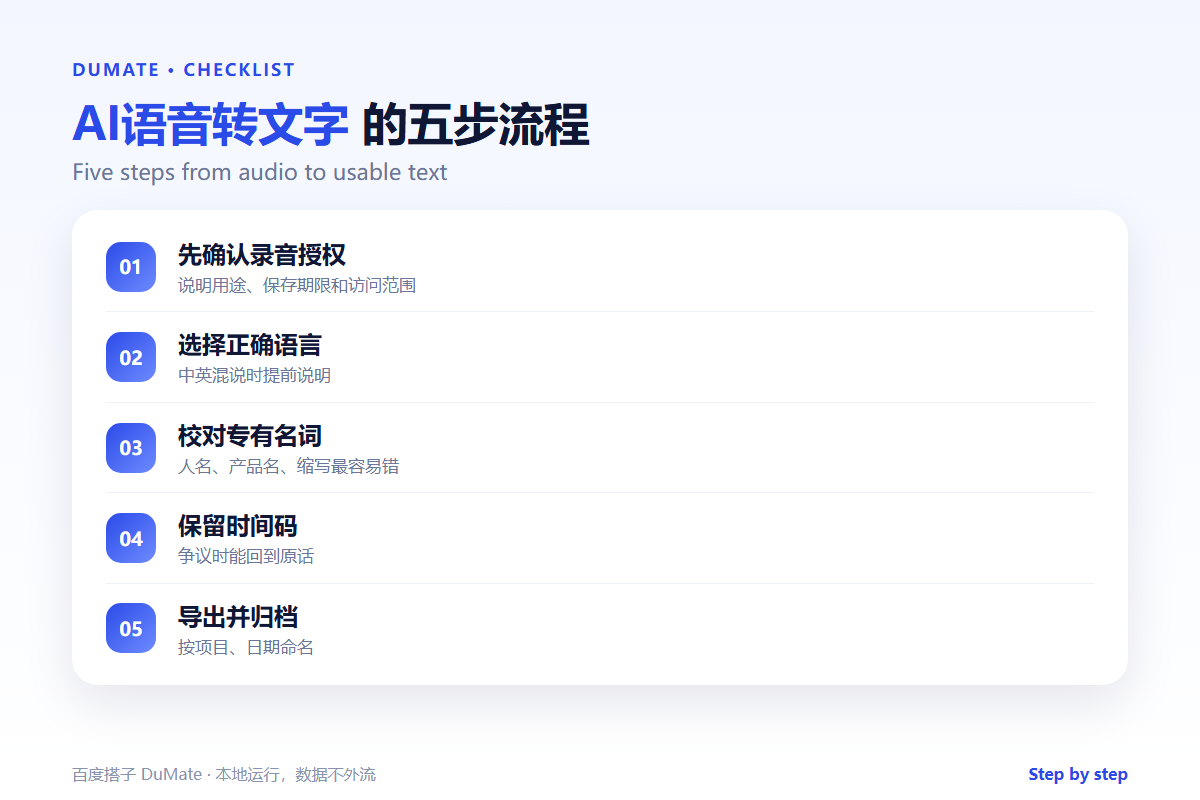
A Five-Step AI语音转文字 Workflow
Start with a short sample to test the audio quality. If the tool misreads the first two minutes, fix the microphone or the language setting before transcribing an hour.
- Test a two-minute sample.
- Set the language and speaker count.
- Transcribe and label speakers.
- Correct names and numbers.
- Export and archive with the recording.
Speaker labels are not cosmetic
Without speaker labels, a transcript cannot show who committed to what. An AI语音转文字 pass that merges two voices creates false certainty in the record. Correct the labels before sharing the notes.
Where the Real Risks Sit
The risk is a plausible transcript with the wrong attribution. Accents, crosstalk, and technical terms all produce errors that read smoothly. Keep the original audio and spot-check the passages that carry decisions.
| Problem | Question | Fix |
|---|---|---|
| Names | Is the spelling correct? | Check against the attendee list |
| Numbers | Is the amount or date right? | Replay the segment |
| Speakers | Who said this? | Relabel and verify |
| Consent | Can we keep the recording? | Follow the retention policy |
When the transcript becomes meeting notes, the AI会议纪要 workflow turns decisions into actions. Store the transcript with the project files using the AI知识库 structure.
How to Evaluate AI语音转文字
Use a recording with two speakers, one technical term, and one number. A good AI语音转文字 result will label the speakers and keep the number readable. A poor one will return a fluent paragraph that hides the error.
Start with one real task
Take a recent call you already summarized manually. Transcribe it and compare the key decisions. If the transcript misses one, the workflow needs a review step.
What AI语音转文字 cannot do
It cannot decide what should be deleted for privacy. A transcript may contain personal details that do not belong in a shared folder. Review before you upload; the AI文档处理 guide covers safe export.
FAQ
Can it handle mixed Chinese and English?
Often yes, but accuracy drops at the switch. Test a sample and correct the terms that matter.
How long does transcription take?
It depends on audio length and queue. For a one-hour call, plan a review window rather than expecting an instant final copy.
Should we keep the audio?
Only as long as the policy allows. State the retention period when you ask for consent.
References
评论
还没有评论,来说两句吧。以下为本文的引用通告: