
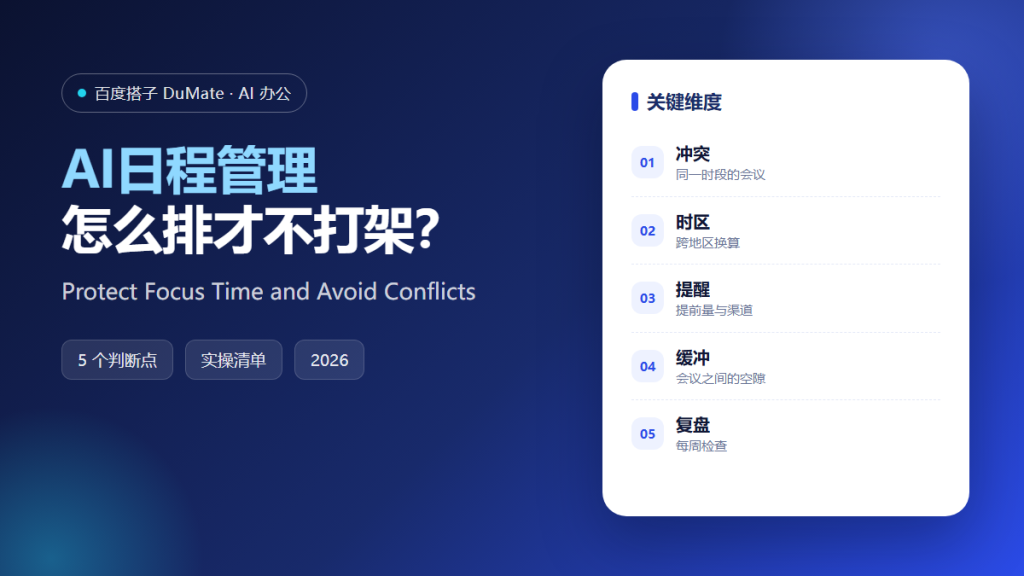
What AI日程管理 Actually Protects
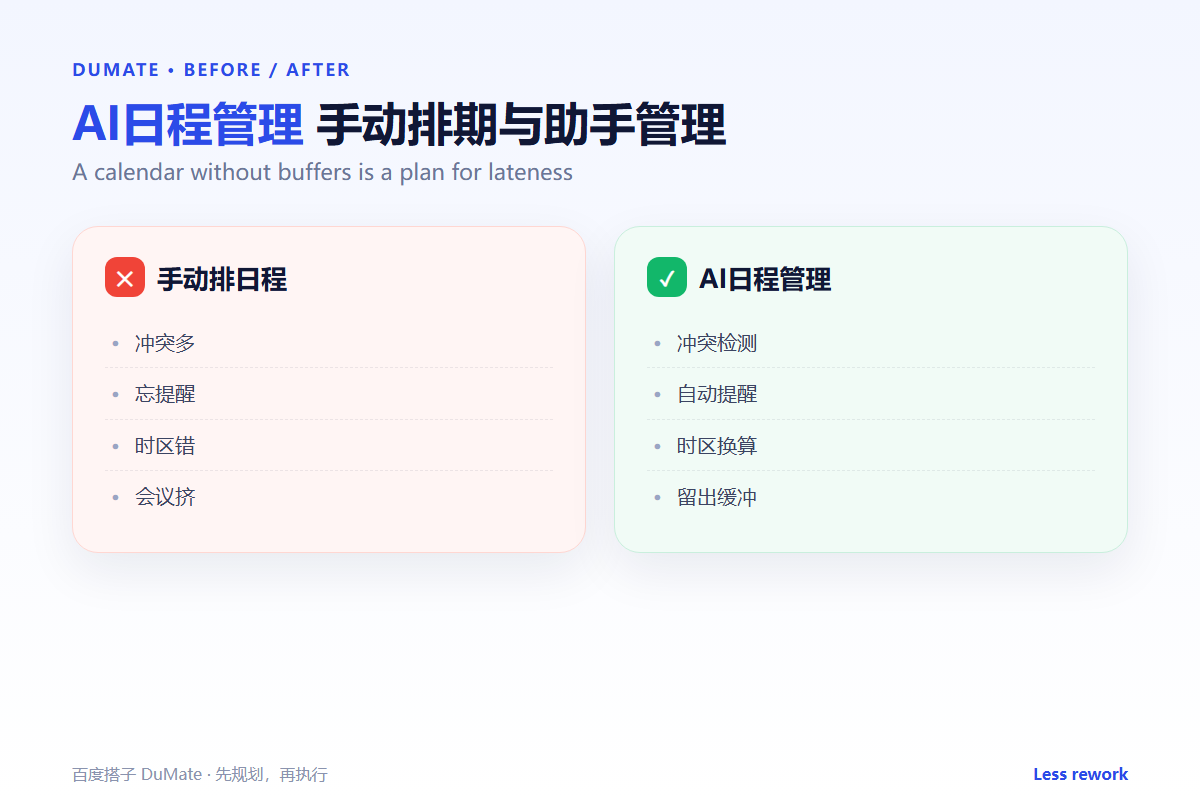
AI日程管理 is not about filling every hour. It is about protecting the hours that matter. A good system detects conflicts, converts time zones, and leaves space between meetings. A busy calendar is not the same as a productive one.
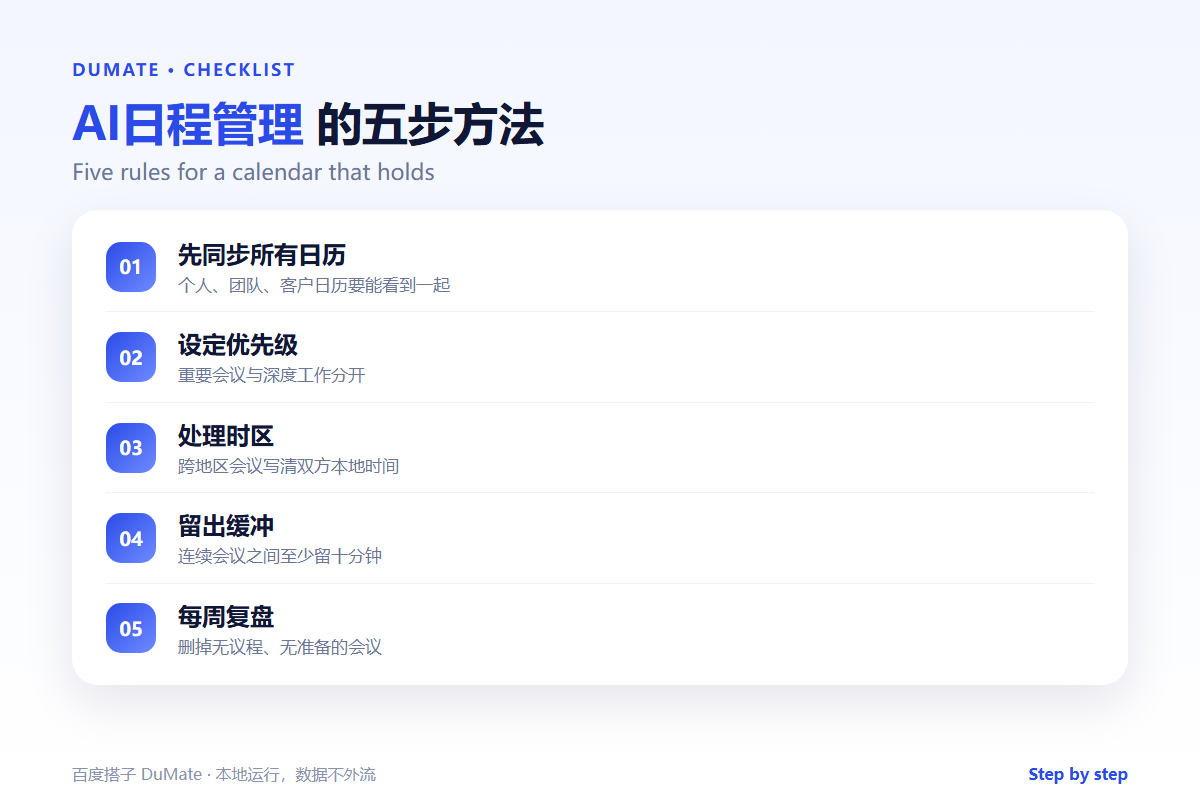
- Sync every calendar before you plan.
- Separate deep work from meeting time.
- Write both local times for cross-region calls.
- Leave a buffer between back-to-back meetings.
- Review the week and remove low-value calls.
A Five-Step AI日程管理 Routine
Start with a weekly review, not a daily scramble. Look at the week as a whole, move the flexible items, and protect the fixed ones. Then let the tool handle reminders and conflicts.
- Sync personal and team calendars.
- Mark fixed and flexible meetings.
- Add focus blocks before the week starts.
- Resolve conflicts and time zones.
- Review and adjust on Friday.
Buffers are not empty time
A ten-minute gap prevents a late arrival and gives you time to write a note. An AI日程管理 plan without buffers creates a day that looks efficient and feels chaotic.
Where the Real Risks Sit
The risk is a meeting that exists only because nobody canceled it. Recurring calls expand, time zones get misread, and preparation time disappears. A weekly review is the simplest control.
| Risk | Check | Fix |
|---|---|---|
| Conflict | Two meetings at the same time | Move the flexible one |
| Time zone | Both sides see the same time | Write UTC and local time |
| Overload | No gap between calls | Add a buffer |
| Purpose | Is there an agenda? | Cancel or shorten |
When a meeting produces actions, the AI会议纪要 workflow turns them into a record. For multi-step follow-up, the AI任务规划 method keeps the work visible.
How to Evaluate AI日程管理
Connect a test calendar with two time zones and three recurring meetings. A good AI日程管理 setup will show the conflicts and the local times clearly. A poor one will quietly double-book you.
Start with one real task
Plan next week before Monday. Block two focus sessions, add buffers, and see how many survive. The survival rate tells you whether the rules are realistic.
What AI日程管理 cannot do
It cannot decide which meeting is worth your time. That is a judgment call. Use the calendar as a mirror, not as a manager. The AI智能体 guide explains the difference between assistance and authority.
FAQ
Can it schedule across companies?
Sometimes, if both sides share availability. Otherwise, propose two slots and confirm in writing.
Should every task become a calendar block?
No. Only tasks that need protected time. A short reply belongs on a list, not on the calendar.
How do I handle urgent requests?
Keep one flexible slot each day. The AI邮件助手 workflow can help decide what is truly urgent.
References
评论
还没有评论,来说两句吧。