
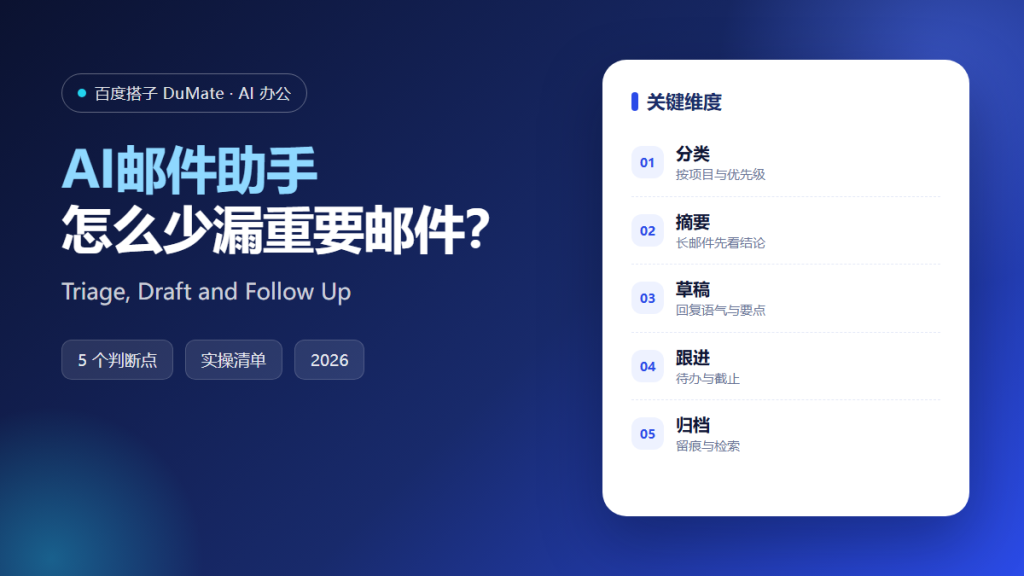
What an AI邮件助手 Should Do First
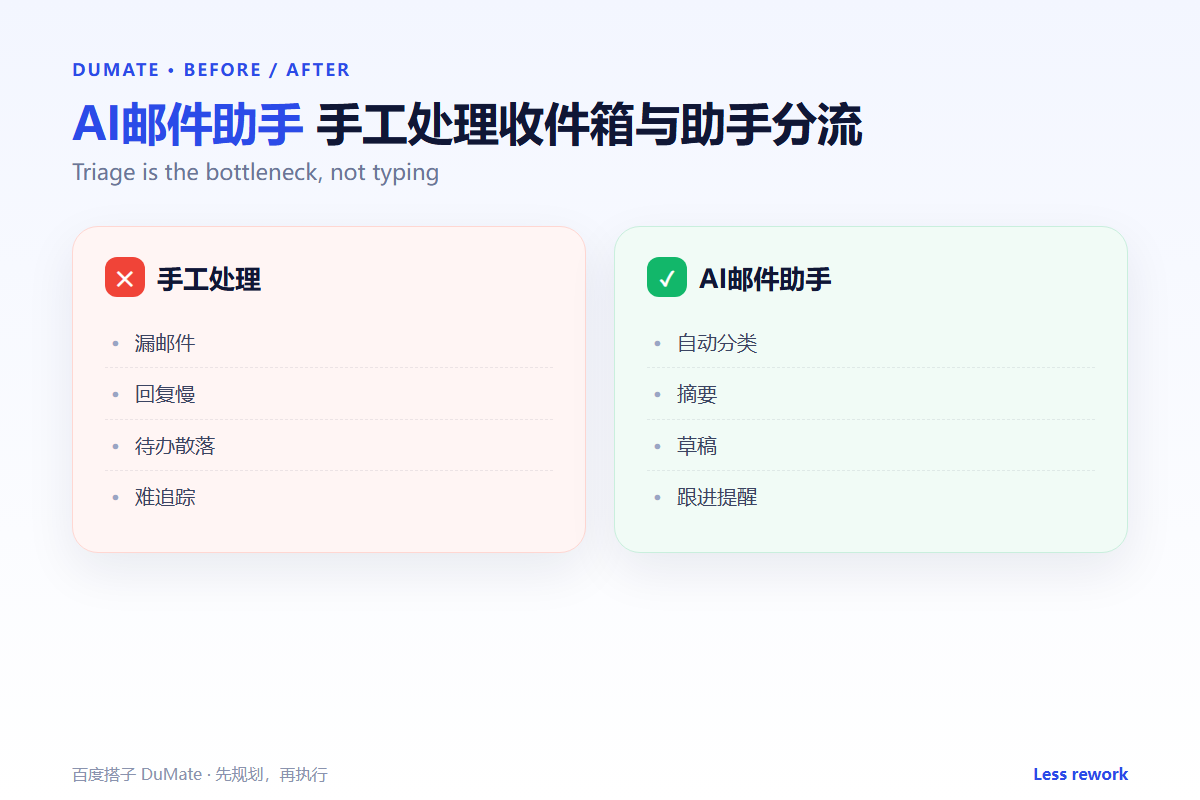
An AI邮件助手 is most useful at triage, not at writing fancy replies. The first job is to separate a customer request from a newsletter, and a deadline from a status update. Once the inbox is sorted, drafting and follow-up become much easier.
- Set rules for customers, suppliers, and internal mail.
- Summarize long threads before you read them.
- Draft replies but keep the final tone human.
- Extract every promise into a dated task.
- Archive important threads with a clear label.
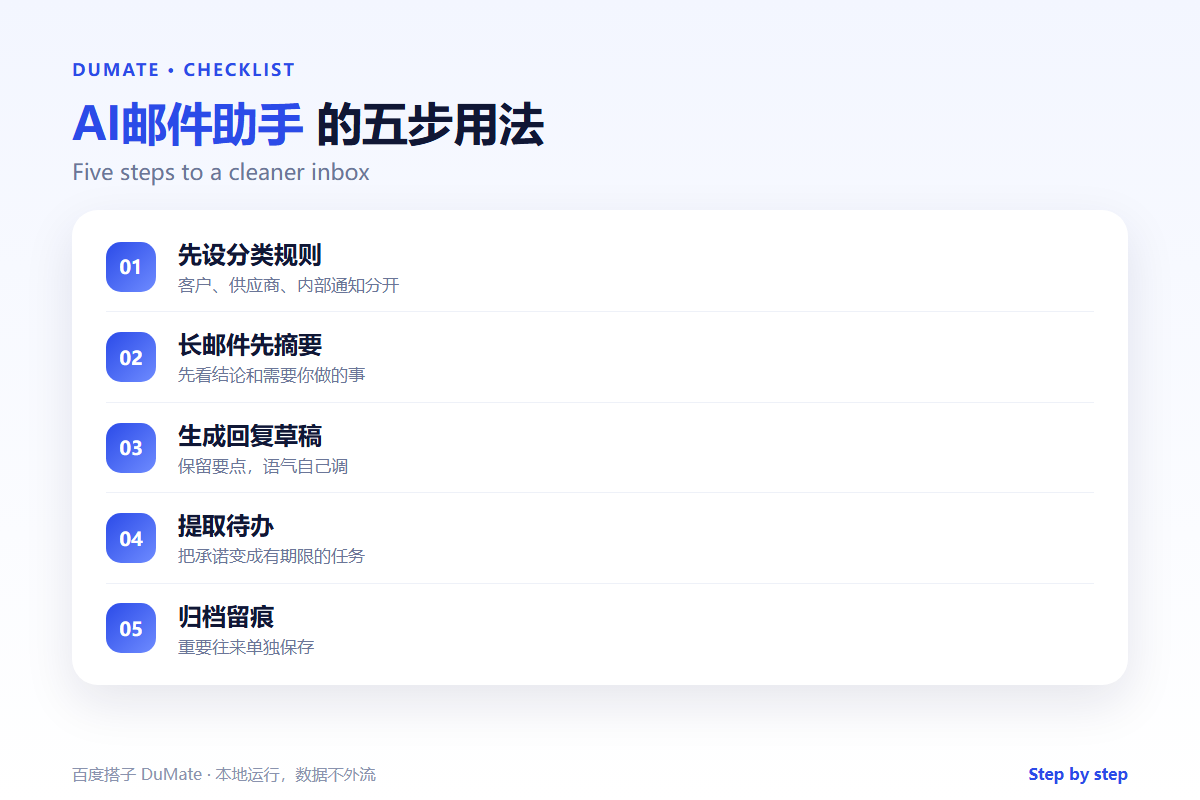
A Five-Step AI邮件助手 Workflow
Start with three folders, not thirty. A simple split by audience is easier to maintain and easier to audit. Then add rules only when a real message is misclassified.
- Create audience-based folders.
- Summarize threads longer than ten messages.
- Generate a reply draft with the key points.
- Turn commitments into dated tasks.
- Archive and review weekly.
Summaries need a decision line
A summary that only repeats the thread is not useful. An AI邮件助手 should end with “what you need to do” and “by when”. That line is the difference between reading and acting.
Where the Real Risks Sit
The risk is a draft that sounds right but commits to the wrong thing. A polite sentence can promise a discount, a deadline, or a scope change. Review every outbound message, especially when the thread includes a customer.
| Risk | Check | Fix |
|---|---|---|
| Classification | Is a real request in the newsletter folder? | Adjust the rule |
| Commitment | Did the draft promise a date or price? | Remove or confirm |
| Privacy | Does the summary expose sensitive data? | Redact before sharing |
| Follow-up | Is every promise a task? | Add an owner and due date |
For repeatable reply formats, store the rules as an AI技能. If the follow-up triggers an action in another system, the AI自动化流程 guide shows where to add a confirmation gate.
How to Evaluate an AI邮件助手
Use one week of real mail with a mix of customers, invoices, and newsletters. A good AI邮件助手 will misclassify only the ambiguous cases. A poor one will hide a customer request in a low-priority folder.
Start with one real task
Pick the thread you answer most often. Build a draft and a summary for it. If the draft saves the first five minutes without changing the facts, the workflow is working.
What an AI邮件助手 cannot do
It cannot decide company policy or negotiate on your behalf. Keep a human approval step for anything involving money, scope, or legal terms. The AI智能体 guide explains why confirmation matters when a tool can act.
FAQ
Can it work with multiple mailboxes?
Often yes, but keep the rules separate. A customer rule for one brand may be wrong for another.
Will it send replies automatically?
It should not, unless you have a very narrow, low-risk use case. Draft-only is the safer default.
How do I handle attachments?
Summarize the message first, then open the attachment. The AI写作助手 workflow can help phrase the reply after you review the file.
References
评论
还没有评论,来说两句吧。以下为本文的引用通告: