
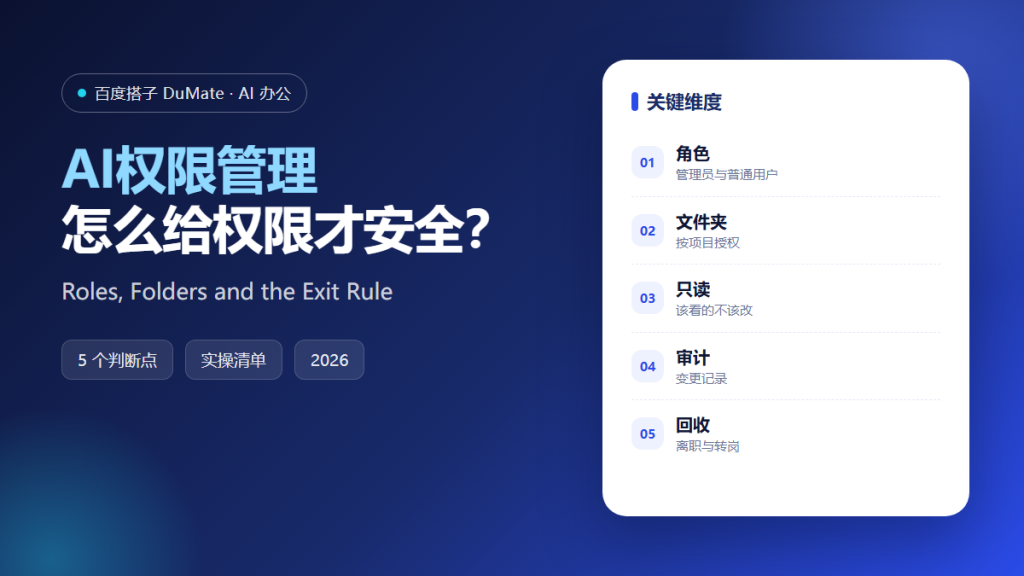
What AI权限管理 Really Controls
AI权限管理 decides which files, folders, and actions a person or an agent can reach. It is not a settings page; it is the boundary between useful assistance and accidental exposure. A clear AI权限管理 model makes the boundary visible before something goes wrong.
- Separate admin, department, and user roles.
- Authorize folders, not entire drives.
- Grant read-only where editing is unnecessary.
- Log permission changes.
- Remove access on transfer or exit.
A Five-Step AI权限管理 Model
Start with the work, not the tool. List the folders each role needs for its daily tasks. Then remove everything else. The smallest useful set is easier to audit and easier to defend.
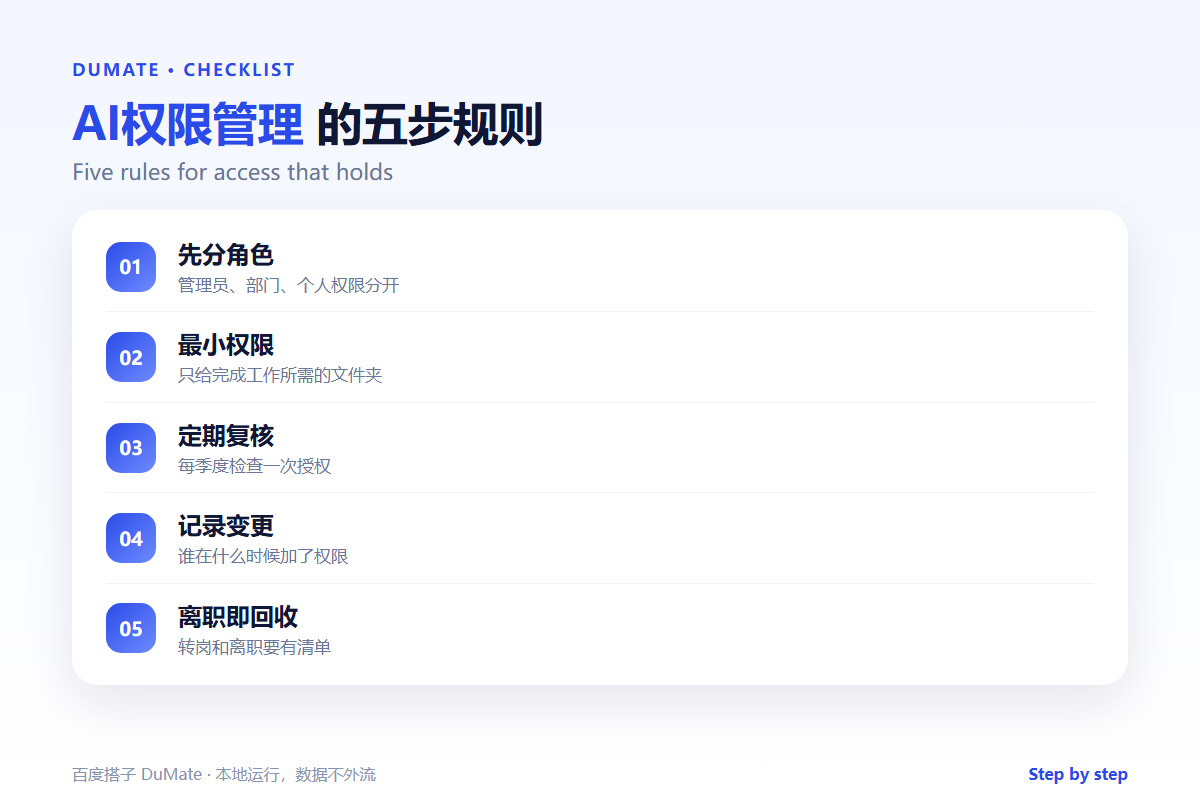
- Define the roles that actually exist.
- Map each role to specific folders.
- Set read or write per folder.
- Review access every quarter.
- Remove access on exit.
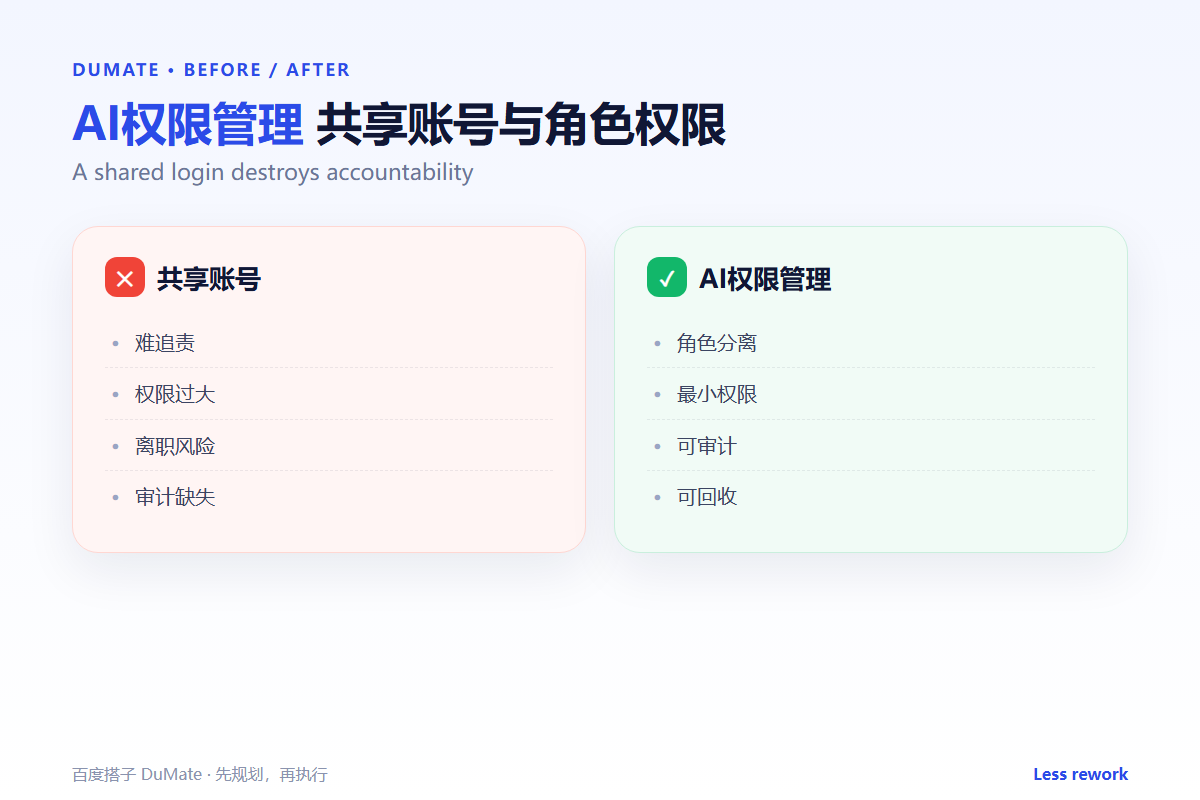
Shared accounts are not a shortcut
When five people use one login, nobody can explain who changed a file. An AI权限管理 model without individual accounts cannot produce a reliable audit trail.
Where the Real Risks Sit
The risk is access that outlives the project. A contractor keeps a folder after the contract, or a transferred employee keeps an old team’s permissions. A quarterly review catches most of it.
| Risk | Check | Fix |
|---|---|---|
| Shared login | Can actions be attributed? | Create individual accounts |
| Over-access | Does the role need this folder? | Remove and document |
| Stale access | Is the person still on the project? | Revoke at transfer |
| No audit | Can you export the log? | Enable logging |
For the deployment context, the AI私有化部署 guide covers network and audit boundaries. For enterprise rollout, the 企业AI助手 checklist adds procurement questions.
How to Evaluate AI权限管理
Ask for a role matrix and a sample audit export. A good AI权限管理 setup will show who can read, write, and administer each folder. A poor one will answer with a verbal promise.
Start with one real task
Pick one project folder and list everyone who can open it. Remove anyone who does not need it this week. Repeat for the next folder; the pattern becomes obvious quickly.
What AI权限管理 cannot do
It cannot fix a culture that shares passwords. It also cannot decide who should own a folder. Those are management decisions. The 本地AI助手 guide explains the local-processing side of the same boundary.
FAQ
How often should we review access?
Quarterly for stable teams, monthly for projects with contractors or rapid turnover.
Should the AI agent have admin rights?
No. Give it the narrowest folder access that completes the task, and require confirmation for destructive actions.
Where should the permission rules live?
In a shared document or an AI知识库, so new admins can follow the same model.
References
评论
还没有评论,来说两句吧。