
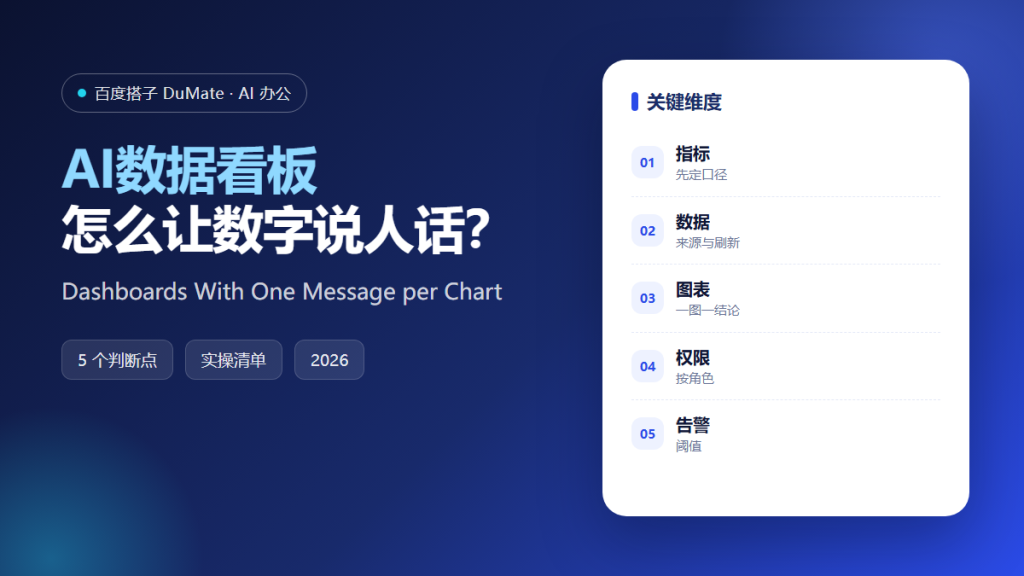
AI数据看板 is often judged by how much data it shows. That is the wrong test. A useful dashboard answers a small number of questions quickly, and it makes the source of each number obvious. A wall of charts with no owner is not a dashboard; it is a screensaver.
This guide covers the five-step method we use to design a dashboard, the metric definitions that prevent arguments, and the maintenance habits that keep it trusted.
Key Takeaways
- Define each metric before building a chart.
- Show the source and refresh time.
- Let one chart answer one question.
- Set permissions by role.
- Add alerts for the numbers that matter.
Why AI数据看板 Needs Metric Definitions
Most dashboard disputes are definition disputes. Two teams report different revenue numbers because one includes refunds and the other does not. AI数据看板 can render both, but it cannot decide which one is correct. A written definition for each metric prevents the argument from reaching the chart.
The second reason is trust. A dashboard that silently uses stale data is worse than no dashboard, because people make decisions on it. Showing the source table and the last refresh time turns trust into a verifiable fact.
The third reason is focus. AI数据看板 makes it easy to add charts. Discipline makes it hard to remove them. A dashboard with five charts that people use beats one with thirty that nobody opens.
How AI数据看板 Works in Five Steps
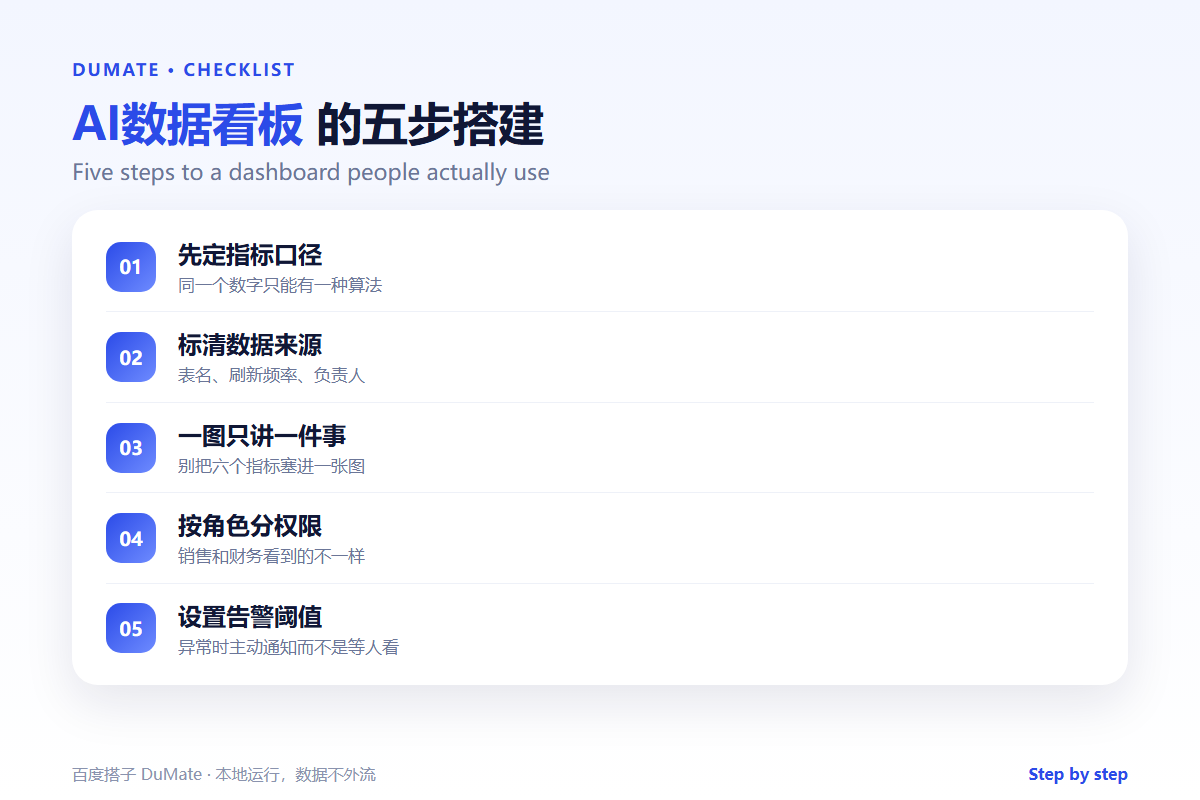
Step 1: Write the questions
List the five questions the dashboard must answer. For example: are we on track for the quarter, where are we losing deals, and which customers need attention. Each question becomes a section, not a chart.
Step 2: Define the metrics
For each metric, write the formula, the source table, the time window, and the owner. Store the definition next to the chart. AI数据看板 should display the definition on hover or in a footnote.
Step 3: Choose one chart per question
Use a line chart for trends, a bar chart for comparisons, and a table for detail. Avoid pie charts with many slices. If a chart needs a paragraph to explain it, the chart is wrong.
Step 4: Set permissions and refresh rules
Decide who can see which numbers. Sales and finance may need different views. Set a refresh schedule and show it. AI数据看板 should fail loudly when the data is stale, not quietly show yesterday’s numbers.
Step 5: Add alerts and a review cadence
Alert on thresholds that require action, not on every change. Review the dashboard monthly and delete charts nobody uses. A dashboard is a product, and products need maintenance.
A Dashboard Review Checklist
- Every chart answers a written question.
- Every metric has a definition and owner.
- Source and refresh time are visible.
- Permissions match the audience.
- Unused charts are removed.
Where AI数据看板 Fails
It fails when the data model is wrong, because a beautiful chart of bad data is still wrong. It also fails when the dashboard tries to serve every audience at once, which produces a view that is useful to nobody. Finally, it fails when there is no owner, because nobody updates the definitions or fixes a broken pipeline.
- Metrics with no agreed formula.
- Stale data shown without a warning.
- Charts that need a narrator.
- Dashboards with no named owner.
Before and After
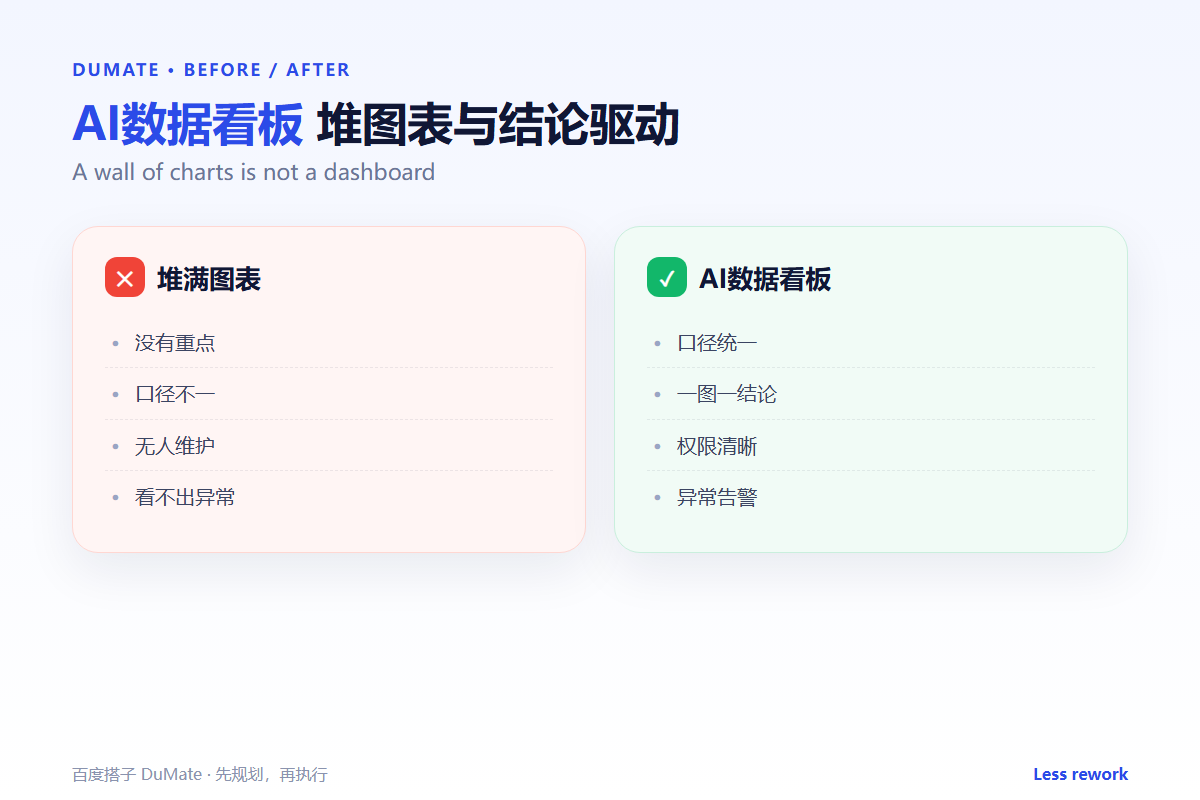
Before, the team had three dashboards with different revenue numbers, and every meeting started with a debate about which one was right. After, AI数据看板 uses one metric definition, shows the source and refresh time, and the meeting starts with the decision. The number of charts fell by half, and usage doubled.
The improvement came from subtraction, not addition. Removing charts forced the team to agree on the questions that mattered, and the remaining charts became easier to trust.
Keep a short changelog for the dashboard. When a metric definition changes, record the date and the reason. AI数据看板 users need to know why a number moved, especially when the move is caused by a definition rather than performance.
Finally, test the dashboard with a new employee. If they cannot answer the five core questions without help, the layout is not clear enough. That test is more valuable than another round of visual polish.
Review the dashboard with the people who use it, not only the people who build it. Ask which number they check first and which chart they ignore. Their answers are the best guide for the next version of the AI数据看板. A dashboard that reflects real questions earns trust, and trust is what makes people act on the numbers. Keep the AI数据看板 small enough to read in a minute, and move the rest into a detail view for the people who need it. In the end, the best AI数据看板 is not the one with the most data; it is the one that changes a decision. A monthly review keeps the AI数据看板 honest about that test.
FAQ
How many charts should a dashboard have?
Five to seven is a good default. If it needs more, split it by audience or by decision.
Should we show raw data?
Provide a drill-down link instead of a giant table. Most users need the summary, and analysts need the detail.
Who owns the dashboard?
One person should own the definitions, the refresh, and the review. Shared ownership usually means no ownership.
延伸阅读
Start with the analysis method in AI数据分析工具. Turn the dashboard into a narrative with AI报告生成. Prepare the source tables with AI表格处理. Clean the data first with AI数据清洗. Control access with AI权限管理. External references: NIST AI Risk Management Framework and ISO/IEC 42001.
评论
还没有评论,来说两句吧。