

What AI表格处理 Actually Changes
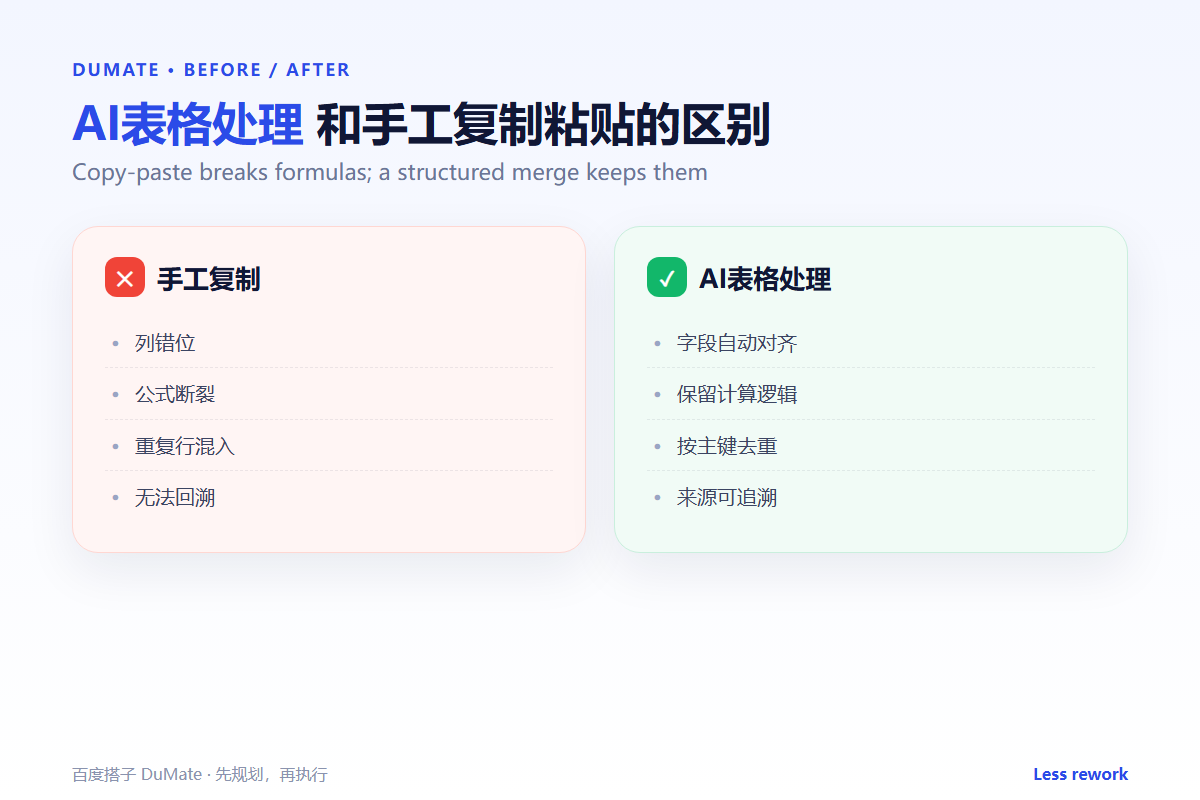
AI表格处理 is not about making a spreadsheet look prettier. It is about turning several messy files into one table you can trust. The hard part is not the merge itself; it is agreeing on field names, removing duplicates, and keeping a path back to the source. A useful AI表格处理 workflow makes every number traceable.
- Align headers before you merge anything.
- Deduplicate by a business key, not by whole rows.
- Keep a source column in the merged table.
- Add checks for totals, counts, and blanks.
- Reconcile before you export or share.
A Five-Step AI表格处理 Workflow
Start with the most complex file, not the cleanest one. It exposes the field mismatches early. Then standardize dates, currency, and percentage formats. Only after that should you combine the files or apply formulas.
- Unify headers, units, and date formats.
- Remove duplicates using a business key.
- Merge tables and keep the source column.
- Add validation columns for totals and blanks.
- Reconcile the summary with the detail.
Header alignment is the real merge
Most merge errors start with a column that means different things in different files. One sheet calls it “amount”, another “total”, and a third includes tax. An AI表格处理 pass should map each field to a definition before it writes a single row.
Where the Real Risks Sit
The risk is not a slow merge; it is a confident wrong total. Duplicate rows inflate counts, blank cells hide missing data, and broken formulas produce plausible numbers. A second pass with an AI数据分析工具 can catch anomalies, but the table must be clean first.
| Check | Question | Evidence |
|---|---|---|
| Rows | Does the count match the sources? | Source totals |
| Duplicates | Is the business key unique? | Duplicate report |
| Formulas | Do totals recalculate? | Sample recalculation |
| Blanks | Are missing values explained? | Blank-value list |
When the source files are PDFs or scans, convert them first. The AI文档处理 guide covers extraction and format conversion before the merge. If the files live in a shared folder, the AI自动整理文件 workflow keeps the inputs consistent.
How to Evaluate AI表格处理
Give the tool three files with known problems: a duplicate, a mismatched header, and a broken total. A good AI表格处理 will explain what it changed and where the number came from. A poor one will return a clean-looking sheet with no audit trail.
Start with one real task
Pick a monthly report you already produce. Run the merge twice and compare the totals. If the two runs differ, the workflow is not ready for a larger dataset.
What AI表格处理 cannot do
It cannot decide which definition is correct for your business. It can flag a mismatch, but a human must choose the rule. That decision should be written down and reused. For team knowledge, store the rule in an AI知识库 so the next merge starts from the same definition.
FAQ
Can AI表格处理 work with Excel and CSV together?
Yes, if the fields and formats are mapped first. Export both to a common schema before merging.
Should I keep the original files?
Always. The merged table should be a new file, with a source column and a backup of the inputs.
How do I know the result is correct?
Compare row counts, totals, and a sample of records against the source. If the checks are not written down, they are not repeatable.
References

延伸阅读: 《AI报告生成 怎么从数据到结论?From Data to a Report》、《AI数据清洗 先做什么再分析?Fix Data Before Charts》、《AI文件转换 怎么批量转还不乱?Batch Convert Safely》、《AI批量处理 怎么批量还不乱?Batch Work Safely》。
评论
还没有评论,来说两句吧。以下为本文的引用通告: