
What AI自动化流程 Should Automate First
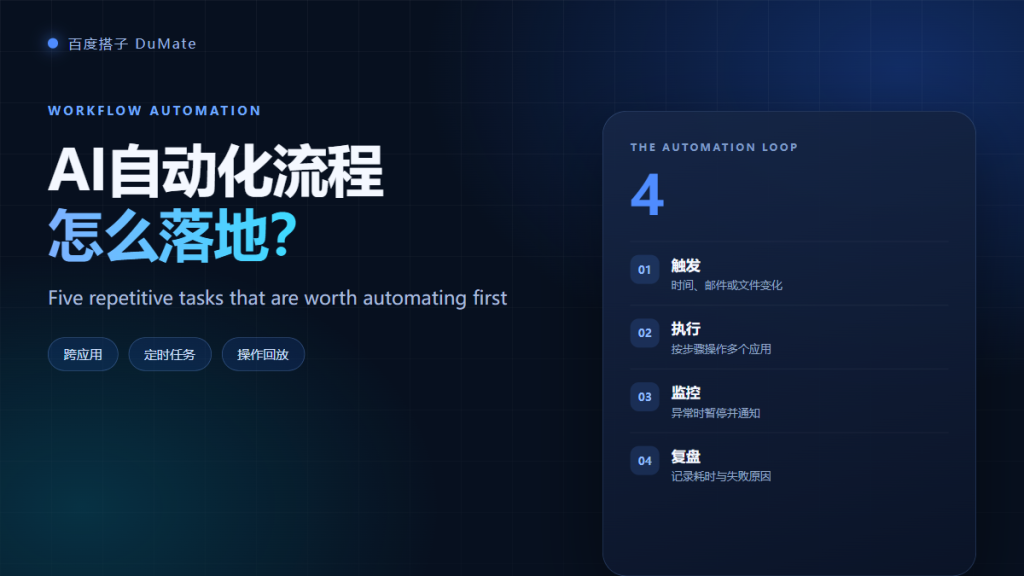
AI自动化流程 works best when the task is frequent, rule-based, and easy to check. Start there, not with the most impressive demo. A good first automation removes one boring handoff and leaves a log you can inspect. This guide covers the loop, five candidate tasks, and the cases where automation is a mistake.
- Automate high-frequency tasks with stable inputs first.
- Every AI自动化流程 needs a trigger, an execution step, monitoring, and a review.
- Keep a human approval step for money and customer records.
- Log every run, including failures.
- Test with a small batch before the full schedule.
- Stop automating when the exception rate is high.
The Four-Part Automation Loop
The loop is trigger, execute, monitor, and review. Most teams design only the first two and then wonder why the automation breaks silently. The last two parts are where reliability comes from.
Trigger Design
A trigger can be a time, an email, a new file, or a status change. Choose one that is easy to observe and hard to duplicate. For example, run at 8:30 every weekday after the export finishes, not whenever a file appears, because a partial upload can fire the trigger twice.
Execution and App Control in AI自动化流程
Execution is the visible part: open the app, read the file, fill the fields, save the result. An AI自动化流程 should pause when a required field is missing and report the exact record. Silent skips are worse than a failed run, because nobody knows the record is missing.
Monitoring an AI自动化流程
Monitoring answers three questions: did it run, did it finish, and did it change the expected number of records. Send a short summary to a channel that people actually read. Include failures, skipped records, and runtime. If the summary is only green checkmarks, it is not monitoring.
Five Repetitive Tasks Worth Automating with AI自动化流程
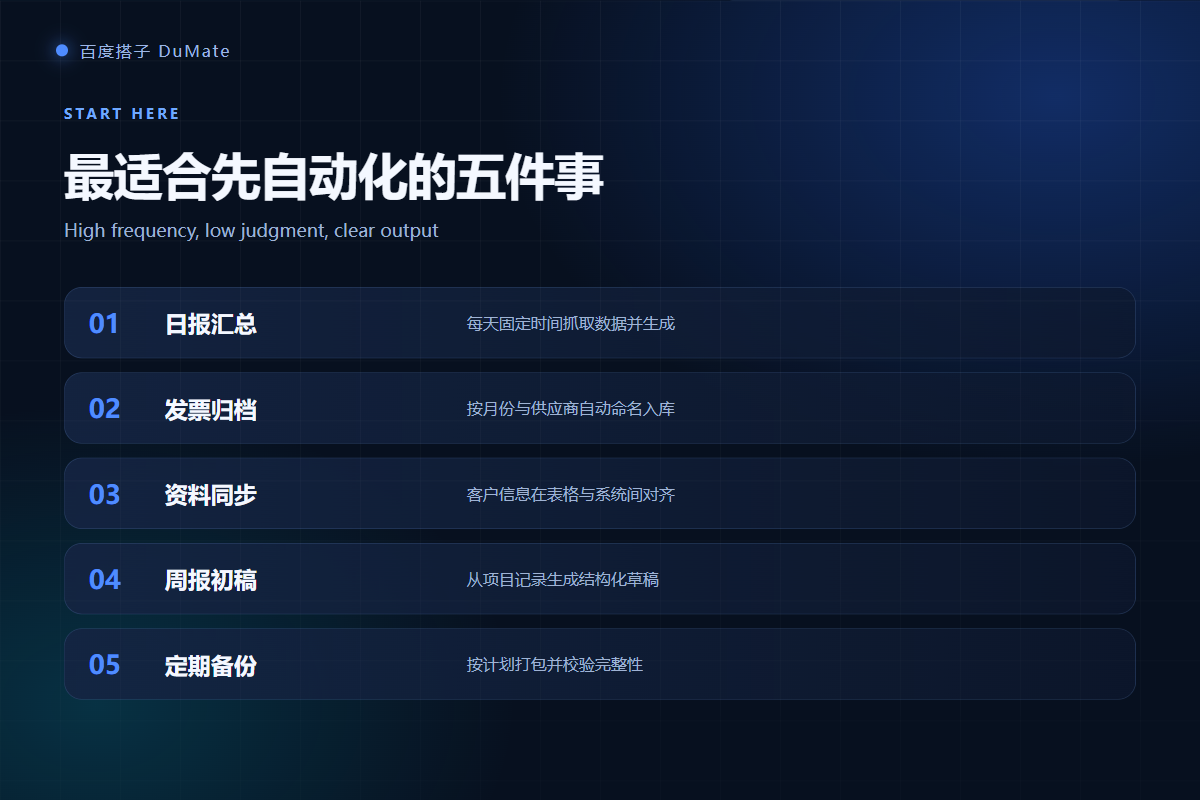
The five tasks below share a clear input and a checkable output. They are common in admin, finance, and operations teams.
| Task | Frequency | Risk | Best first step |
|---|---|---|---|
| Daily report assembly | Daily | Low | Generate a draft, human sends |
| Invoice archiving | Weekly | Medium | Rename and file, keep originals |
| Record synchronization | Daily | High | Two-way sync with approval |
| Backup checks | Weekly | Low | Verify file count and size |
| Weekly report draft | Weekly | Low | Draft from project logs |
Task One: Daily Report Assembly
A daily AI自动化流程 can collect numbers from two or three sources, build a table, and write a short summary. It should not send the report without review during the first month. After the format stabilizes, sending can move to a scheduled approval step.
Task Two: Invoice Archiving with AI自动化流程
Invoices arrive with inconsistent names. The automation reads the vendor, date, and amount, then files the document by month and vendor. Keep the original file untouched and write a sidecar index. This makes an audit much easier than a folder of renamed PDFs.
Task Three: Record Synchronization with AI自动化流程
Moving records between a spreadsheet and a business app is a classic use case. The risk is not speed but duplication. Use an external ID, check for existing records before writing, and stop the run if the duplicate rate exceeds a threshold. A human approval step is still sensible for customer-facing data.
Error budgets
Set an acceptable failure rate before the first run. For internal reports, one failed run per week may be fine. For invoices or customer records, one silent error is too many. The budget decides how much monitoring you need.
Rollback plans for AI自动化流程
Every write action needs a rollback plan. Keep the previous version, log the changed record IDs, and test the reverse operation on one record. If rollback is unclear, the automation is not ready.
When Not to Use AI自动化流程
Do not automate a process that changes every week, a decision that needs context outside the files, or a workflow with no clear owner. Automation magnifies a bad process. Fix the rule first, then automate it. Our guide to AI跨应用操作 explains how to choose between clipboard, API, and UI automation.
For file-heavy work, pair this with the AI自动整理文件 workflow. If you are planning a team rollout, read the enterprise AI assistant questions before you buy seats.
Ownership
Name one owner for each AI自动化流程. The owner approves rule changes, reviews failures, and decides when to pause. Shared ownership sounds fair but usually means nobody checks the log.
Testing an AI自动化流程
Run the first batch with five records, then fifty, then the full set. Compare each batch with a manual result. A failed test is cheaper than a failed month-end close.
Frequently Asked Questions
How much does an AI自动化流程 cost?
Cost depends on the tool and the volume. A desktop agent with a monthly credit plan is usually cheaper than a custom RPA project for small teams. Count the review time and maintenance time, not just the subscription fee.
Can it run while I am away?
Some tasks can run unattended, but only after a stable test period. Start with supervised runs, then move low-risk tasks to a schedule. Keep alerts enabled and define who responds when a run fails.
What if the app changes its layout?
UI automation breaks when buttons move. Prefer an API when one exists, and keep a screenshot of the expected screen. When a run fails, pause the schedule instead of retrying blindly.
Do I need a developer?
For clipboard and file-based workflows, no. For API integration, permissions, and rollback logic, a developer saves time. Many teams start with a no-code automation and add engineering support when the workflow touches customer records.
References
- Business process automation overview
- McKinsey research on automation and work
- Microsoft Work Trend Index
延伸阅读: 《AI智能体 和聊天机器人差在哪?Agent vs Chatbot Explained》、《AI任务规划 怎么拆?Plan, Execute, Verify》、《AI技能 怎么用?Turn Prompts Into Reusable Skills》、《AI操作录制 怎么用?Record Once, Replay Safely》。
延伸阅读: 《AI邮件助手 怎么少漏重要邮件?Triage and Follow Up》、《AI浏览器自动化 怎么少做重复点击?Automate the Browser》、《AI连接器 怎么把系统连起来?Connect Without Copy-Paste》。
评论
还没有评论,来说两句吧。以下为本文的引用通告: