
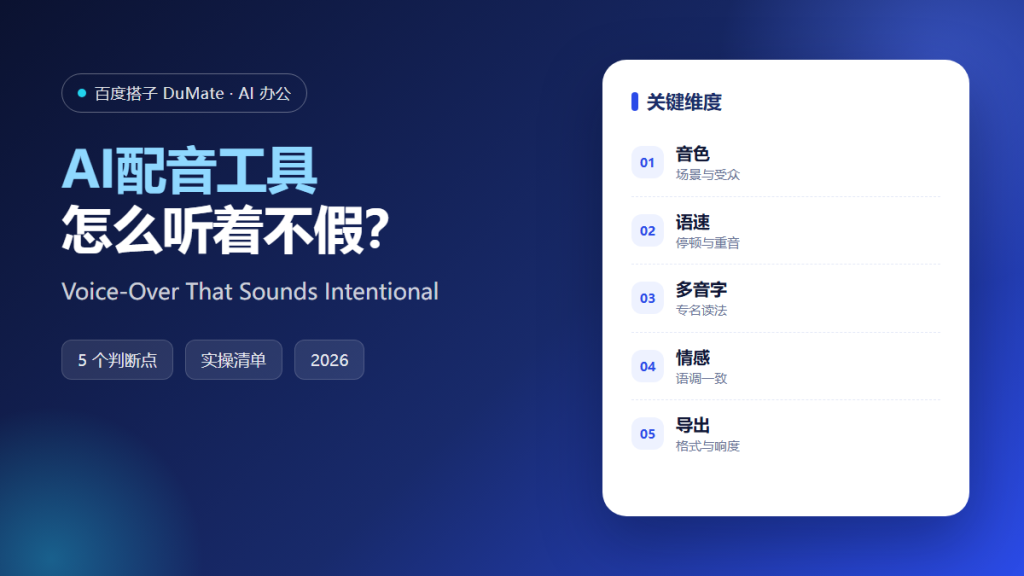
AI配音工具 makes audio production accessible, and that is exactly why so much of it sounds wrong. A synthetic voice reading a script written for the eye produces flat, over-articulated narration. The tool is not the problem. The script and the direction are.
This guide covers a five-step voice-over workflow, the pronunciation checks that prevent embarrassing errors, and the export settings that keep a series consistent.
Key Takeaways
- Choose one voice per series.
- Write for the ear, not the page.
- Mark multi-pronunciation characters and names.
- Listen to every segment.
- Export with consistent loudness.
Why AI配音工具 Needs Ear-First Scripts
Written sentences often contain clauses that are easy to read and hard to hear. AI配音工具 will read them faithfully, including the awkward pauses. Rewriting for short sentences and clear subjects improves the output more than changing the voice.
The second reason is consistency. A series with a different voice and volume in every episode feels unfinished. AI配音工具 should be configured once and reused.
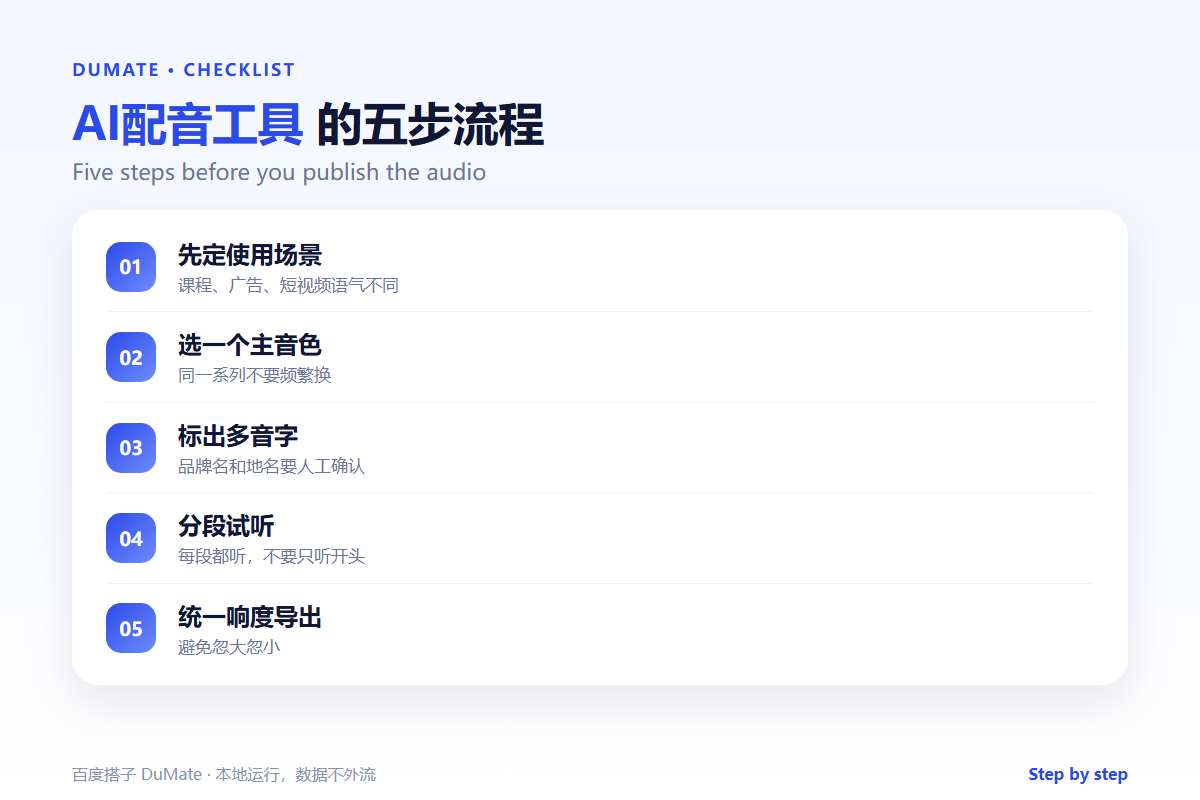
How AI配音工具 Works in Five Steps
Step 1: Choose the voice
Match the voice to the context: training, advertising, or documentary. Choose one primary voice and one backup. AI配音工具 libraries are large; restraint is the point.
Step 2: Rewrite for speech
Shorten sentences, expand abbreviations, and read numbers the way people say them. AI配音工具 should receive text that sounds natural when spoken aloud.
Step 3: Mark pronunciation
List brand names, place names, and characters with multiple readings. Confirm each one. AI配音工具 will guess, and the guess is often wrong.
Step 4: Direct the pacing
Add pauses at section breaks and slow down key numbers. Generate in segments so a single error does not require a full re-render. AI配音工具 gives control; use it deliberately.
Step 5: Check and export
Listen to the whole file, not just the first ten seconds. Normalize loudness and export in the format the platform requires. AI配音工具 output should match the previous episode.
An Audio Review Checklist
- The voice matches the context.
- Sentences are short enough to follow.
- Names and numbers are pronounced correctly.
- Pauses fall at the right places.
- Loudness matches the series.
Where AI配音工具 Fails
It fails on irony and emphasis, which require direction rather than text. It also fails when the script includes long lists, because the voice has no way to signal structure.
- Flat delivery across a long script.
- Wrong reading of a brand name.
- Uneven volume between segments.
- Overly formal wording.
Before and After
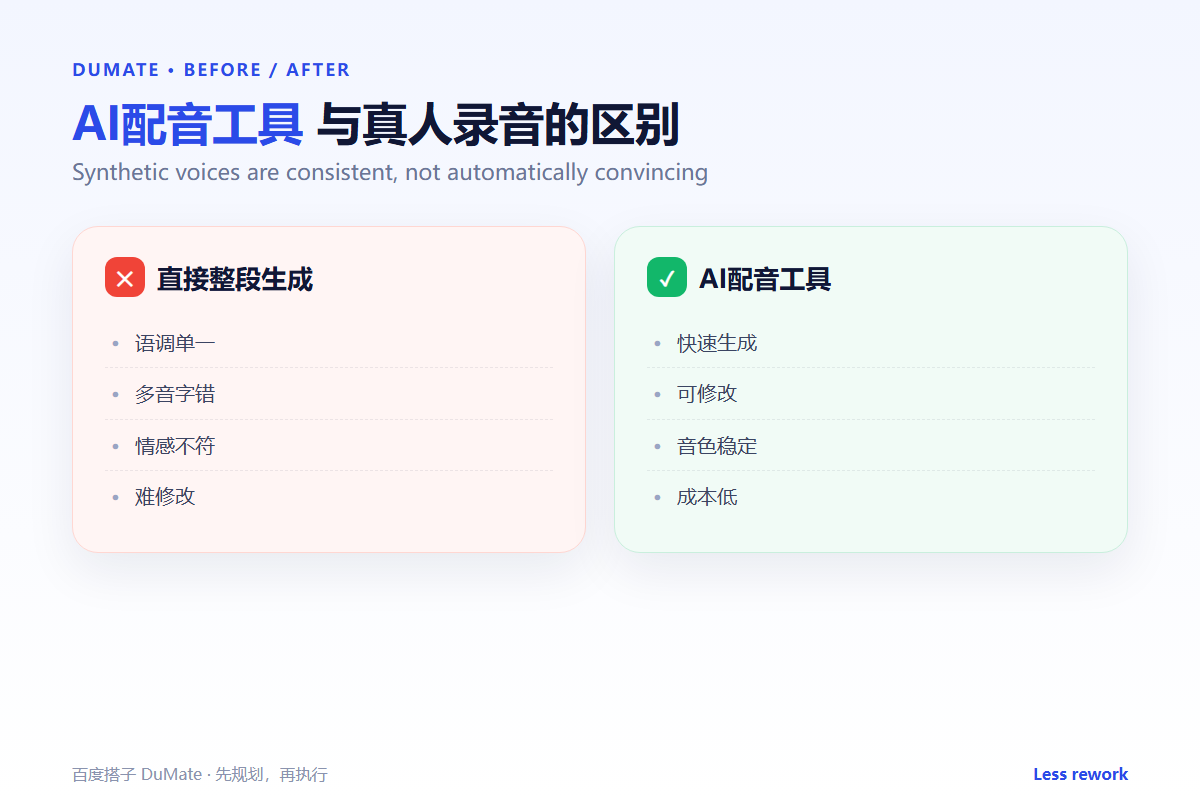
Before, a team generated a full narration in one pass and spent an hour fixing two mispronounced names and a volume jump. After, AI配音工具 was used segment by segment with a pronunciation list, and the final file needed no edits.
The voice is only as good as the direction behind it.
Used consistently, AI配音工具 becomes part of the normal review routine rather than a separate project.
A final check with AI配音工具 takes a minute and catches the errors that are easiest to miss.
A Four-Week Rollout
The first week with AI配音工具 should be a small pilot, not a team-wide launch. Choose one recurring task with a clear output and run it end to end. Keep the sample small enough to check by hand. The point is to see where AI配音工具 saves time and where it creates review work.
During the pilot, keep a short log of inputs, outputs, and corrections. Record the time spent before and after. AI配音工具 feels faster even when it is not, so the log matters. At the end of the week, review the log with one colleague and decide whether to continue, change the input, or stop.
In week two, write a one-page standard for input and output. Include what must be checked and who approves the result. AI配音工具 works better when the standard is visible to everyone. In week three, add permissions and a review step. In week four, compare the results and write a short guide. That guide is what makes AI配音工具 survive after the first month.
Keep the pilot narrow. A broad rollout hides which step failed, and a narrow one shows exactly where the workflow needs help. Expand only after the narrow case is stable.
Keep the first month simple. One task, one owner, and one weekly review are enough to prove the workflow before it spreads across the team.
Write down what changed after each run. A short note is easier to trust than a memory, and it makes the next improvement obvious.
Review the output before it leaves your desk. A two-minute check catches most of the errors that would otherwise come back as questions.
Keep one example of a good result. New team members learn faster from a concrete reference than from a long explanation.
The first version does not need to be perfect. It needs to be complete enough to review, so the team can see the gaps and fix them in the next round.
FAQ
Can I clone my own voice?
Only with clear consent and a check on the provider’s data policy. Voice is personal data in many jurisdictions.
How do I handle multiple languages?
Use a native voice for each language rather than one voice reading everything. Check pronunciation separately.
What loudness should I target?
Follow the platform’s specification. Consistency across episodes matters more than a specific number.
延伸阅读
For transcription, see AI语音转文字. Script structure is covered in AI短视频脚本. Presentation design is in AI生成PPT. For drafting, read AI写作助手. Localization is covered in AI翻译工具. External references: W3C Web Accessibility Initiative and NIST AI Risk Management Framework.
评论
还没有评论,来说两句吧。