
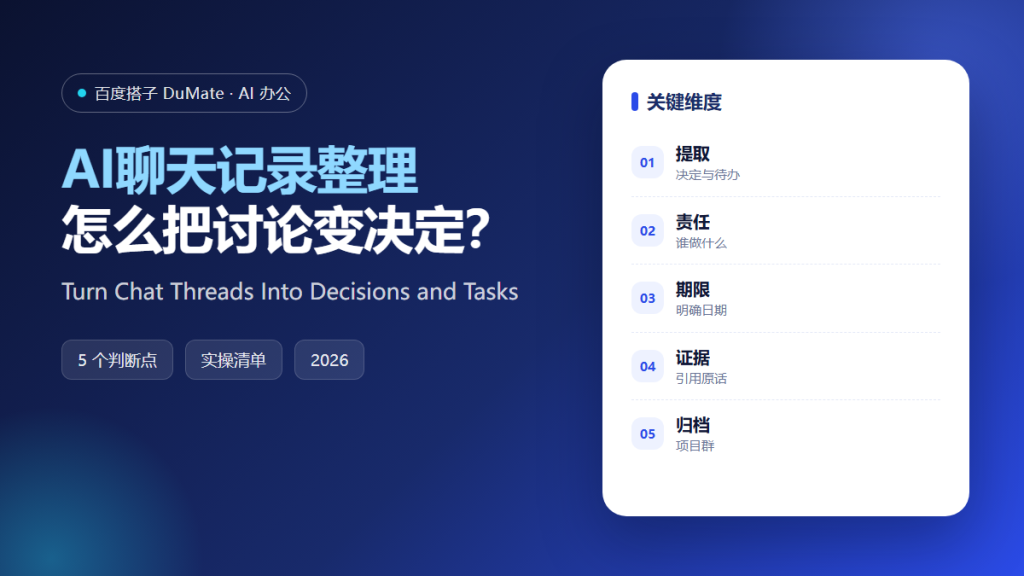
AI聊天记录整理 solves a specific kind of information loss. Decisions are made in a group chat, buried under reactions and side jokes, and then forgotten. A week later, nobody remembers who agreed to what. The chat contains the answer, but it is not organized to give it to you.
This guide covers the five-step method we use to turn a thread into a decision list, the fields every extracted task needs, and the quoting rules that keep the record trustworthy.
Key Takeaways
- Separate decisions from discussion.
- Write every task as a concrete action.
- Assign one owner per task.
- Add a date or an explicit no deadline.
- Quote the original message for key decisions.
Why AI聊天记录整理 Beats Scrolling Back
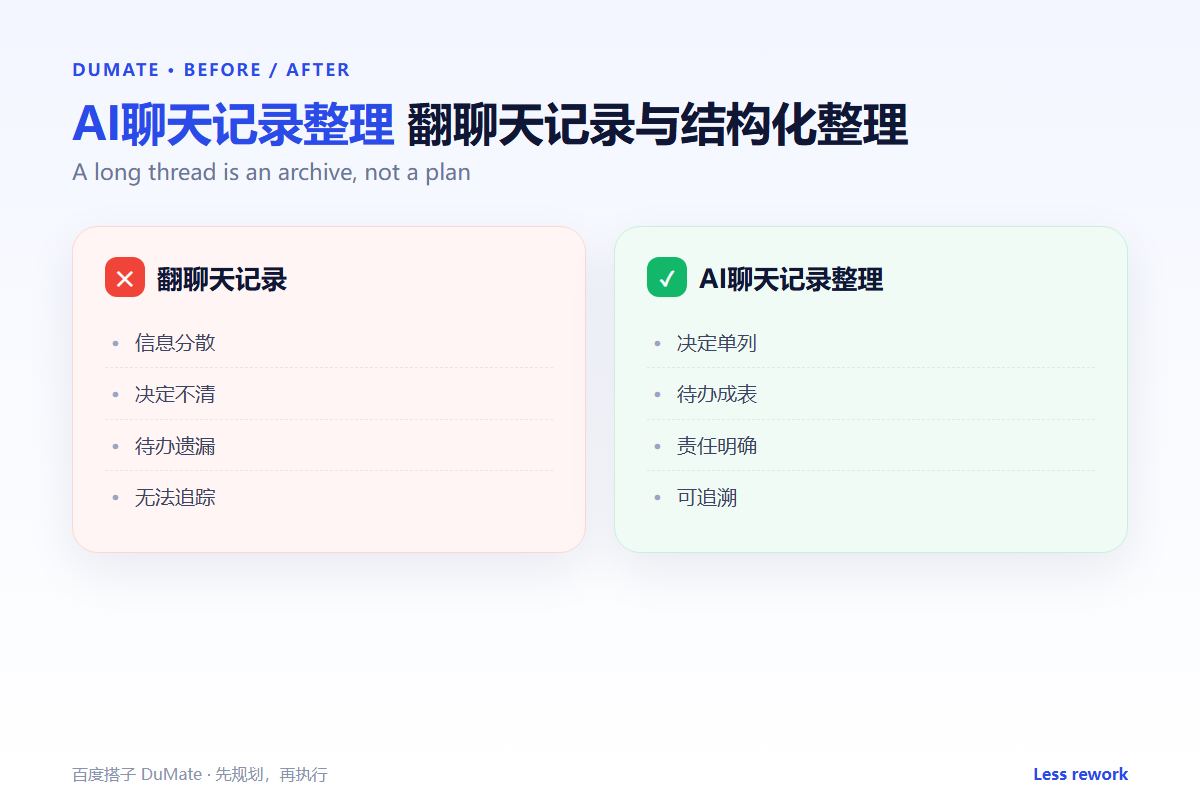
A long thread is an archive, not a plan. Reading it from the beginning is slow, and reading it backward loses the context that produced the decision. AI聊天记录整理 can scan the whole thread and group the messages by topic, decision, and open question. That structure is what makes the thread usable.
The second reason is accountability. In conversation, people agree loosely. In a written list, every task has a name and a date. AI聊天记录整理 forces that clarity without requiring a separate meeting.
The third reason is memory across tools. Chats live in one app, tasks in another, and documents in a third. A short export from the chat becomes the bridge that keeps the work connected.
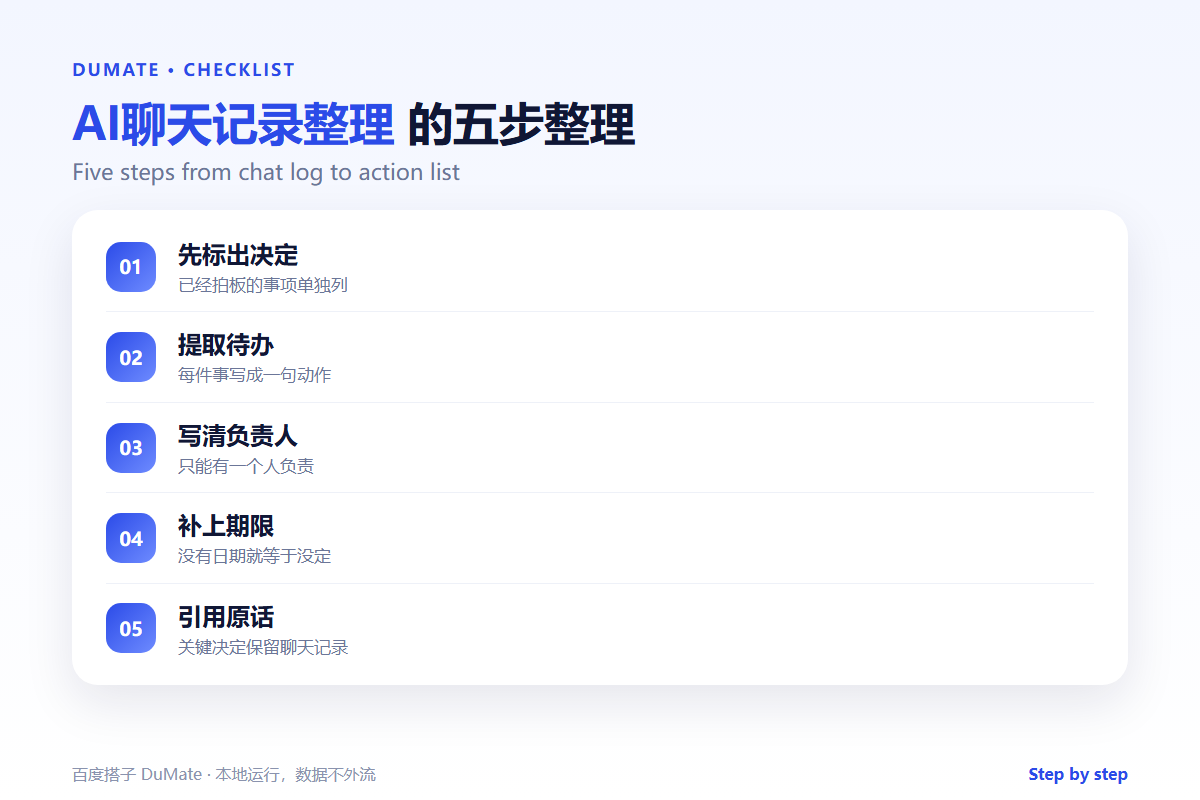
How AI聊天记录整理 Works in Five Steps
Step 1: Define the scope
Choose one thread, one project, and one time window. A whole workspace produces a summary that is too general to act on. AI聊天记录整理 works best on a bounded conversation with a clear topic.
Step 2: Extract decisions first
List every decision that was actually made, with the date and the person who confirmed it. Exclude proposals that were not accepted. This distinction is the most common source of confusion in project reviews.
Step 3: Convert promises into tasks
Rewrite each promise as a verb and an object: send the revised quote, book the venue, confirm the API limit. Avoid vague items such as follow up or check later.
Step 4: Add owners and dates
Every task gets one owner, even if several people are involved. Add a date, or state explicitly that there is no deadline. An undated task is a wish, and AI聊天记录整理 should mark it as such.
Step 5: Attach quotes and archive
Paste the original message under each major decision. Save the output next to the project, not in the chat. AI聊天记录整理 produces a record that survives app changes and staff turnover.
What Every Extracted Item Needs
- A clear action with a verb.
- One owner by name.
- A date or an explicit open status.
- A link or quote to the source message.
- A status field for follow-up.
Where AI聊天记录整理 Fails
It fails when the thread contains irony or hypotheticals. A sentence like maybe we should cancel the launch can become a decision if the context is ignored. It also fails when participants use nicknames that the tool cannot map to real owners.
- Proposals treated as decisions.
- Tasks without owners.
- Quotes taken out of context.
- Threads that continue after the export.
Before and After
Before, a project lead scrolled through two weeks of chat before every status meeting. After, AI聊天记录整理 produces a one-page decision list with owners and dates, and the meeting starts from the list. The discussion focuses on exceptions instead of history.
The list also improves written communication. When people know their promises will be extracted, they write more clearly and confirm decisions explicitly.
Keep the exports in a project folder and date them. A series of weekly decision lists is far more useful than a single perfect summary, because it shows how the plan changed and why. That history is the real output of AI聊天记录整理.
Finally, close the loop. At the start of the next meeting, read the open tasks and update their status. A list that is never reviewed becomes another archive, and the team stops trusting the process.
Review the decision list at the start of every week. Mark each item as done, changed, or dropped, and add the reason. That review is what turns AI聊天记录整理 from a one-time export into a management habit. It also shows which commitments keep slipping, which is often a sign that the task was never clearly owned. Keep the list short: ten open items is a working list, fifty is an archive. A clean AI聊天记录整理 output should fit on one screen, and it should tell a new team member what is happening this week without a meeting.
Finally, share the list in the channel where the work happens. A short message with the decisions and owners closes the loop, and it gives people a chance to correct a misunderstanding before it becomes a task. That quick confirmation is the cheapest quality check in the AI聊天记录整理 process.
FAQ
Should we summarize every thread?
No. Focus on threads where decisions or commitments were made. Routine chat does not need a record.
How do we handle private messages?
Do not extract from private conversations without consent. Use team channels for decisions and keep the record there.
Where should the output live?
Next to the project documents, not inside the chat app. The record should outlive the tool.
延伸阅读
For structured meeting notes, see AI会议纪要. Turn extracted promises into a tracker with AI待办事项. For email follow-ups, read AI邮件助手. Keep records searchable in an AI知识库. Planning methods are covered in AI任务规划. External references: NIST AI Risk Management Framework and ISO/IEC 42001.
评论
还没有评论,来说两句吧。