
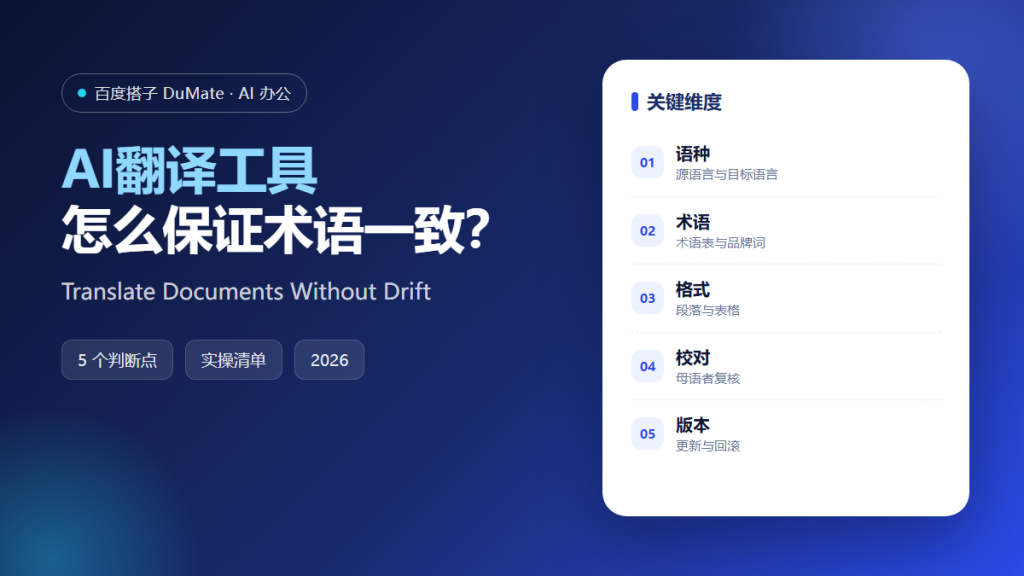
What AI翻译工具 Changes in a Real Project
AI翻译工具 can produce a readable first draft in minutes. The hard part is consistency: product names, role titles, and legal terms must stay the same across every page. A useful AI翻译工具 workflow starts with a glossary, not with the translate button.
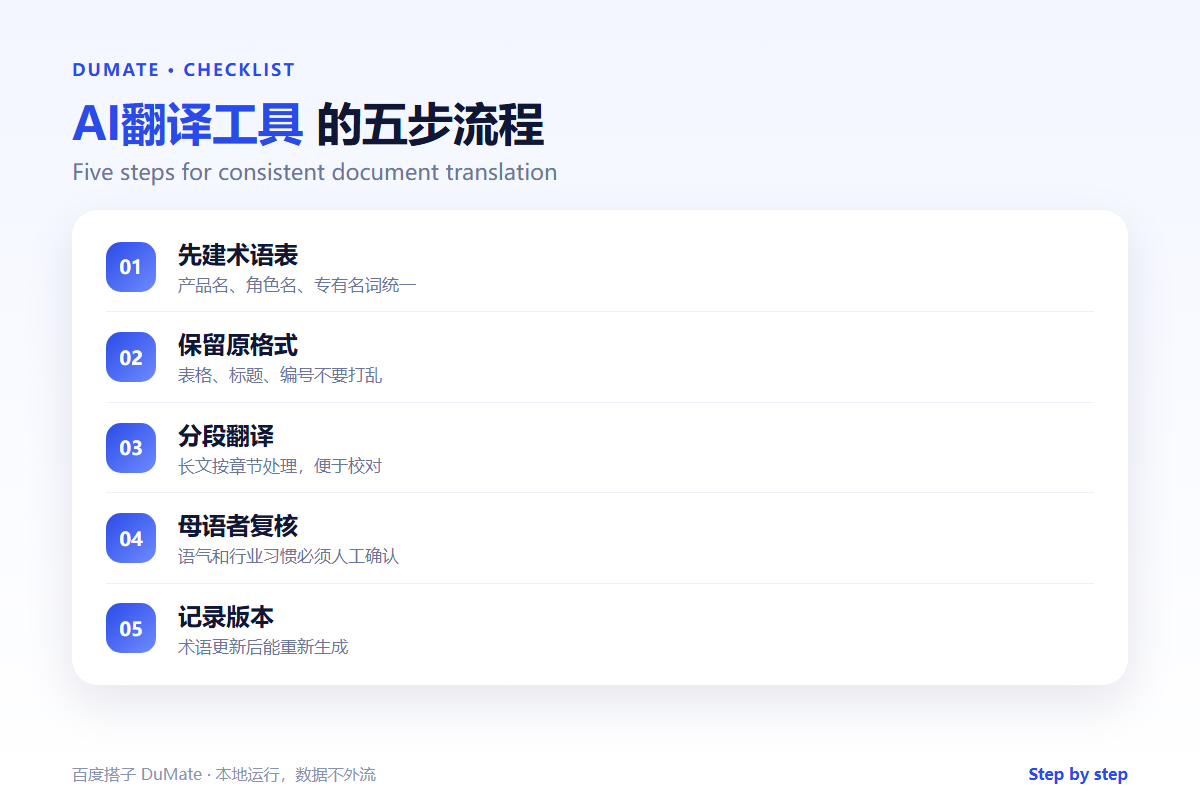
- Build a glossary before the first sentence.
- Keep headings, tables, and numbering intact.
- Translate in sections, not one giant block.
- Have a native speaker review the tone.
- Version the glossary and the output.
A Five-Step AI翻译工具 Workflow
Start with a short sample from the middle of the document. The middle usually contains the most terminology. If the sample is consistent, the rest of the file is easier to trust.
- Extract the terms that must not change.
- Translate a representative section.
- Compare terminology and tone.
- Apply the glossary to the full file.
- Review and export with the original layout.
Terminology is the quality signal
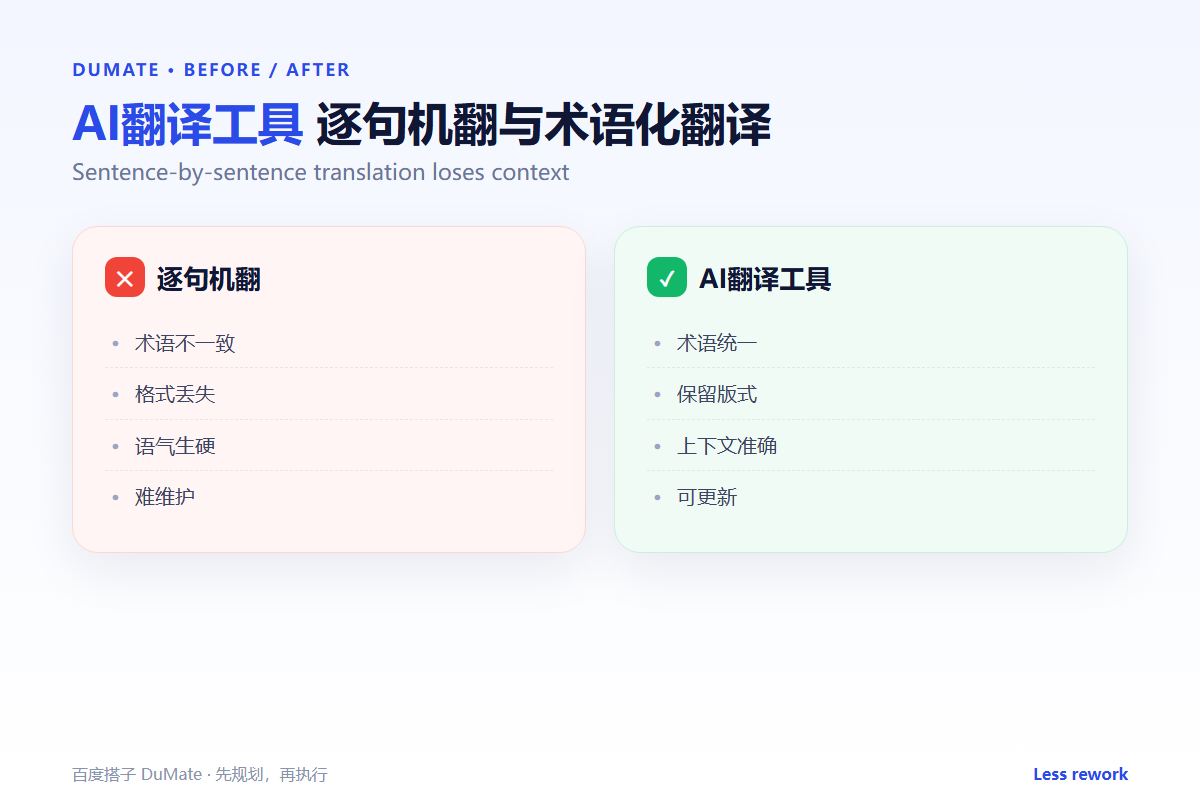
A reader notices when the same feature has two names. An AI翻译工具 without a glossary will choose synonyms that look fine in isolation and wrong in sequence. Lock the terms before scaling.
Where the Real Risks Sit
The risk is a translation that reads well but changes the obligation. Legal and technical text often depends on a precise verb. A fluent sentence can still be wrong. Keep the source next to the translation during review.
| Risk | Check | Fix |
|---|---|---|
| Terms | Same word for the same concept | Update the glossary |
| Format | Tables and numbering preserved | Re-import the layout |
| Tone | Formal or casual as intended | Rewrite the opening |
| Legal | Obligations unchanged | Human legal review |
When the source is a PDF or slide deck, the AI文档处理 guide helps preserve the structure. For repeatable projects, save the glossary and rules as an AI技能.
How to Evaluate AI翻译工具
Give the tool a page with a product name, a legal term, and a table. A good AI翻译工具 will keep the terms stable and the table readable. A poor one will translate each cell as an isolated sentence.
Start with one real task
Take a document you already translated manually. Run the tool and compare the glossary terms, not the overall fluency. The differences show whether the tool respects your rules.
What AI翻译工具 cannot do
It cannot certify a legal translation or judge cultural nuance. A native speaker and, where needed, a qualified reviewer must sign off. Convert the final file with the AI文件转换 checklist before delivery.
FAQ
Can it translate Word and PDF files directly?
Often yes, but check the layout. Tables and footnotes are the first things to break.
How large should the glossary be?
Start with twenty terms that matter most. A short, enforced glossary beats a long, ignored one.
Should I translate from the source or from English?
From the source when possible. A second-hand translation adds another layer of drift.
References
评论
还没有评论,来说两句吧。以下为本文的引用通告: