
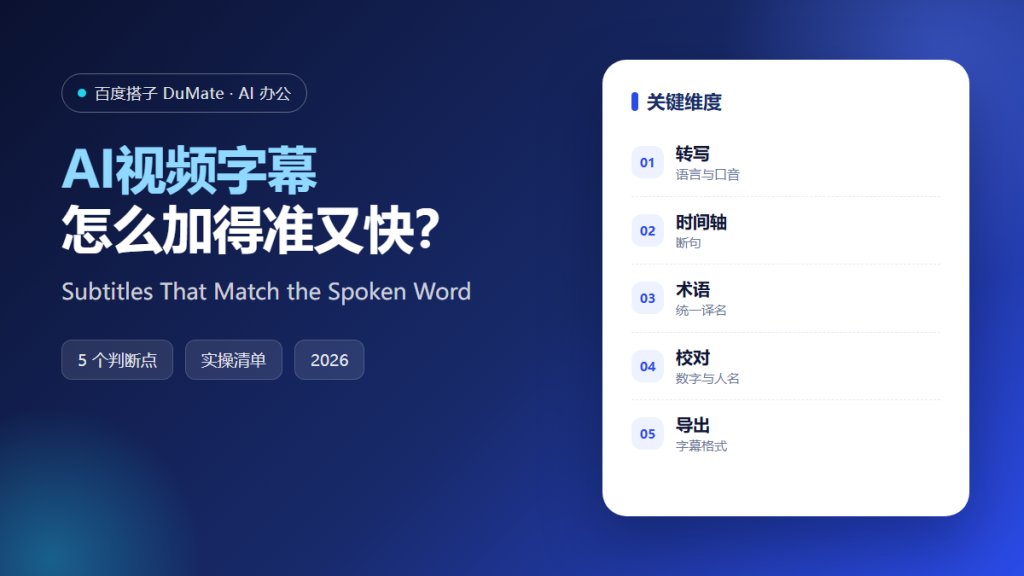
AI视频字幕 looks like a one-click task until the first review. Automated captions are fast, but they mishear names, merge sentences, and drift out of sync when the speaker changes pace. A usable subtitle file needs a short, disciplined proofreading pass.
This guide covers the five-step workflow we use for interviews, tutorials, and internal recordings, plus the checks that catch the errors viewers notice most.
Key Takeaways
- Confirm the language and accent before transcribing.
- Break lines by meaning, not by pause.
- Build a terminology list first.
- Proofread numbers, names, and product terms.
- Preview the final file in a player.
Why AI视频字幕 Needs a Proofreading Step
Captions are read in a second or two. Viewers cannot pause to decode a sentence, so errors feel larger than they would in an article. A wrong number or a misspelled product name damages credibility immediately, even when the rest of the video is accurate.
AI视频字幕 is strong at the mechanical part: converting speech to text and producing a first timing track. It is weak at the contextual part: knowing that a speaker said sixteen and not sixty, or that a nickname refers to a specific product. The proofreading pass supplies that context.
The third reason is accessibility. Good captions help viewers in noisy environments, in a second language, and with hearing loss. Proofreading is not cosmetic; it decides whether the content is usable for a large part of the audience.
How AI视频字幕 Works in Five Steps
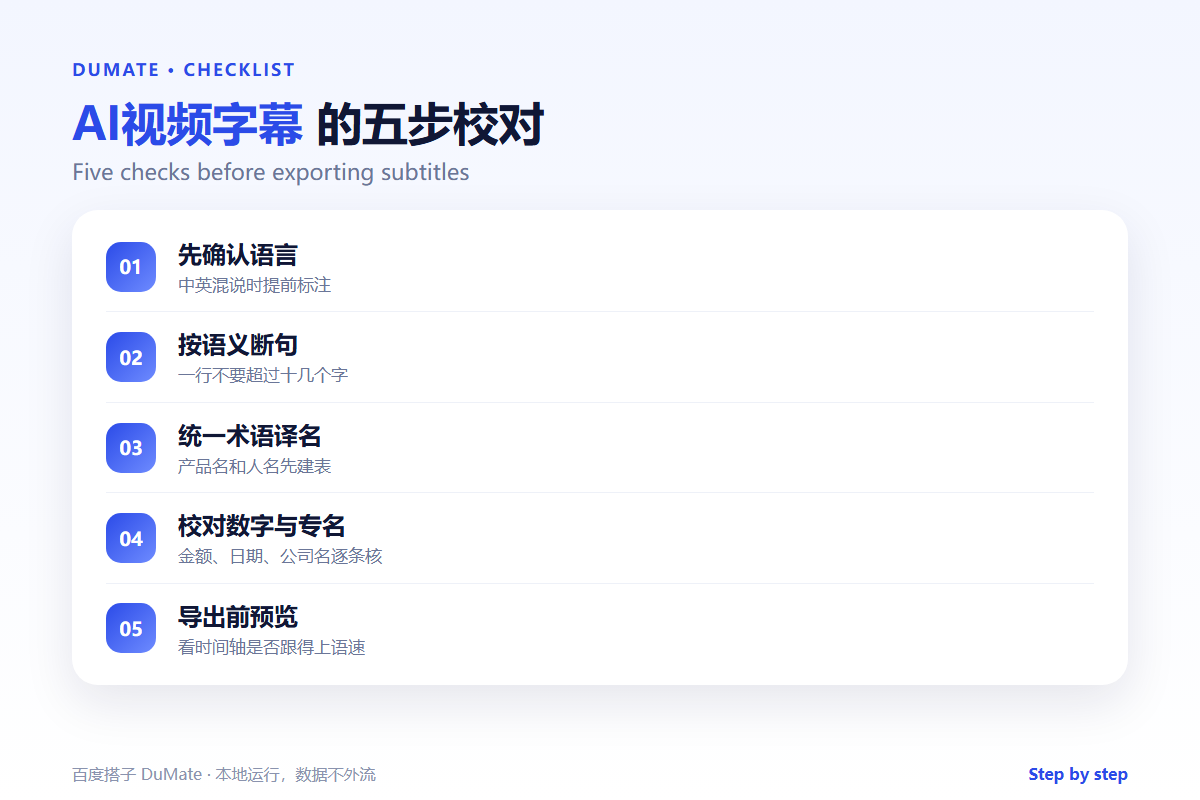
Step 1: Confirm language and audio quality
Check the source language and note any mixed-language sections. If the audio has background noise, clean it before transcription. A five-minute cleanup saves an hour of proofreading later.
Step 2: Generate and review the transcript
Run the transcription and read it once without subtitles. You are looking for missing sentences, repeated phrases, and obvious misinterpretations. Fix the transcript before touching the timing.
Step 3: Build a terminology list
List product names, people, acronyms, and units. Replace variants with one canonical form. This step is what makes AI视频字幕 consistent across a series of videos.
Step 4: Fix line breaks and timing
Break lines at natural phrase boundaries. Keep each line short enough to read comfortably. Adjust timing so captions appear just before the words are spoken, not after.
Step 5: Preview and export
Watch the video with captions on. Check the first minute, the middle, and the ending. Export the format your platform requires, and keep the transcript for search and reuse.
What to Check Every Time
- Numbers, dates, and currency.
- Names of people and products.
- Negations, which are easy to drop.
- Speaker changes in interviews.
- Captions that run past the cut.
Where AI视频字幕 Fails
It fails on overlapping speech, strong accents, and technical jargon. It also fails when music covers a sentence, because the model fills the gap with plausible words. Finally, it fails when the timing is accepted without preview, which produces captions that are correct but appear too late to be useful.
- Invented words in noisy sections.
- Merged sentences from fast speakers.
- Inconsistent product names.
- Timing drift over a long recording.
Before and After
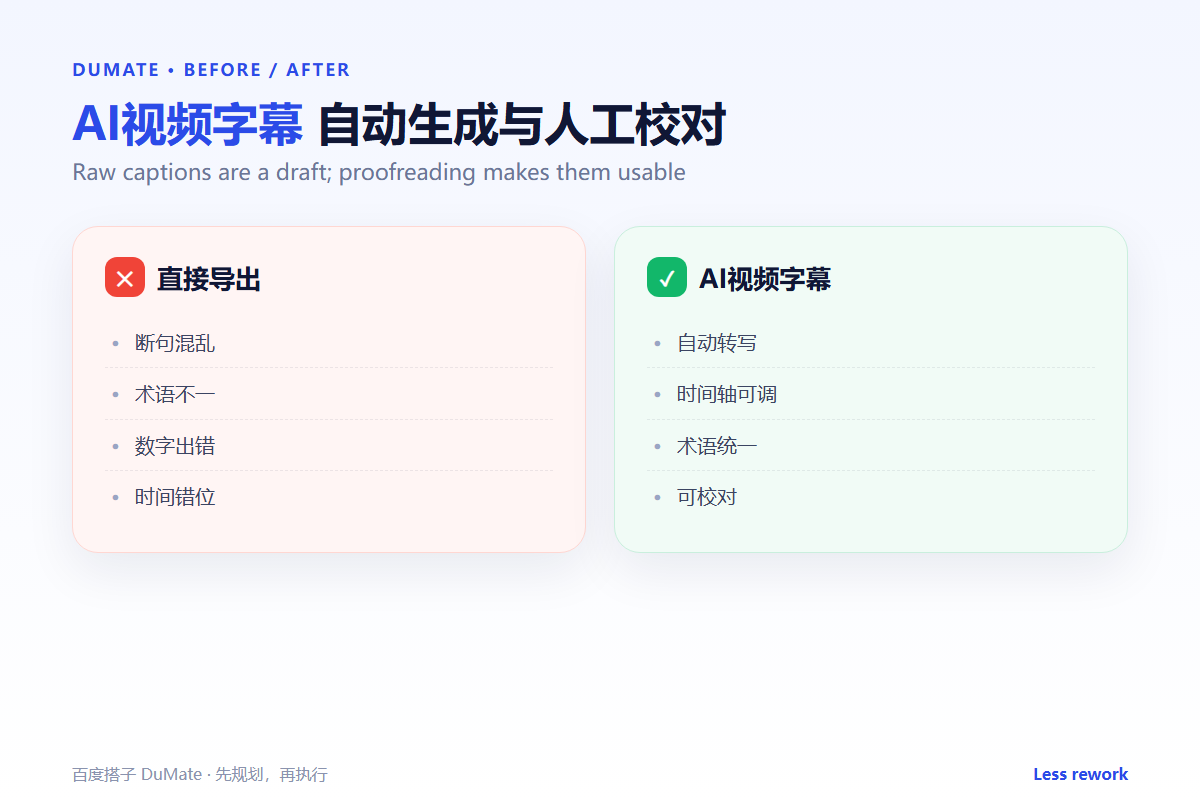
Before, a team published automatic captions with three wrong product names and a missing negation. Viewers pointed out the errors in the comments within a day. After, the same team builds a terminology list, proofreads the transcript, and previews the export. Publishing takes twenty minutes longer and avoids a week of corrections.
The best AI视频字幕 workflow treats the transcript as an asset, not as waste. A clean transcript becomes a blog post, a help article, and a search index for the video.
Keep the terminology list in a shared place and add to it after every video. Over time, the list becomes the most valuable part of the AI视频字幕 process, because it captures how the organization names things.
Build a short style guide for subtitles. Decide how to handle filler words, numbers, units, and speaker labels. Apply the guide to every AI视频字幕 project so a series looks like one series rather than a collection of unrelated files.
Batch work benefits from a template project. Keep one file with the correct font, position, and export settings, then duplicate it for each new video. This removes the small setup errors that cause captions to jump or render off-screen.
Check the first and last minute twice. Introductions often contain names and titles, and endings often contain calls to action, which are exactly the parts viewers remember. A careful AI视频字幕 review spends extra time there.
Finally, keep the corrected transcript with the video. It makes future searches possible and gives the next editor a clean starting point. A good AI视频字幕 workflow produces two assets: the captions and the text.
Keep a small archive of corrected transcripts and subtitle files. When a similar video appears, reuse the terminology and the timing template. That archive makes AI视频字幕 faster without lowering the standard, and it gives new editors a concrete example to copy. Review the archive once a quarter and delete drafts that are no longer accurate, so the AI视频字幕 reference stays trustworthy. A clean archive also turns every finished AI视频字幕 project into a reusable asset for the next one.
FAQ
Can we publish automatic captions?
Only after a review. Automatic captions are a draft, and the error rate rises with accents and jargon.
How long should a subtitle line be?
Short enough to read in one glance. If a line needs a pause to understand, split it.
Should we translate subtitles too?
If the audience needs it, translate from the corrected transcript, not from the automatic one.
延伸阅读
For audio-to-text basics, see AI语音转文字. For multilingual versions, read AI翻译工具. Manage source files with AI文档处理. Format conversion is covered in AI文件转换. For scanned material, see AI OCR识别. External references: W3C Web Accessibility Initiative and NIST AI Risk Management Framework.
评论
还没有评论,来说两句吧。以下为本文的引用通告: