
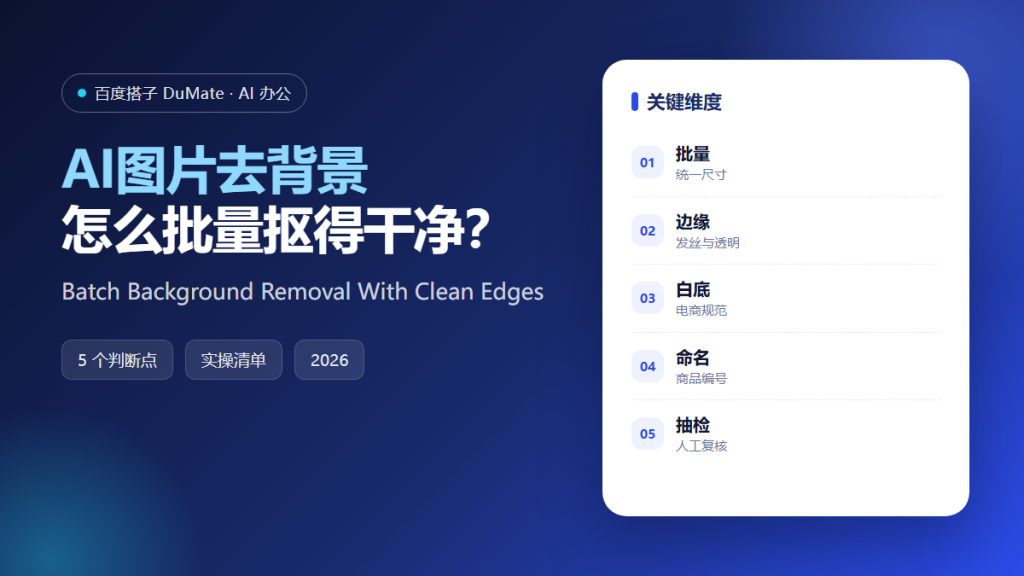
AI图片去背景 is one of the most visible AI workflows in e-commerce. A clean cutout sells a product; a jagged edge makes it look counterfeit. The technical task is simple, but the operational details decide whether a catalog looks professional at scale.
This guide covers the five-step batch process we use, the edge cases that require manual review, and the naming rules that keep thousands of images manageable.
Key Takeaways
- Standardize size and framing before processing.
- Review edges on hair, glass, and transparent materials.
- Follow the platform’s white-background rules.
- Name files with product IDs.
- Spot-check a sample from every batch.
Why AI图片去背景 Needs a Batch Standard
A single image can be fixed by hand. A catalog cannot. When thousands of images arrive from different photographers, the backgrounds, lighting, and framing vary. AI图片去背景 can remove the background, but it cannot make inconsistent source images look consistent.
The solution is a standard: one aspect ratio, one padding rule, one background color, and one naming convention. Apply the standard before background removal, not after. AI图片去背景 then becomes a repeatable step instead of a series of individual decisions.
The second reason is speed of review. When every output follows the same rules, a reviewer can scan a grid and spot the exceptions in seconds. Without a standard, every image needs individual judgment.
How AI图片去背景 Works in Five Steps
Step 1: Prepare the source images
Check resolution, lighting, and angle. Reject images that are blurry or badly lit before processing. A better source image is cheaper than a better cleanup.
Step 2: Crop to a standard frame
Use the same aspect ratio and leave consistent padding around the product. This step prevents the catalog from looking uneven even when the cutouts are perfect.
Step 3: Remove the background in batches
Group similar products together. Transparent items and hair-like edges should go into a separate batch for manual review. AI图片去背景 performs best when the batch is visually consistent.
Step 4: Inspect the edges
Zoom in on the outline. Look for leftover background, missing strands, and halos. Mark anything questionable for a second pass rather than accepting it.
Step 5: Name and export
Use product IDs and variant codes in the file name. Export in the format the platform requires, and keep the original image for future reprocessing.
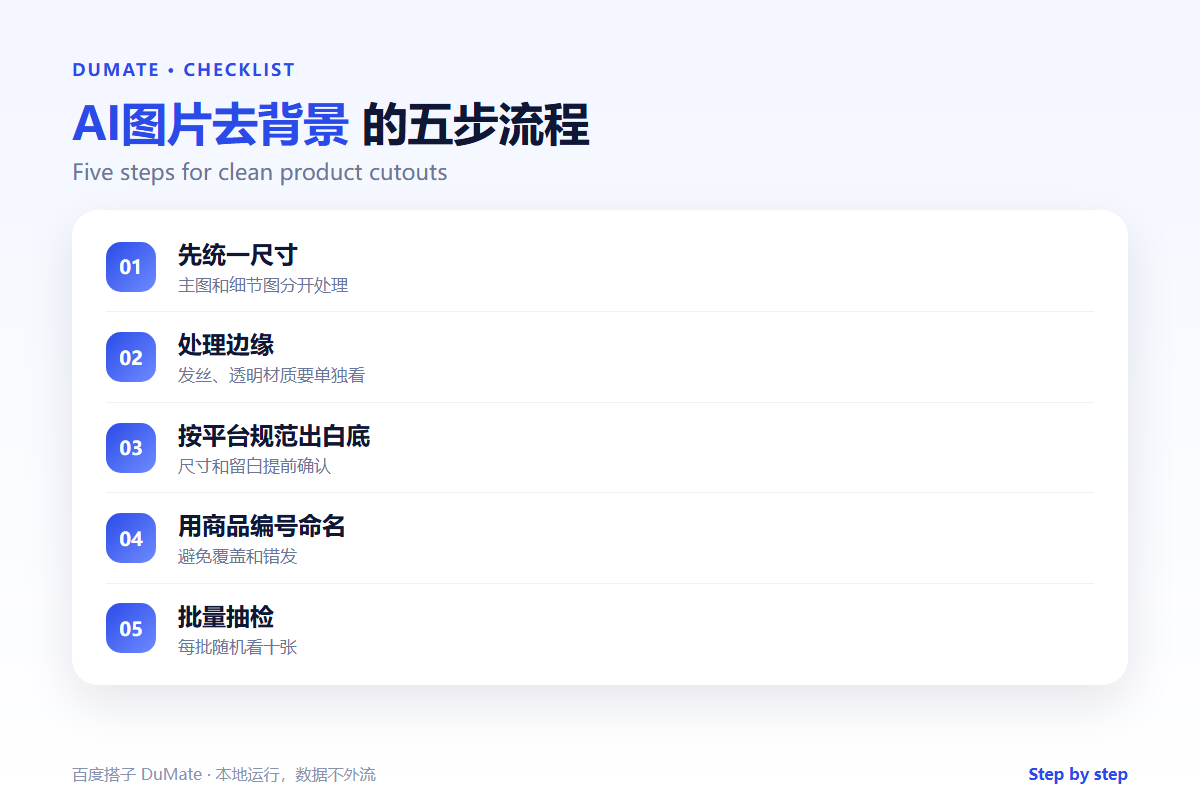
A Quality Checklist
- Consistent canvas size and padding.
- No halo or leftover background.
- Transparent edges preserved.
- Product color unchanged.
- File names match the catalog.
Where AI图片去背景 Fails
It fails on glass, mesh, and fine hair, where the edge is partly transparent. It also fails when the product and background have similar colors. Finally, it fails when the output is compressed too aggressively, which creates visible artifacts around the outline.
- White products on white backgrounds.
- Shadows removed along with the floor.
- Jewelry chains broken into pieces.
- Batch compression reducing edge quality.
Before and After
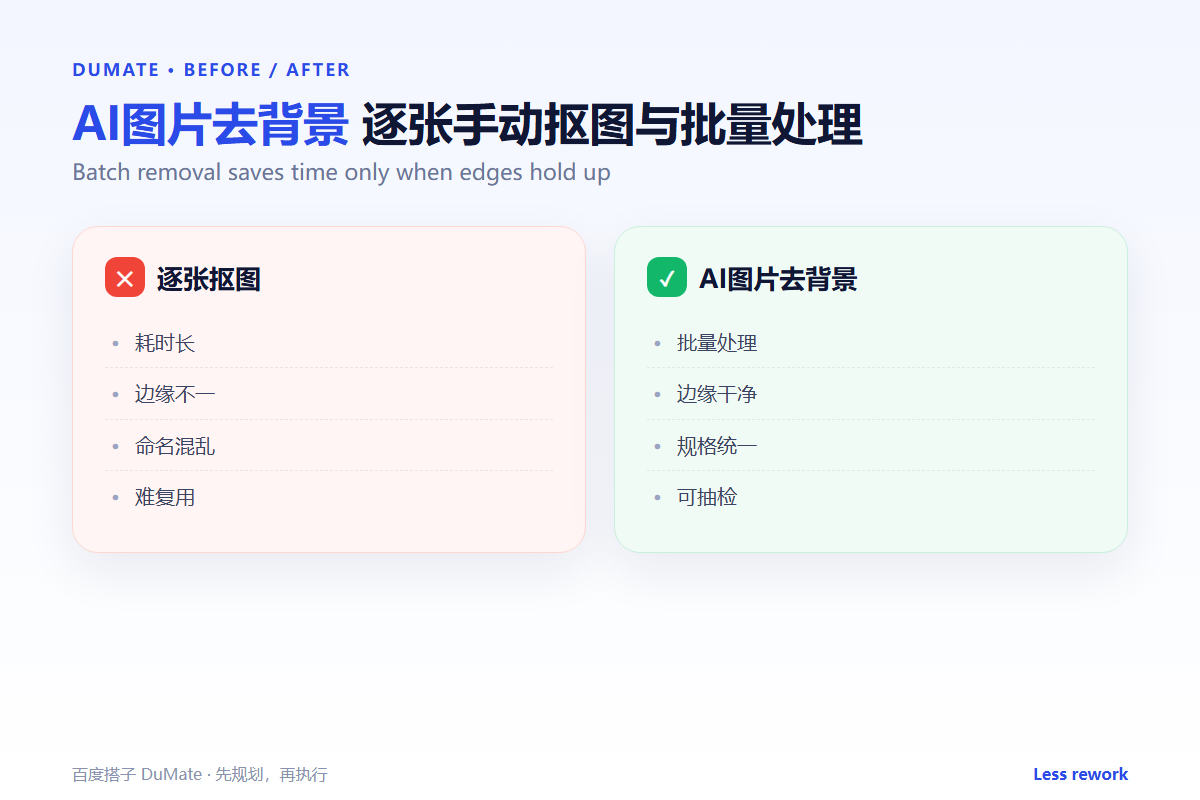
Before, three freelancers processed images with different tools and produced three different looks. After, the team uses one standard, one batch process, and one review grid. AI图片去背景 handles the volume, and the reviewer focuses on the ten percent of images that need a human eye.
The improvement is not only aesthetic. Consistent images reduce returns, because customers see the product the way it will arrive.
Keep a small set of reference images that represent the standard. When a new team member joins, they compare their output with the references before touching a live batch. That simple habit keeps AI图片去背景 quality stable as the team grows.
Build a simple intake form for new images. Ask for the product ID, the intended marketplace, and whether the item is transparent or reflective. That single question routes the image to the right batch and prevents most manual rework after AI图片去背景 has run.
Track the rejection rate by source. If one photographer consistently sends images that need heavy cleanup, the problem is upstream. Fixing the lighting and framing at capture time improves the AI图片去背景 output more than any post-processing trick.
Keep a before-and-after sample for each product category. When a new batch looks off, compare it with the reference before changing settings. A visual reference is faster to use than a written specification, and it keeps the standard consistent across teams.
Finally, document the exceptions. Glass, mesh, and reflective surfaces need different handling, and that knowledge should live next to the workflow rather than in one person’s memory. A short note on how to treat each exception makes AI图片去背景 a process the whole team can run.
Also keep the raw originals in a separate folder with the same product ID. If a marketplace changes its image rules, the team can rerun AI图片去背景 from the original instead of asking the photographer for new files. That single habit saves days during a catalog migration, and it makes the AI图片去背景 process safe to repeat. Store the originals in a read-only folder, so a batch job can never overwrite the only copy of a product image.
FAQ
Can AI图片去背景 handle transparent products?
Partially. Glass and mesh usually need manual refinement. Put them in a separate review batch.
What resolution should we keep?
Keep the highest original you have, and export platform-specific sizes from it. Do not upscale a cutout.
How many images should we spot-check?
At least ten percent of each batch, plus every image flagged by the operator.
延伸阅读
For batch job safety, see AI批量处理. Organize source folders with AI自动整理文件. Format changes are covered in AI文件转换. For document assets, read AI文档处理. Tool selection is covered in AI效率工具. External references: W3C Web Accessibility Initiative and NIST AI Risk Management Framework.
评论
还没有评论,来说两句吧。以下为本文的引用通告: