
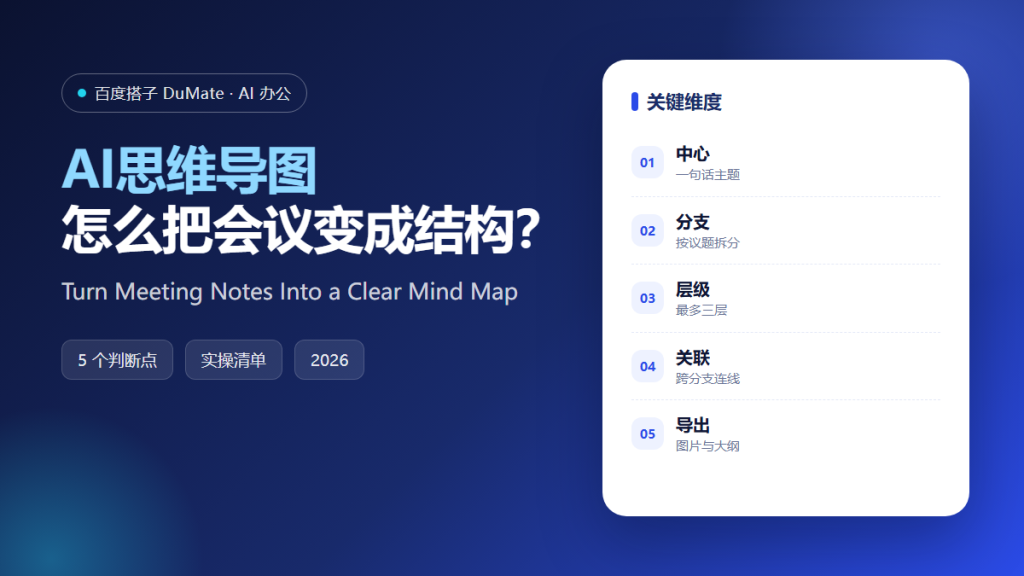
AI思维导图 is not a drawing tool with a chat box bolted on. It is a way to turn a messy meeting into a structure that other people can read, question, and reuse. In practice, AI思维导图 works best when you give it clean inputs: a transcript, an agenda, and one clear question. The map is the output, but the real value is the thinking it forces you to do before the meeting ends.
This guide walks through a five-step workflow that works for small teams and for calls with a dozen participants. It also covers the failure modes that make maps look impressive and stay useless.
Key Takeaways
- Start from a transcript, not from memory.
- Keep every branch to three levels or fewer.
- Use color for priority, not decoration.
- Export both an image and an outline.
- Review the map with two people who were in the room.
Why AI思维导图 Belongs in Your Meeting Workflow
Most meeting notes fail for a boring reason: they record what people said, not what was decided. A map forces a different question. Which branch does this comment belong to? Is it a goal, a constraint, or a task? When you ask AI思维导图 to answer that question, you get a first draft in seconds. You still have to edit it, but editing a draft is much faster than starting from a blank canvas.
The second benefit is shared understanding. A linear document hides relationships. A map shows them. When a colleague opens the map after a call, they can see which decision supports which goal. That makes onboarding and handover far easier, especially when the original meeting included ten people and three time zones.
The third benefit is memory. People forget the middle of a meeting within a day. A structured map keeps the logic visible, so the next discussion starts from the same place instead of reopening the same argument. Teams that review maps weekly tend to repeat fewer conversations.
How AI思维导图 Works in Five Steps
Step 1: Collect the raw material
Gather the transcript, the agenda, and any slides that were shown. If you recorded the call, run it through a transcription tool first. Clean input matters more than prompt wording. A map built from a garbled transcript will be confidently wrong, and nobody will notice until a decision is already made.
Step 2: Define the center in one sentence
Write the center node as a decision or a question, not a topic. Should we launch in May is better than Launch plan. The center sets the logic for every branch, so spend a minute on it. AI思维导图 will mirror whatever ambiguity you leave here.
Step 3: Ask for branches, then cut them
Generate five to seven first-level branches: goals, constraints, options, risks, owners, timeline, and open questions. Then delete the ones that do not apply. A map with seven strong branches is more useful than one with twenty weak ones.
Step 4: Add evidence and owners
Attach one line of evidence to each important branch. A number, a quote, or a link is enough. Add an owner to every branch that implies action. This is where AI思维导图 stops being a picture and starts being a working document.
Step 5: Review with the people who were there
Send the map to two participants and ask one question: what is missing? People spot gaps in a map faster than in a document. Fix the gaps the same day, while the context is still fresh. Then export a snapshot so the version you reviewed is saved.
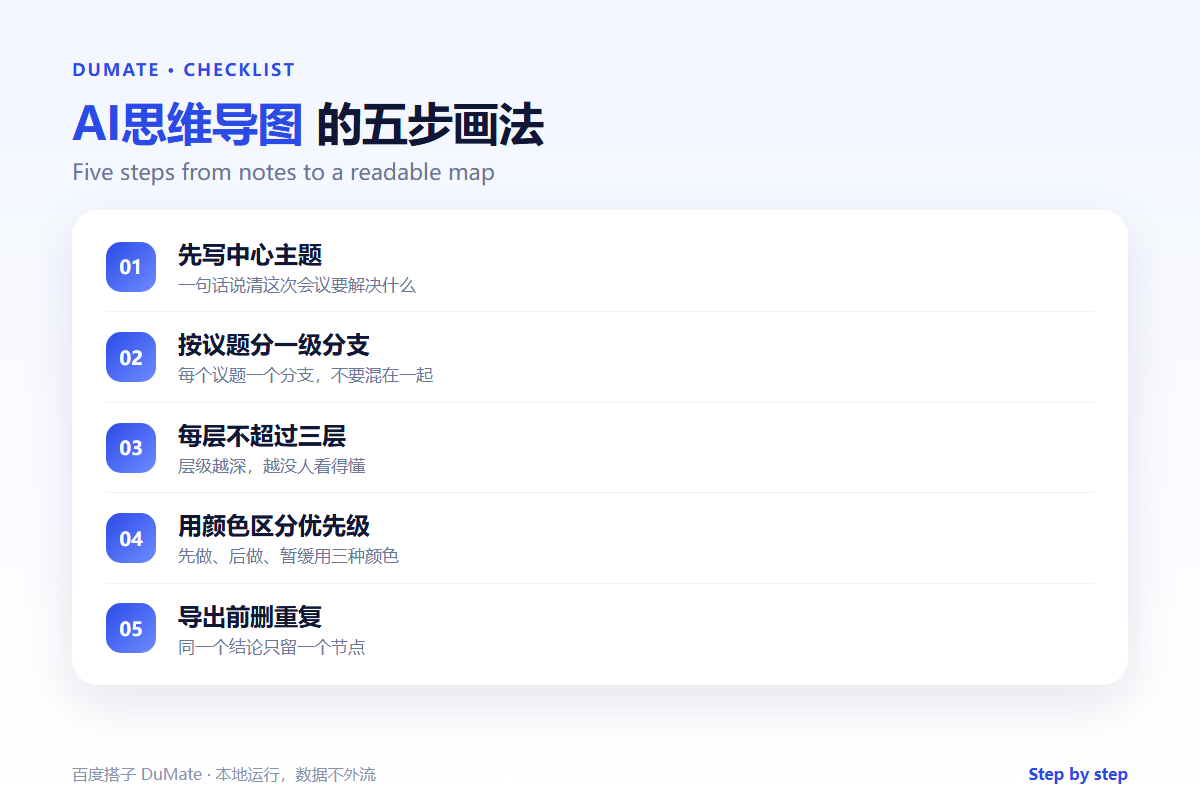
A One-Page AI思维导图 Checklist
- The center node is a question or a decision.
- Every branch has a clear label and one owner.
- No branch is deeper than three levels.
- Priority is visible at a glance.
- Both the image and the outline are exported.
Where AI思维导图 Fails
The tool fails when the meeting itself was unclear. If nobody decided anything, the map will show a tidy tree of unresolved questions. That is still useful, but do not mistake it for progress. AI思维导图 also struggles with sarcasm, side conversations, and context that never made it into the transcript.
- Poor audio produces confident nonsense.
- Too many branches hide the real priority.
- Maps without owners turn into decoration.
- Maps without dates cannot be reviewed later.
Before and After
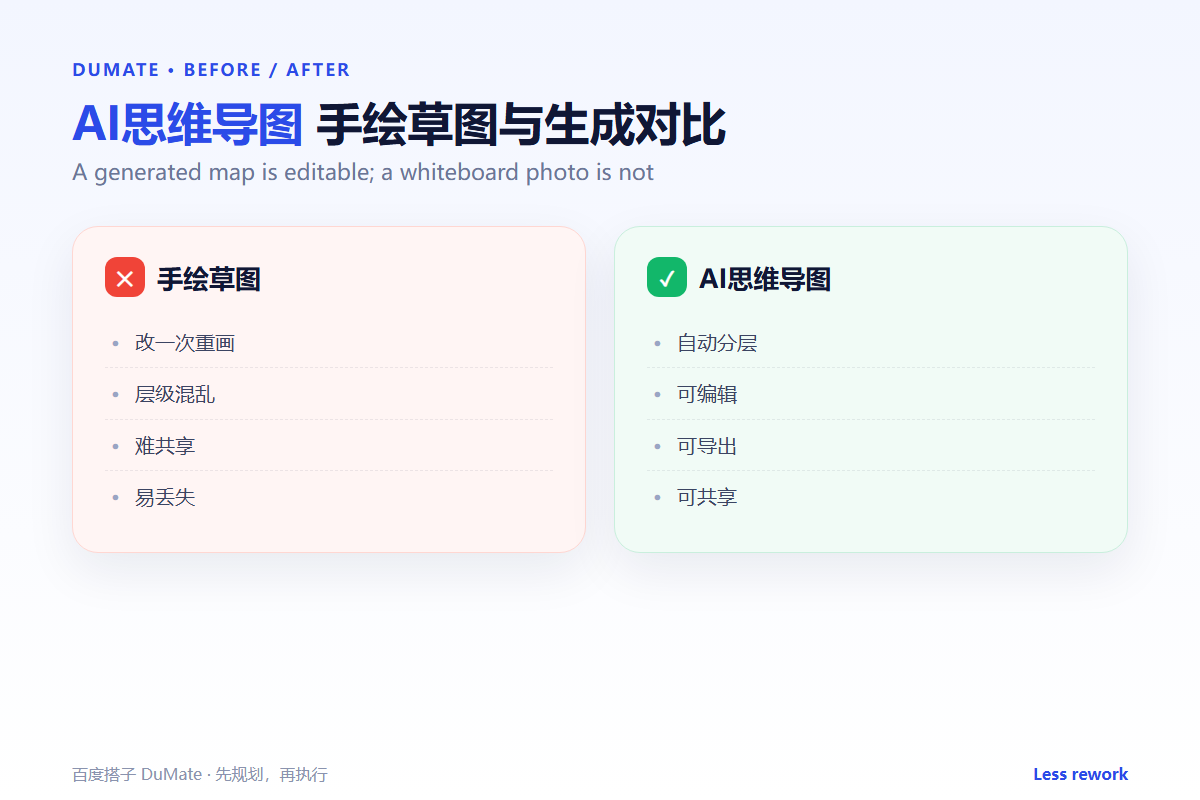
Before the workflow, a team leaves a call with forty lines of notes and no clear next step. Someone spends an hour rewriting them into a summary, and the summary is outdated by Friday. After the workflow, the same team leaves with a map that shows three goals, two constraints, four actions, and one open question. The review takes ten minutes, and the output is ready to paste into a project channel.
The difference is not the tool. It is the order of work: structure first, wording second. A team that agrees on structure will forgive imperfect sentences. A team that cannot agree on structure will argue about wording forever.
The fastest way to learn AI思维导图 is to use it on a meeting you already understand. Run the transcript through the workflow, then compare the map with your own memory of the discussion. The gaps tell you where the AI思维导图 needs better inputs. Repeat the exercise twice, and the AI思维导图 becomes a habit rather than a project.
A useful test is to hand the AI思维导图 to someone who missed the call. If they can explain the decision and the next action without asking a question, the structure works. If they ask who owns what, the AI思维导图 is still a picture. Fix the owners before you share it again, and keep the AI思维导图 short enough to read in one sitting.
FAQ
Should the map replace meeting minutes?
No. Keep short minutes for decisions and deadlines. Use the map to show how the pieces fit together. The two documents serve different readers.
How long should a review take?
Ten minutes with two participants is usually enough. If it takes longer, the center node is probably too broad. Split it into two maps.
Can a team edit the same map?
Yes, if the file lives in a shared workspace. Export a snapshot after each review so changes stay traceable.
延伸阅读
For the transcript step, see AI语音转文字. To turn the map into written minutes, read AI会议纪要. If you want a searchable archive of past maps, our guide to AI知识库 explains the folder structure. For drafting the follow-up message, see AI写作助手. You can also compare planning methods in AI任务规划. External references: NIST AI Risk Management Framework and ISO/IEC 42001.
评论
还没有评论,来说两句吧。以下为本文的引用通告: