
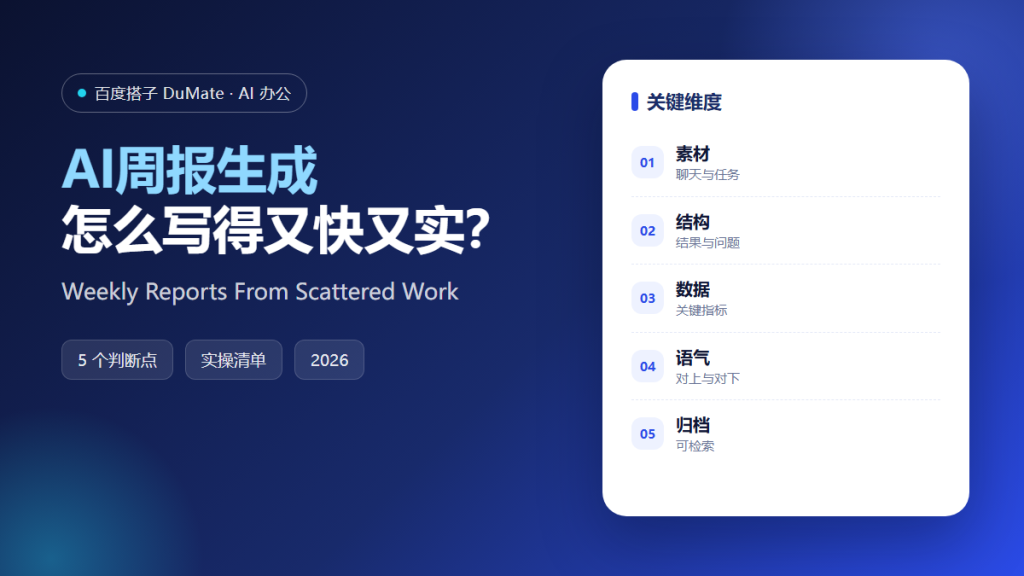
AI周报生成 solves a small but stubborn problem: the work is done, yet the report takes an hour. The reason is not writing speed. It is that progress lives in chat threads, task boards, and documents, and nobody collects it until Friday afternoon. A good AI周报生成 workflow collects evidence all week, then turns it into a short report with results, numbers, and blockers.
This guide shows the exact structure we use, the inputs that make the output reliable, and the traps that turn a weekly report into a list of activities.
Key Takeaways
- Collect evidence during the week, not on Friday.
- Lead with results, not with hours spent.
- Put one number behind every important claim.
- Name the blocker and the person who can remove it.
- Keep the same template every week.
Why AI周报生成 Beats Copying Notes
A weekly report has three readers: your manager, your team, and your future self. Your manager wants progress and risk. Your team wants to know what changed. Your future self wants a timeline for the next review. Copying notes from chat satisfies none of them, because chat is organized by time rather than by outcome.
AI周报生成 works because it can group scattered messages by project and by result. Give it a week of task updates, a list of finished documents, and the key numbers, and it will produce a first draft in a minute. The draft is not the deliverable. The draft is the raw material for a five-minute edit.
There is also a compounding benefit. When every week uses the same structure, month-end and quarter-end reports become a merge job instead of a research project. You stop rebuilding history from memory and start reading it from a file.
How AI周报生成 Works in Five Steps
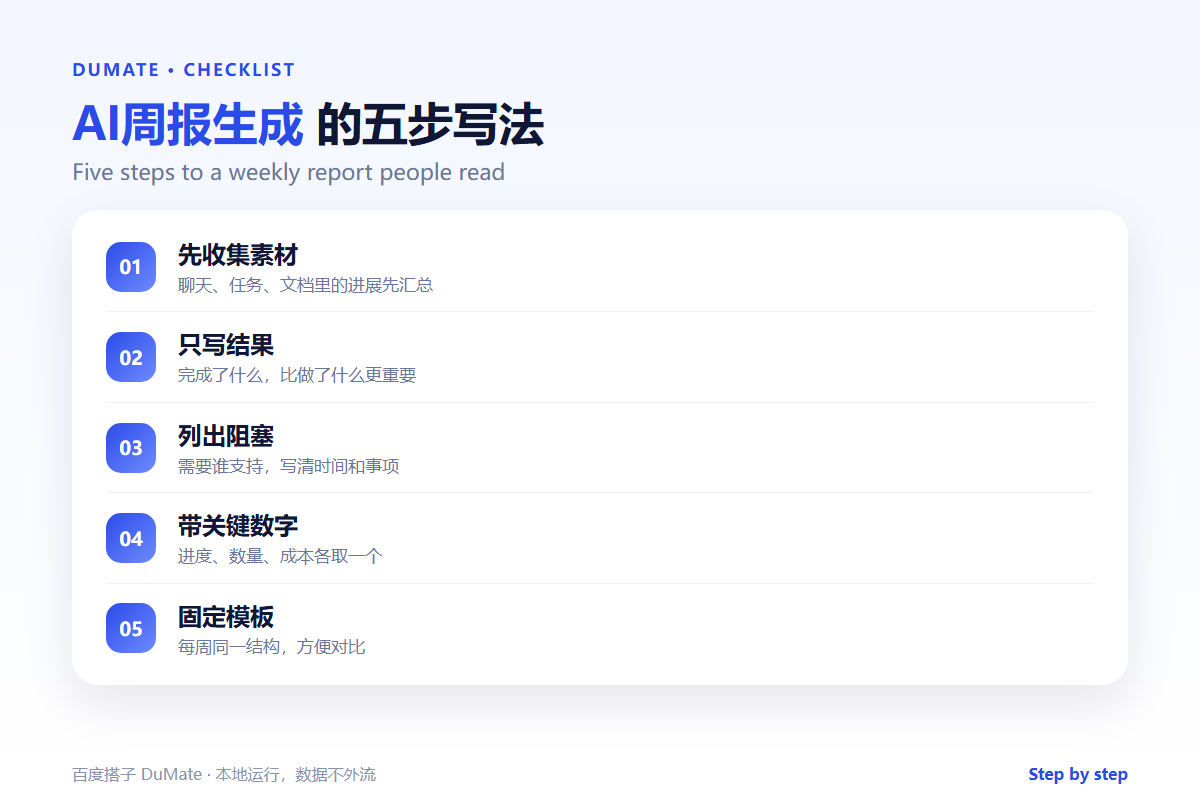
Step 1: Collect inputs during the week
Keep a single note with three headings: shipped, blocked, and learned. Add one line whenever something changes. This takes seconds and removes the Friday scramble. If your team uses a task board, export the completed items on Thursday evening.
Step 2: Group by outcome
Ask the assistant to group items by project and by outcome, not by person. A report organized by outcome answers the question that matters: what is now possible that was not possible last week? AI周报生成 will happily group by person if you let it, and the result will read like a timesheet.
Step 3: Attach numbers
Add one number to each major item: users reached, tickets closed, documents approved, cost saved, or days removed from a process. If a number does not exist, say so. A report with three honest numbers is stronger than one with ten vague adjectives.
Step 4: Write the blockers clearly
Each blocker needs three parts: what is stuck, who can unblock it, and when you need an answer. Vague blockers create vague meetings. Specific blockers create decisions. This is the part where AI周报生成 saves the most editing time, because the structure forces completeness.
Step 5: Edit for length and tone
Cut the draft to one screen. Remove adjectives, keep verbs, and put the most important result in the first two lines. Read it aloud once. If a sentence sounds like a press release, rewrite it.
A Weekly Template That Works
- Top line: the one result that matters most.
- Shipped: three to five items with numbers.
- Blocked: what, who, and by when.
- Next week: three priorities, no more.
- Appendix: links to documents and dashboards.
Where AI周报生成 Goes Wrong
The first failure is input poverty. If you give the tool an empty calendar and a vague prompt, it will invent a narrative. The second failure is over-polishing. A weekly report is an operational document, not a marketing page. The third failure is hiding bad news. A report that only lists wins trains readers to ignore risk until it becomes a crisis.
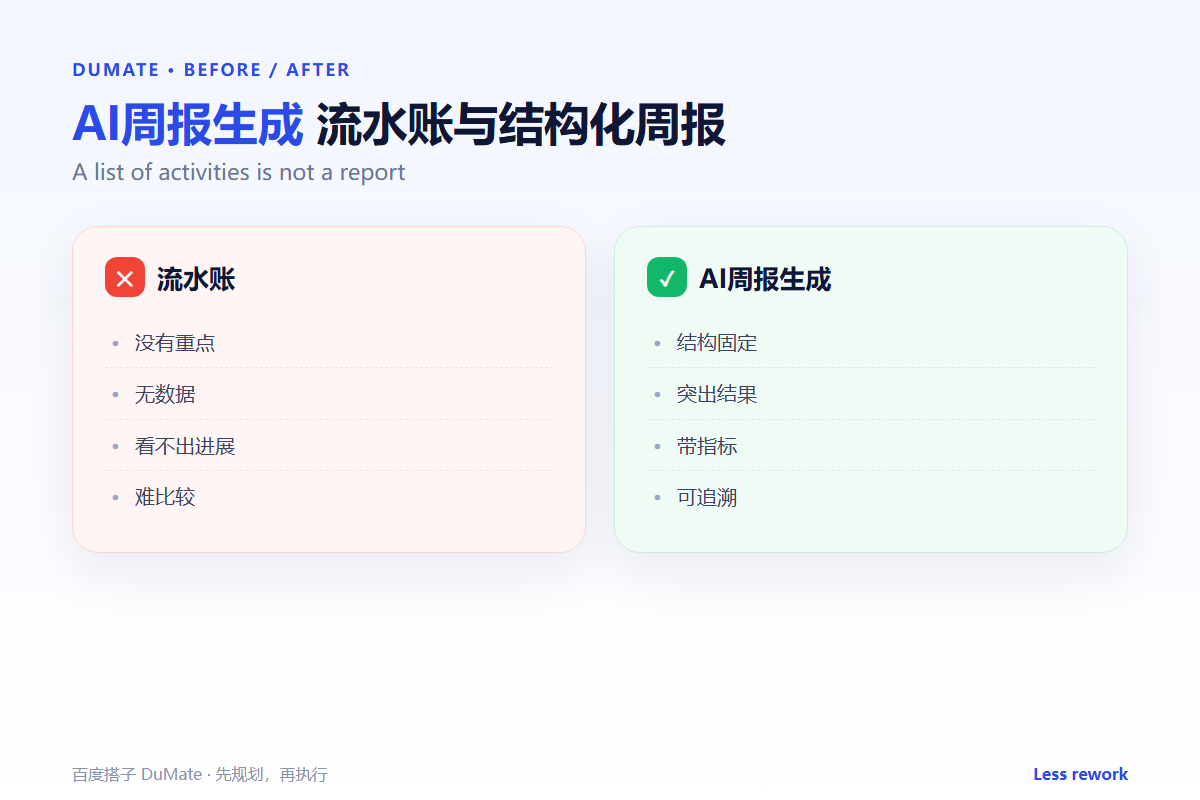
- Reporting activity instead of outcomes.
- Using numbers without a source.
- Burying blockers in the last paragraph.
- Changing the structure every week.
Before and After
Before, the Friday report took sixty minutes and produced a list of meetings. Nobody read past the first paragraph. After, collection happens in small increments, the draft takes one minute, and the edit takes five. Readers reply with decisions instead of questions, because the blockers are specific and the numbers are sourced.
The same shift helps during performance reviews. Instead of reconstructing a quarter from memory, you can scan thirteen weekly reports and see the actual trajectory of the work.
A weekly report is only as good as its inputs. If the AI周报生成 draft feels thin, the fix is usually upstream: fewer notes, captured closer to the work. Teams that write one line after each finished task get a stronger AI周报生成 draft than teams that reconstruct the week from memory on Friday.
It also helps to keep a small library of past reports. When a new AI周报生成 draft appears, compare it with the report from four weeks ago. The comparison shows whether the work is moving or just staying busy. That is the question a weekly report exists to answer.
The best AI周报生成 habit is boring: same day, same template, same length. Use AI周报生成 to draft, then edit by hand, and treat the output as a conversation starter. A report that ends with one clear question gets a reply. A report that ends with a summary gets archived.
FAQ
How long should a weekly report be?
One screen. If it needs more space, link to supporting documents instead of pasting them.
Should AI周报生成 write the final version?
No. Let it write the draft, then edit for tone and accuracy. You are accountable for every claim.
What if nothing shipped this week?
Report the learning and the blocker. A quiet week with a clear diagnosis is more useful than an inflated list.
延伸阅读
To turn the report into a longer analysis, see AI报告生成. For task hygiene, read AI待办事项. Meeting output feeds the report, so our guide to AI会议纪要 is useful. For phrasing, see AI写作助手. If the report is sent by email, read AI邮件助手. External references: NIST AI Risk Management Framework and Microsoft 365 support.
评论
还没有评论,来说两句吧。