
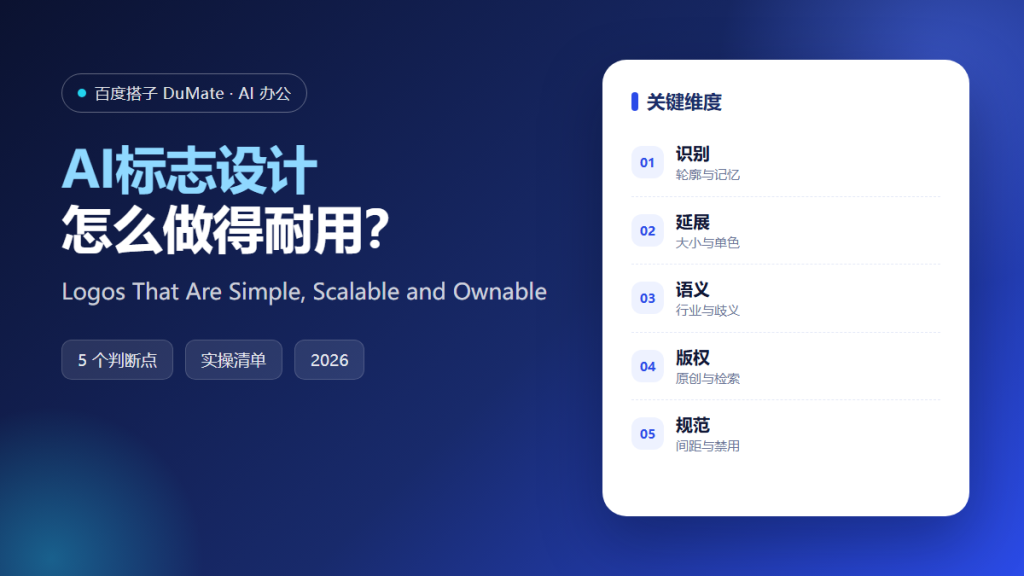
AI标志设计 removes the cost of the first hundred sketches, and that is all it removes. A mark still has to survive a favicon, an embroidered cap, and a legal search. AI标志设计 earns its place when it is used to explore, not to decide.
This guide covers a five-step method for AI标志设计, the tests that separate a mark from a picture, and the checks that prevent a beautiful symbol from becoming a trademark problem.
Key Takeaways
- Write the brief before generating anything.
- Ask for marks, not illustrations.
- Test at sixteen pixels and on fabric.
- Search for similarity before committing.
- Deliver a file set, not a single image.
Why AI标志设计 Needs a Brief
Without a brief, generation drifts toward whatever is fashionable this month. AI标志设计 should be given the name, the category, the tone, and the one thing the mark must not look like. Constraints produce recognition, and recognition is the only job a logo has.
The second reason is scale. A logo is usually seen small, in a corner, at low resolution, next to a headline. AI标志设计 that produces a detailed emblem is producing a poster, not a mark that can live in a user interface.
The third reason is ownership. A mark assembled from familiar pieces may resemble someone else’s. AI标志设计 can generate options, but the similarity search and the registration belong to the brand owner, not to the tool.
How AI标志设计 Works in Five Steps
Step 1: Write a one-page brief
Audience, category, tone, competitors to avoid, and the places the mark will appear. One page is enough; ten pages produce a generic answer with better formatting. Include one sentence about the feeling the mark should create, then test every option against that sentence. Name the one thing the mark must never look like, and say why. Write the brief in the client’s words, then edit it down to the decisions. Ask what the mark will sit next to, because context changes how a shape reads.
Step 2: Generate marks, not scenes
Ask for a symbol, a wordmark, or a monogram on a plain background. AI标志设计 should not be asked for a logo on a business card mockup, because the mockup hides a weak shape. Generate in batches of ten and discard a batch as soon as two options look alike. A mark that needs an explanation is an illustration with a job title. Ask for the same idea in three constructions rather than three different ideas. Batch review is faster than deciding one option at a time.
Step 3: Test at three sizes
Sixteen pixels, a hundred pixels, and a metre. If the shape collapses at the smallest size, simplify the idea rather than adding weight to the strokes. Check the mark on a dark background and on a photograph, because most real placements are neither white nor clean. Test the favicon before the business card, because the smallest use is the hardest. A mark that only works in colour is a mark that will fail on a receipt. Test it upside down, since a mark on a cup is often seen from an angle.
Step 4: Search before you fall in love
Check the name and the mark in the relevant classes. A close resemblance is a cost that arrives eighteen months later, usually with a letter attached. Keep the search report, since a future investor will ask how the mark was cleared. A name search and a mark search are different exercises, and both take an afternoon. Keep the results beside the chosen concept, with the date.
Step 5: Build the file set
Vector, monochrome, reversed, and clear-space rules. AI标志设计 can produce the concept; a designer should redraw it cleanly for production, because generated curves often fail at large sizes. Name the files so a printer can pick the right one without calling you. Include a version with the name spelled out, in case the symbol is not yet recognised. A folder named by version prevents the wrong file from reaching a printer.
‘ alt=’AI标志设计 checklist: brief, small-size test and similarity search’ />
A Logo Checklist
- The brief fits on one page.
- The mark works in one colour.
- It reads at sixteen pixels.
- A similarity search is documented.
- Files include vector and reversed versions.
Where AI标志设计 Fails
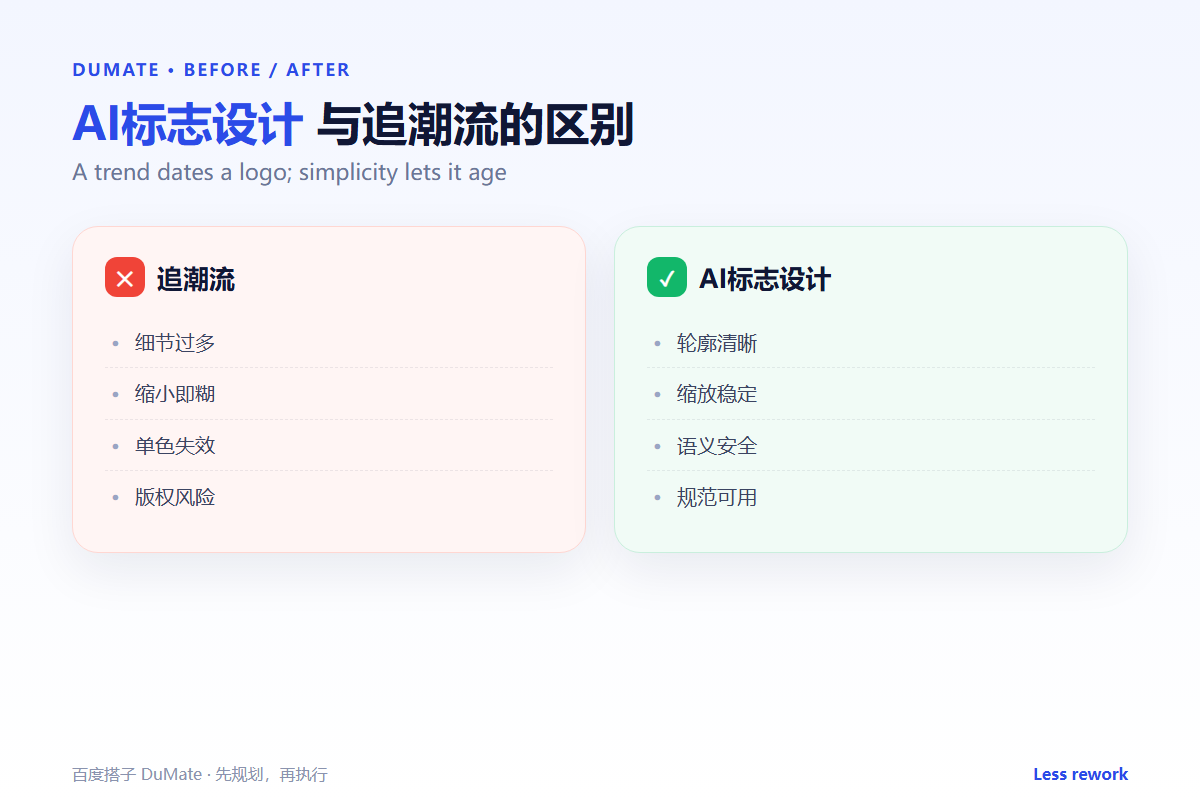
Generated logos fail when they imitate a category cliché: a leaf for anything green, a swoosh for anything fast. They also fail when the type in the wordmark is distorted, which looks acceptable on screen and impossible to reproduce in print. AI标志设计 rarely warns you about either.
- Gradients that vanish in embroidery.
- Text converted into outlines with broken curves.
- Marks that need a caption to be understood.
- No monochrome version, so invoices look wrong.
Before and After
Before, a coffee roaster paid for three concepts and chose the one with the most detail. It became a grey smudge on the bag label and an unreadable shape on the shop sign.
After, AI标志设计 produced forty simple marks, the team chose a monogram, tested it at sixteen pixels and on a stamped card, and registered it. The mark now works on a cup, a sign, and a phone screen.
FAQ
Can a generated logo be registered?
Sometimes, but you need a search and often a redraw. Ownership of a generated image does not replace a trademark check.
How many concepts are enough?
Thirty to fifty rough marks, then three refined. More options do not improve the decision; they delay it.
Should the logo include the tagline?
Rarely. Keep the tagline separate so it can change without redrawing the mark. AI标志设计 should be told the same rule before it starts.
延伸阅读
For the name itself, see brand naming, and for campaign layout, poster design. Product photography is covered in product image, advertising language in ad copy, and long-form selling text in product copy. External references: NIST AI Risk Management Framework and ISO/IEC 42001.
评论
还没有评论,来说两句吧。