
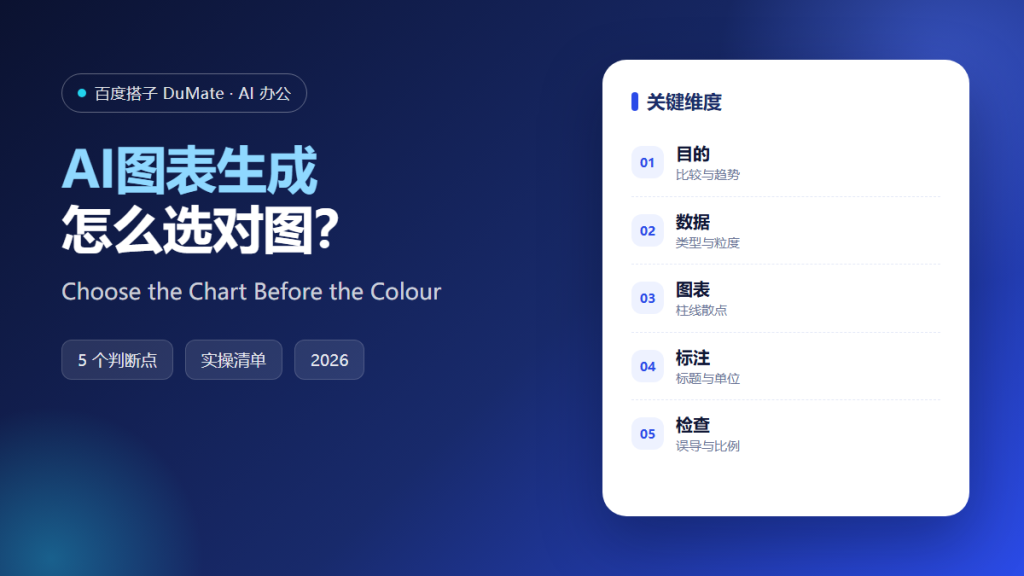
AI图表生成 can now produce a polished graphic from a sentence, and that speed makes one old mistake easier: choosing the colours before choosing the chart. A chart is an argument about a relationship, and the form decides what the reader can see. AI图表生成 is only as good as the question behind it.
This guide sets out a five-step method for AI图表生成, the checks that keep a chart honest, and the habits that separate a clear figure from a decorated one.
Key Takeaways
- State the question before opening the tool.
- Match the chart to the relationship.
- Remove anything that does not carry meaning.
- Label units, period, and source.
- Check the axis before you check the palette.
Why AI图表生成 Needs a Question
A chart answers a comparison, a trend, a distribution, or a composition. Each has a natural form, and using the wrong one forces the reader to do arithmetic that the chart should have done. AI图表生成 should be asked a question, not handed a spreadsheet and a colour preference.
The second reason is honesty. The same data can suggest growth or flatness depending on where the axis starts. AI图表生成 will follow whatever default it is given, so the person asking must set the rule before the figure is drawn.
The third reason is attention. A reader gives a figure a few seconds. AI图表生成 should reduce a chart to one message, because a figure with three messages is read as none at all.
How AI图表生成 Works in Five Steps
Step 1: Write the question
Which region grew fastest last quarter is a question. Sales data is not. The wording decides the form before any software is involved, so write the sentence on paper and underline the comparison it contains. If the sentence needs the word and, it contains two questions and deserves two figures. Write the question before the data is loaded, so the data cannot choose the story. One question per figure is the rule that prevents most bad charts.
Step 2: Choose the form
Bars for comparison, a line for change over time, a scatter for relationship, a stacked bar for composition. AI图表生成 should justify the choice in one line, which exposes a mismatch early. If the justification needs three lines, the question is still unclear. A pie chart is a comparison of parts, and it fails as soon as the parts are close in size. Sort bars by value unless the categories have a natural order, such as months. A line implies continuity, so never use one for categories.
Step 3: Reduce to one message
Remove gridlines, borders, and any series that does not answer the question. Highlight the single element the reader should notice, then check whether the highlight is still visible on a phone. A reader who has to hunt for the point will not find it. Grey the context and colour the point, rather than colouring everything equally. Delete the legend when the labels can sit on the marks themselves. If two colours carry no meaning, remove one of them.
Step 4: Label units and source
Axis titles, units, period, and a source note. A chart without a period is a rumour with a legend, and a chart without a source cannot be defended in a meeting. Put the note at the bottom left, where the eye lands after the title. Write the period as dates, not as last month, because the deck will outlive the meeting. Round for reading, but keep the exact numbers in an appendix. A source note is not decoration; it is what allows a reader to check you.
Step 5: Check scale and accessibility
Start a bar chart at zero, avoid red and green pairs, and test the figure in greyscale. AI图表生成 can propose an alternative palette, but contrast still needs a human check. Print the figure once before it goes into a deck, because a screen hides weak contrast. Check the figure at the size it will be printed, not at the size it appears on your monitor. Ask someone who did not build the figure what it says, and listen to the first sentence.
‘ alt=’AI图表生成 checklist: question, chart form and axis check’ />
A Chart Checklist
- The question is written in one sentence.
- The form matches the relationship.
- One message is highlighted.
- Units and period are labelled.
- The chart survives greyscale.
Where AI图表生成 Fails
The most common failure is decoration. Gradients, shadows, and 3D effects add pixels and remove precision. The second is a truncated axis presented without a note, which turns a small difference into a dramatic one. AI图表生成 reproduces both defaults unless someone stops it.
- Pie charts with nine slices.
- Dual axes that imply a relationship.
- Colours assigned by category with no legend.
- Numbers rounded until the comparison disappears.
Before and After
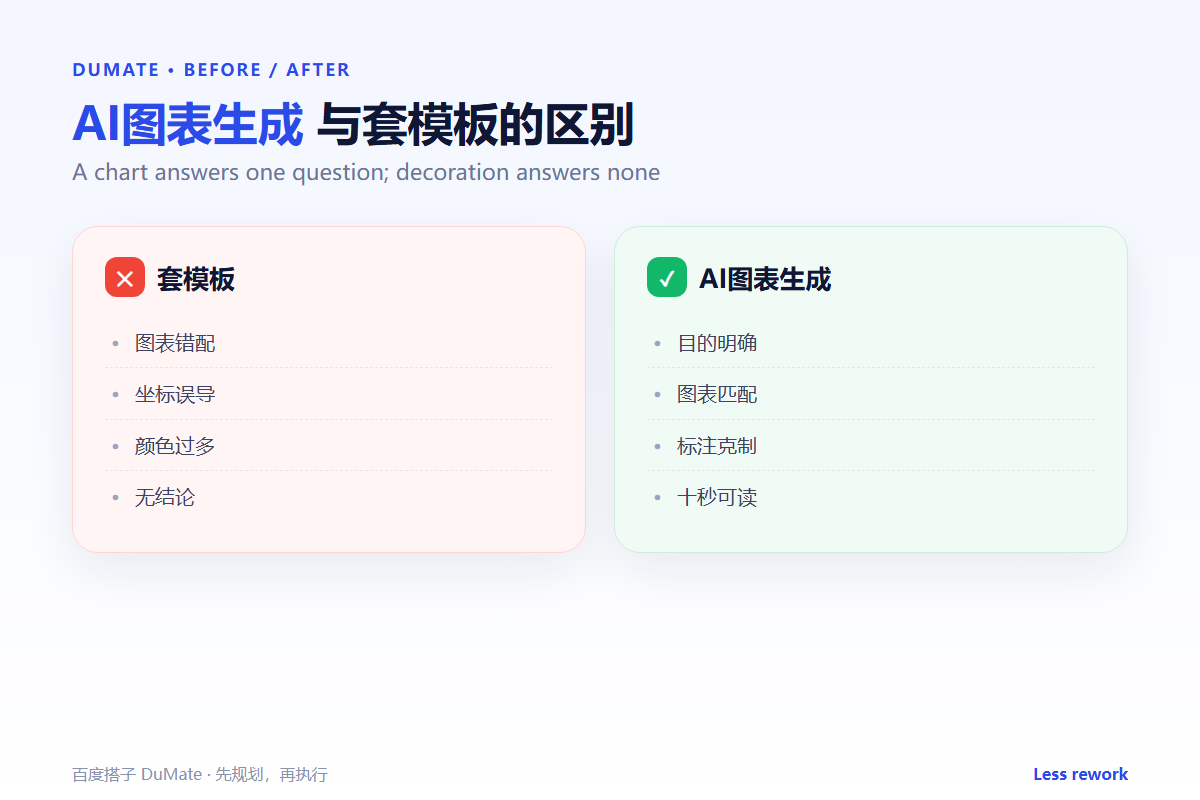
Before, a finance team sent a monthly pack with eleven charts, and readers asked the same question every time: what changed? Each chart answered a question nobody had written down.
After, AI图表生成 produced three figures, each tied to one question, with a highlighted series and a source note. The pack shrank, the meeting shortened, and the discussion moved to the decision instead of the data.
FAQ
Is a table ever better than a chart?
Yes, when readers need exact values or many categories. A chart shows shape; a table supports a lookup.
How many series should a line chart hold?
Four at most. Beyond that, small multiples are easier to read than a rainbow of lines.
Can the tool pick the colours?
It can, and the defaults are often acceptable. AI图表生成 still needs a human to confirm contrast and a print test.
延伸阅读
For reported figures, see financial statements, and for planning, budget planning. Volume outlook is in sales forecast, stock planning in inventory forecast, and consistent labels in data labeling. External references: NIST AI Risk Management Framework and ISO/IEC 42001.
评论
还没有评论,来说两句吧。