
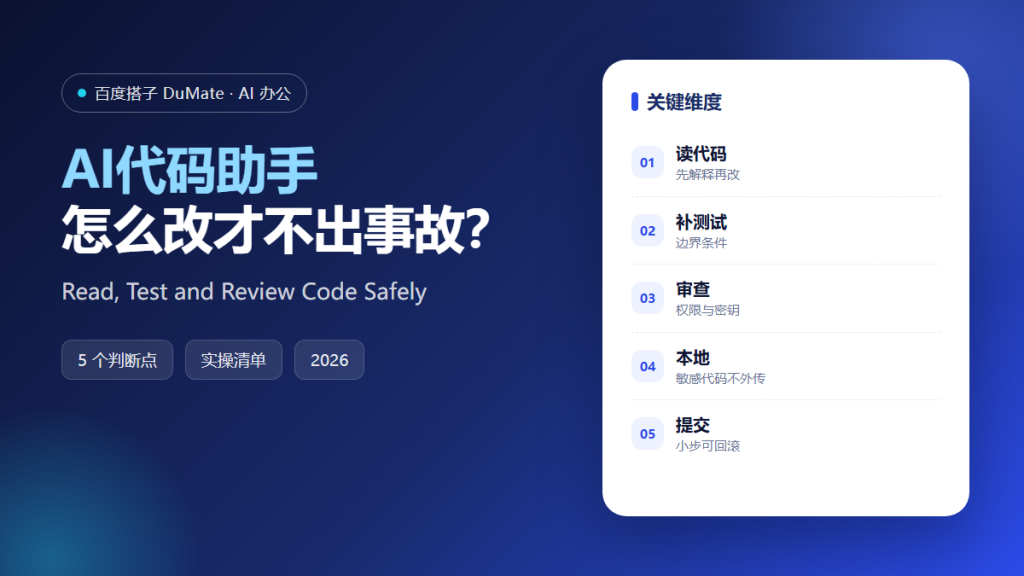
AI代码助手 can write a function in seconds, which is exactly why teams get into trouble with it. Fast code is not the same as correct code. The useful question is not whether the assistant can produce a patch, but whether you can review the patch faster than you could write it yourself. A disciplined AI代码助手 workflow makes that possible.
This guide covers the five steps we use before accepting generated code, the checks that catch most regressions, and the cases where you should not use an assistant at all.
Key Takeaways
- Ask for an explanation before asking for a change.
- Change one function at a time.
- Write a test for the edge case you fear most.
- Scan for secrets and permissions before merging.
- Keep every patch reversible.
Why AI代码助手 Needs a Review Process
Generated code is plausible by design. It follows common patterns, uses familiar names, and reads well in a diff. That plausibility is useful during drafting and dangerous during review, because reviewers tend to skim code that looks normal. The result is a class of bug that passes code review and fails in production.
A second risk is context loss. The assistant sees the file you pasted, not the service that calls it, the database that constrains it, or the customer who depends on it. AI代码助手 will confidently ignore a constraint it cannot see. Your job is to supply the missing context or to reject the patch.
A third risk is security. Generated snippets sometimes include placeholder credentials, verbose logging, or permissive defaults. None of these look dramatic in a diff. All of them matter in an audit.
How AI代码助手 Fits a Five-Step Workflow
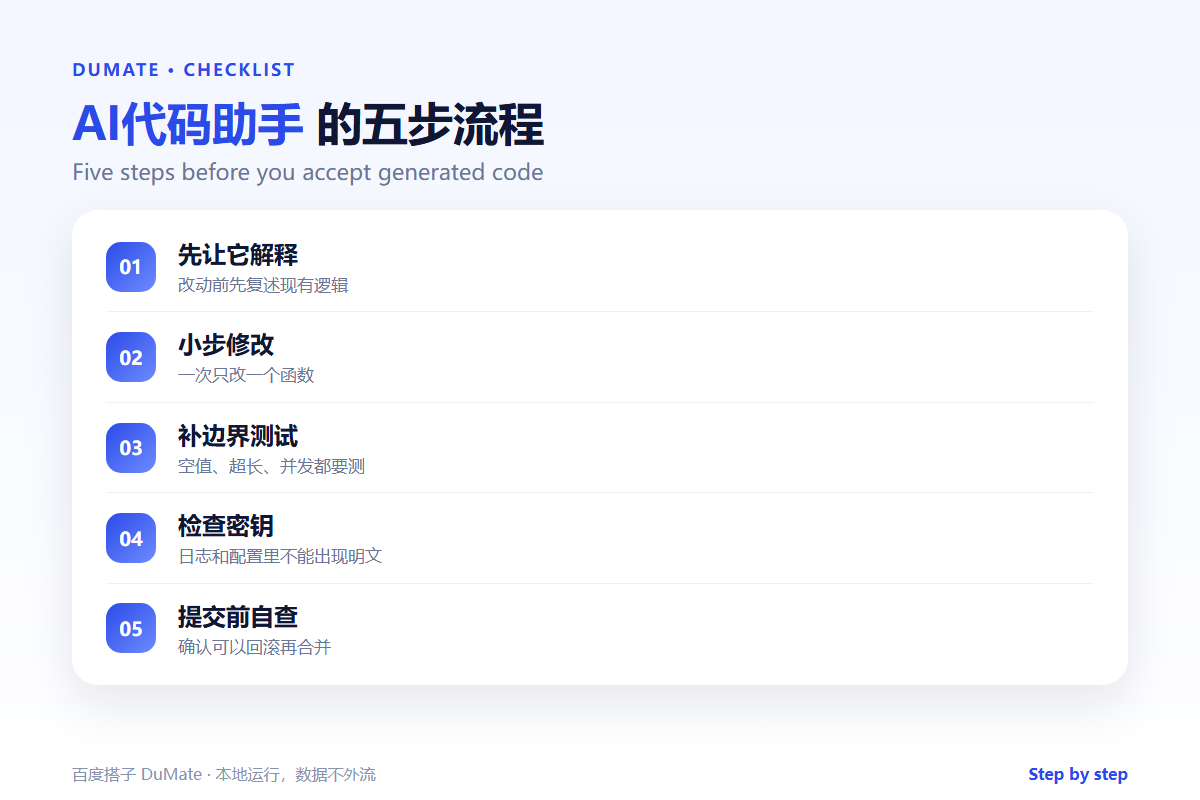
Step 1: Ask for an explanation first
Before changing anything, ask the assistant to explain the current function in plain language. This exposes gaps in its understanding. If the explanation is wrong, the patch will be wrong too. AI代码助手 is usually honest about uncertainty when you ask directly.
Step 2: Make one small change
Change one function, one branch, or one query at a time. Small patches are easier to review, easier to test, and easier to revert. If the assistant proposes a large refactor, split it into a sequence and review each step.
Step 3: Write the test before the fix
Describe the failure you are worried about, then ask for a test that reproduces it. Run the test against the old code and confirm it fails. Then apply the patch. This single habit catches more regressions than any amount of reading.
Step 4: Check permissions, secrets, and logs
Search the diff for keys, tokens, internal URLs, and verbose log lines. Confirm that new database queries respect tenant boundaries. Check that error messages do not leak stack traces to users. AI代码助手 can help with this review, but it cannot be the only reviewer.
Step 5: Merge in a reversible step
Ship behind a flag or in a small batch. Watch the error rate and the latency for one deployment cycle. If something looks wrong, roll back first and investigate second. A fast rollback is worth more than a perfect prediction.
A Pre-Merge Checklist
- The change is limited to one logical unit.
- A failing test existed before the fix.
- No secrets or internal endpoints in the diff.
- Logs are useful without being noisy.
- The rollback path is known and tested.
Where AI代码助手 Fails
It fails at architecture. It can suggest a pattern, but it cannot weigh a migration against a deadline or a team against a maintenance budget. It also fails at domain rules that live in people’s heads, such as why a discount must never apply to a specific customer tier. Finally, it fails silently when the language version or library version differs from what it was trained on.
- Invented library methods that do not exist.
- Outdated APIs that still compile.
- Tests that assert behavior instead of requirements.
- Refactors that touch unrelated files.
Before and After
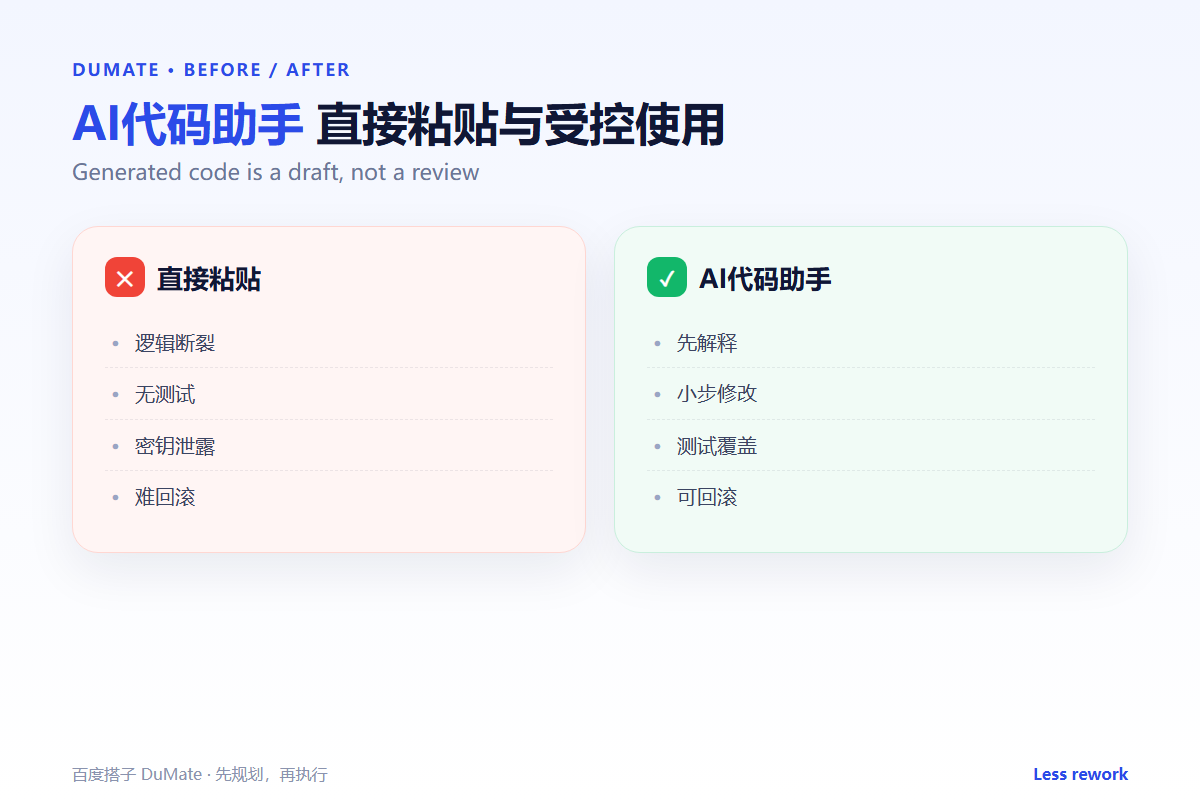
Before, a developer pastes a generated patch, skims it, and merges. Two days later, a rare input triggers a null value and a dashboard goes blank. After, the same developer asks for a test first, sees it fail, applies the patch, and watches the error rate for a cycle. The total time is slightly longer. The number of incidents is much lower.
The lesson is simple: treat generated code as a pull request from a fast contractor who has never met your users. Review it accordingly.
The best place to start with AI代码助手 is a small, boring function that already has tests. Ask for a refactor, run the tests, and compare the diff. This builds trust in the workflow without risking a critical path. Once the AI代码助手 has earned trust on small changes, move to larger ones.
Keep a short list of prompts that worked. A reusable prompt for explaining a function, a prompt for writing edge-case tests, and a prompt for reviewing permissions will cover most daily work. The AI代码助手 becomes more useful when the prompts are consistent, because the output becomes easier to compare.
Finally, decide where code is allowed to go. If the repository is sensitive, run the AI代码助手 locally and keep the data on the machine. Convenience is not a reason to send source code to a service your security team has not approved. A good AI代码助手 workflow also includes a short post-mortem after each incident, so the next patch starts with better context.
FAQ
Can I use AI代码助手 for production code?
Yes, with review, tests, and a rollback plan. The tool does not remove accountability.
What about proprietary source code?
Check your data policy first. If code cannot leave the device, use a local model. Our guide to local assistants explains the trade-offs.
How much code should I review at once?
Keep patches under a few hundred lines. Beyond that, review quality drops quickly.
延伸阅读
To package recurring fixes as reusable instructions, see AI技能. For repetitive release steps, read AI自动化流程. Code often contains sensitive data, so our guide to AI数据安全 matters. For local execution, see AI桌面自动化. Tool selection is covered in AI效率工具. External references: NIST AI Risk Management Framework and OWASP Top Ten.
评论
还没有评论,来说两句吧。