
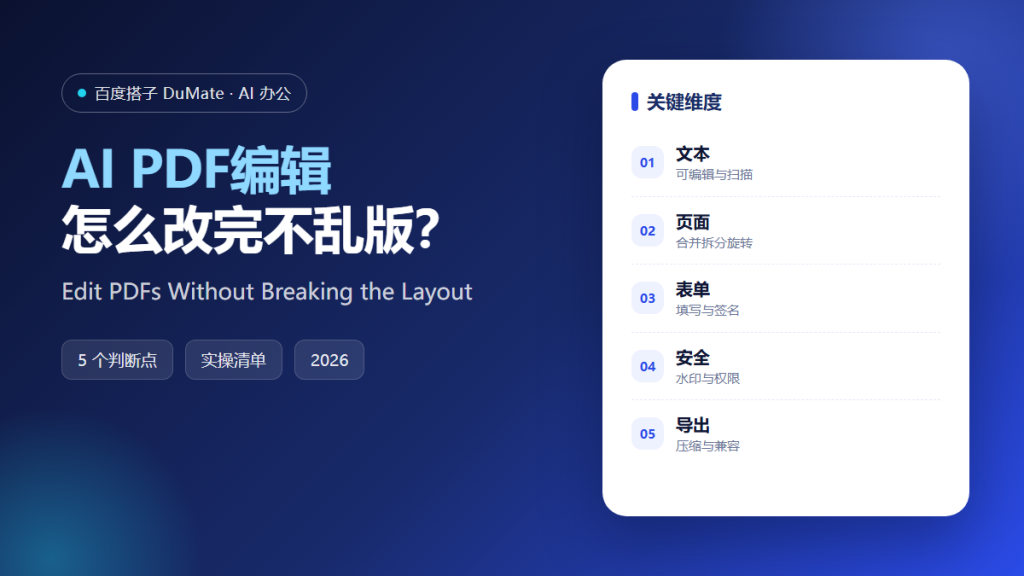
AI PDF编辑 is deceptive. The page looks like a document, but the underlying structure may be text, an image, or a mix of both. The right method depends on which one you have, and choosing wrong produces a file that looks fine on screen and fails in print or search.
This guide covers a five-step editing process, the checks that preserve layout, and the export settings that keep a PDF usable.
Key Takeaways
- Identify whether the PDF contains text or an image.
- Back up the original before editing.
- Edit one type of content at a time.
- Check fonts and spacing after every change.
- Review every page before export.
Why AI PDF编辑 Needs a File-Type Check
A text-based PDF can be edited, searched, and reflowed. A scanned PDF is an image and requires recognition first. AI PDF编辑 applied to the wrong type produces garbled text or a blurred page.
The second reason is font substitution. If the original font is embedded and unavailable, the editor replaces it, and the layout shifts. Checking the font before editing saves the final review.
How AI PDF编辑 Works in Five Steps
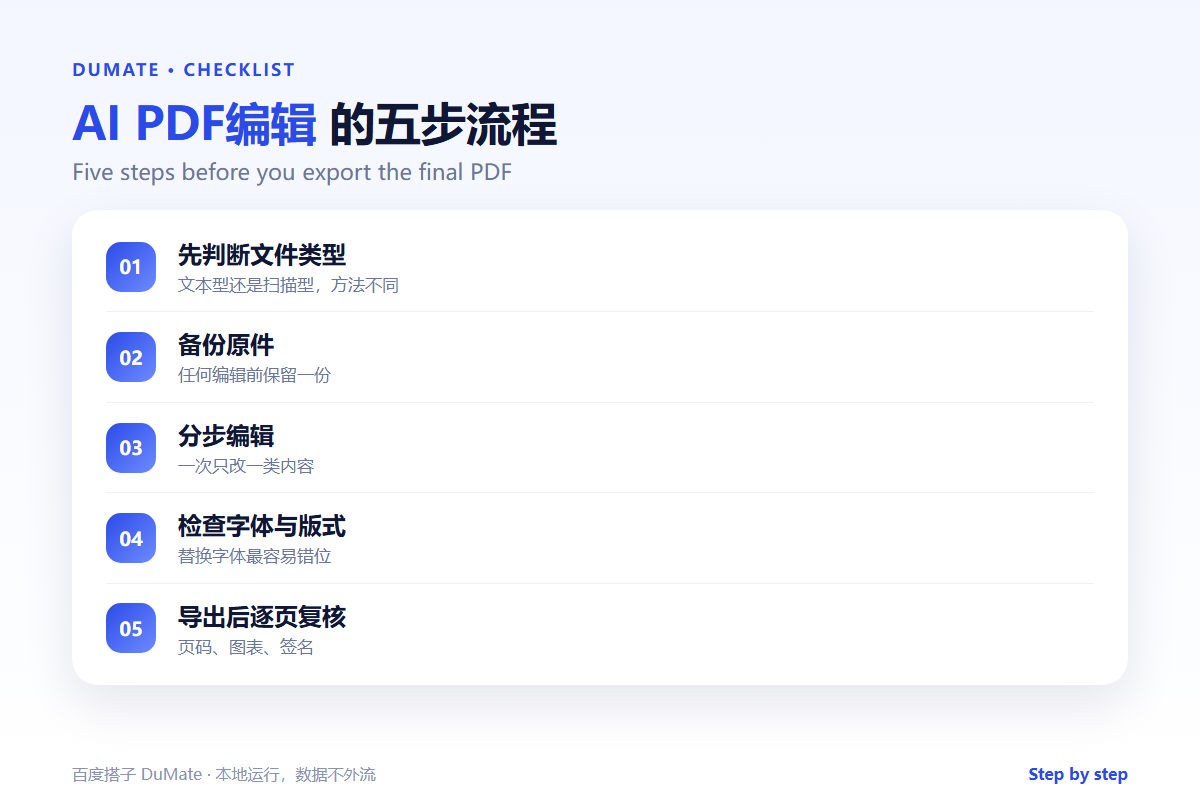
Step 1: Identify the file type
Try to select text. If you can, the file contains text. If not, run recognition first. AI PDF编辑 should report the file type before making changes.
Step 2: Back up the original
Keep an untouched copy. Every edit should be reversible. AI PDF编辑 tools can corrupt a file when a page operation fails.
Step 3: Edit in small operations
Change text, then pages, then forms. Do not combine operations in one pass. AI PDF编辑 is easier to verify when each change can be isolated.
Step 4: Check fonts and layout
Compare the edited page with the original. Look at line breaks, spacing, headers, and footers. AI PDF编辑 should not be trusted to preserve a complex layout automatically.
Step 5: Review and export
Open the exported file on another device. Check page count, links, signatures, and search. AI PDF编辑 output should be smaller than the original only if quality is preserved.
An Editing Checklist
- The file type is confirmed.
- The original is backed up.
- Text remains searchable.
- Fonts and spacing are unchanged.
- Every page is reviewed after export.
Where AI PDF编辑 Fails
It fails on scanned documents without recognition. It also fails on complex forms with calculations, which may lose their logic after editing.
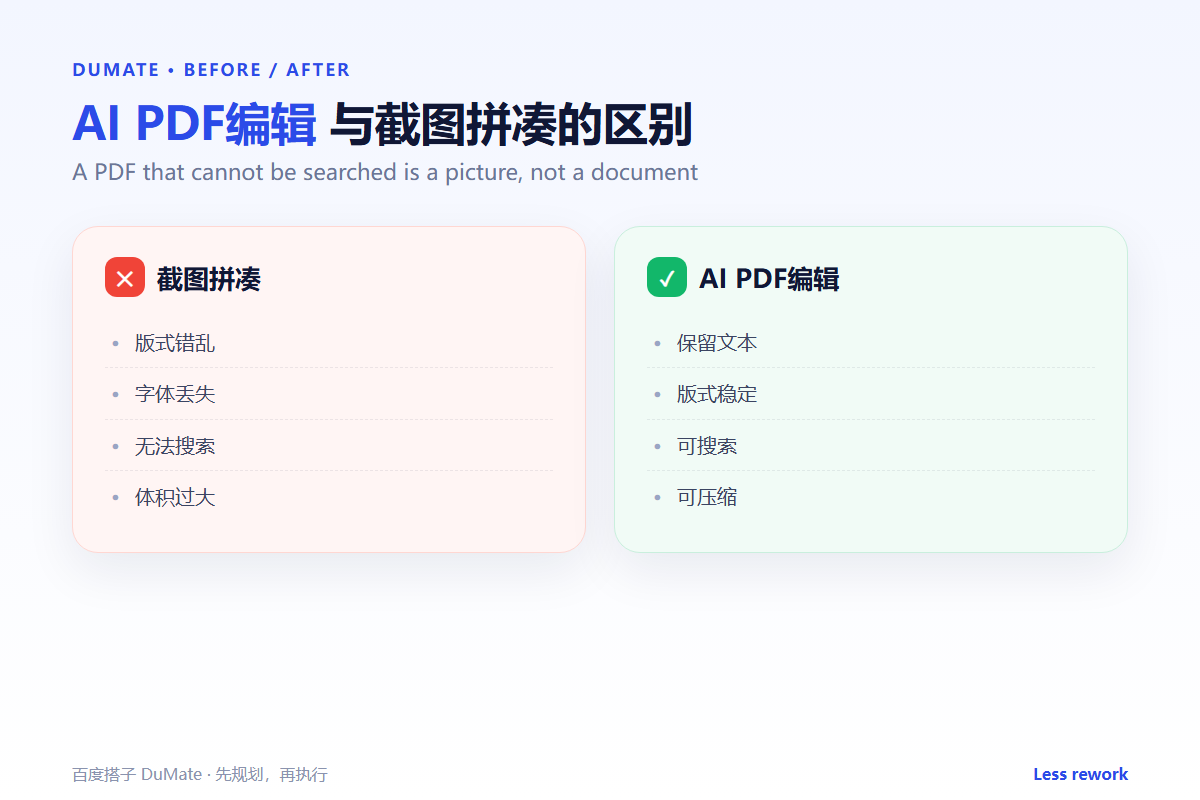
- Editing an image as if it were text.
- Losing form fields.
- Breaking bookmarks and links.
- Oversized exports.
Before and After
Before, a team edited a contract PDF, replaced a page, and discovered the page numbers and signatures no longer matched. After, AI PDF编辑 split the operation into steps, checked the layout, and exported a file that passed review on the first attempt.
A PDF is a container. Edit the contents, not the appearance.
Used consistently, AI PDF编辑 becomes part of the normal review routine rather than a separate project.
A final check with AI PDF编辑 takes a minute and catches the errors that are easiest to miss.
The same AI PDF编辑 routine works for small tasks and large ones, which is why teams keep using it.
Measuring Whether It Works
Measure AI PDF编辑 with three numbers: time spent, rework required, and output accepted without changes. Track them for four weeks before drawing a conclusion. Set a baseline from the manual process, because without a baseline any result looks like progress.
Time alone is misleading. A task that finishes faster but needs a full rewrite is not an improvement. Pair time with rework, and pair both with the quality of the final output. AI PDF编辑 should be compared with how the work was done before, not with an ideal.
Review the numbers monthly with the people doing the work. They know why a week was slow or why rework increased. AI PDF编辑 improves when the review includes the operators, not only the managers. Keep the dashboard small: three numbers and one note are enough.
Also record the exceptions. A week with an unusual campaign or a system outage is not a fair test. Note the context next to the numbers so a later reader does not compare incomparable weeks. When the numbers are stable, expand the scope; when they move the wrong way, fix the input before adding more use cases. The goal is not to prove that AI PDF编辑 works, but to know when it works and when it does not.
Keep the first month simple. One task, one owner, and one weekly review are enough to prove the workflow before it spreads across the team.
Write down what changed after each run. A short note is easier to trust than a memory, and it makes the next improvement obvious.
Review the output before it leaves your desk. A two-minute check catches most of the errors that would otherwise come back as questions.
FAQ
Can I edit a scanned PDF?
Run recognition first, then edit the text layer. Keep the original image for verification.
Why did my fonts change?
The original font may not be embedded. Use a standard font or embed the font before editing.
How do I reduce file size?
Compress images, not text. Check the result at reading size before publishing.
延伸阅读
For scanned files, see AI扫描件修复 and AI OCR识别. Conversion is covered in AI文件转换. Batch work is in AI批量处理. Access rules are in AI权限管理. External references: NIST AI Risk Management Framework and ISO/IEC 42001.
评论
还没有评论,来说两句吧。以下为本文的引用通告: