
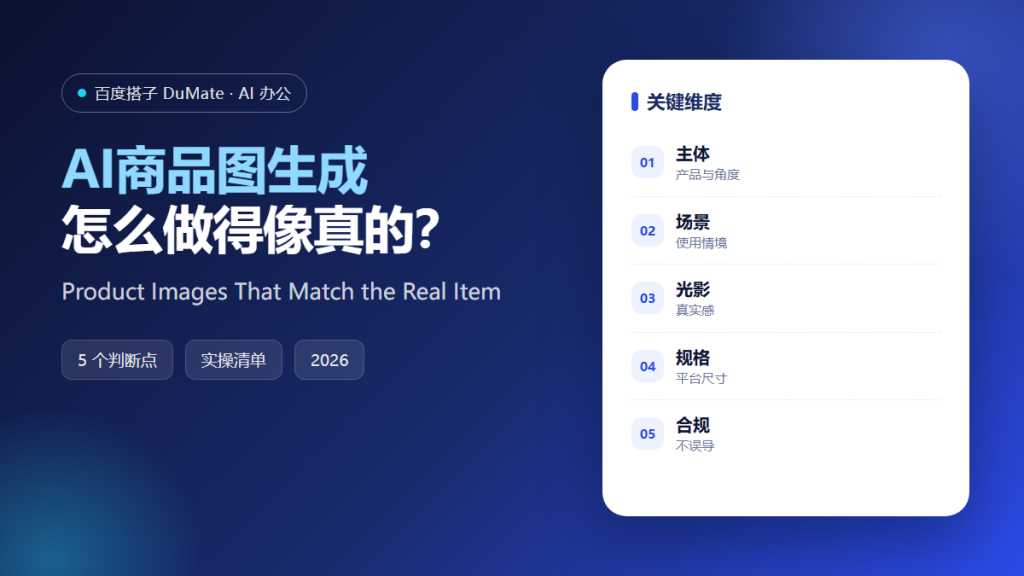
AI商品图生成 is useful when the product is real and the scene is flexible. It is dangerous when the generated image changes the product. The buyer expects the item to arrive looking like the picture, and a mismatch creates returns and complaints.
This guide covers a five-step process for generating product scenes, the details that keep an image believable, and the compliance checks before publishing.
Key Takeaways
- Start from a real product photo.
- Choose a scene that explains the use.
- Match light direction and color temperature.
- Keep scale and proportions accurate.
- Check that the image does not mislead.
Why AI商品图生成 Needs a Real Base
Generated products tend to drift: a zipper moves, a logo changes, a color becomes richer. AI商品图生成 should use the real product as the subject and generate the environment around it, not the item itself.
The second reason is scale. A cup placed next to an oversized laptop looks wrong, and viewers notice without knowing why. Reference objects help.
How AI商品图生成 Works in Five Steps
Step 1: Prepare the product image
Use a clean cutout with accurate color. Check the edges and the label. AI商品图生成 should receive the real item as the fixed element.
Step 2: Choose the scene
Select a setting that explains when and where the product is used. A kitchen for a blender, a desk for a notebook. AI商品图生成 can produce variations, but the scene should serve the story.
Step 3: Match the light
Match direction, softness, and color temperature. A product lit from the left in a scene lit from the right looks pasted. AI商品图生成 should be instructed to match the existing light.
Step 4: Check scale and contact
Look at shadows, reflections, and where the product meets the surface. Floating products and missing contact shadows break the illusion. AI商品图生成 often needs a manual shadow pass.
Step 5: Export and verify
Produce the sizes required by each marketplace. Check that the product color and details match the real item. AI商品图生成 output should be reviewed by someone who has held the product.
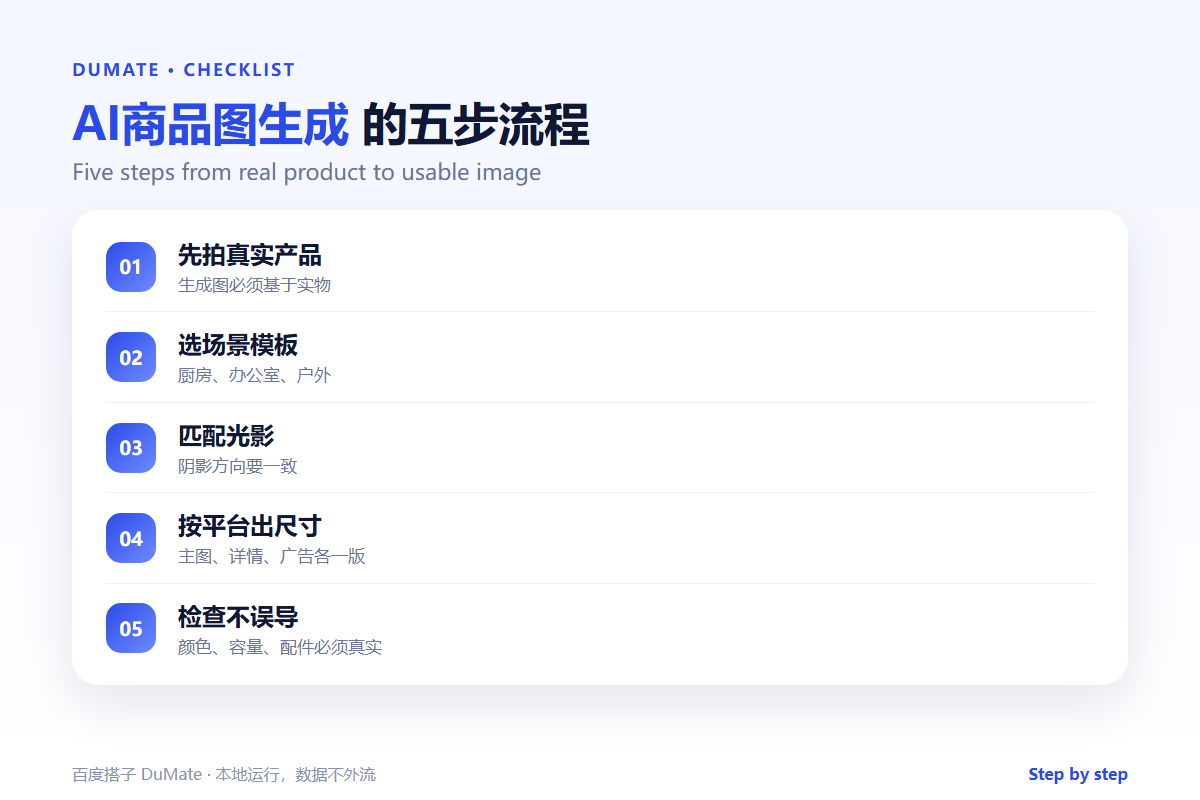
A Product Image Checklist
- The product is the real item.
- The scene explains the use.
- Light direction matches.
- Scale and shadows are believable.
- Platform sizes are exported.
Where AI商品图生成 Fails
It fails when the product has fine text or complex patterns, which get distorted. It also fails when the scene implies a feature the product does not have.
- Changed logos or colors.
- Impossible scale.
- Missing contact shadows.
- A scene that suggests a false capability.
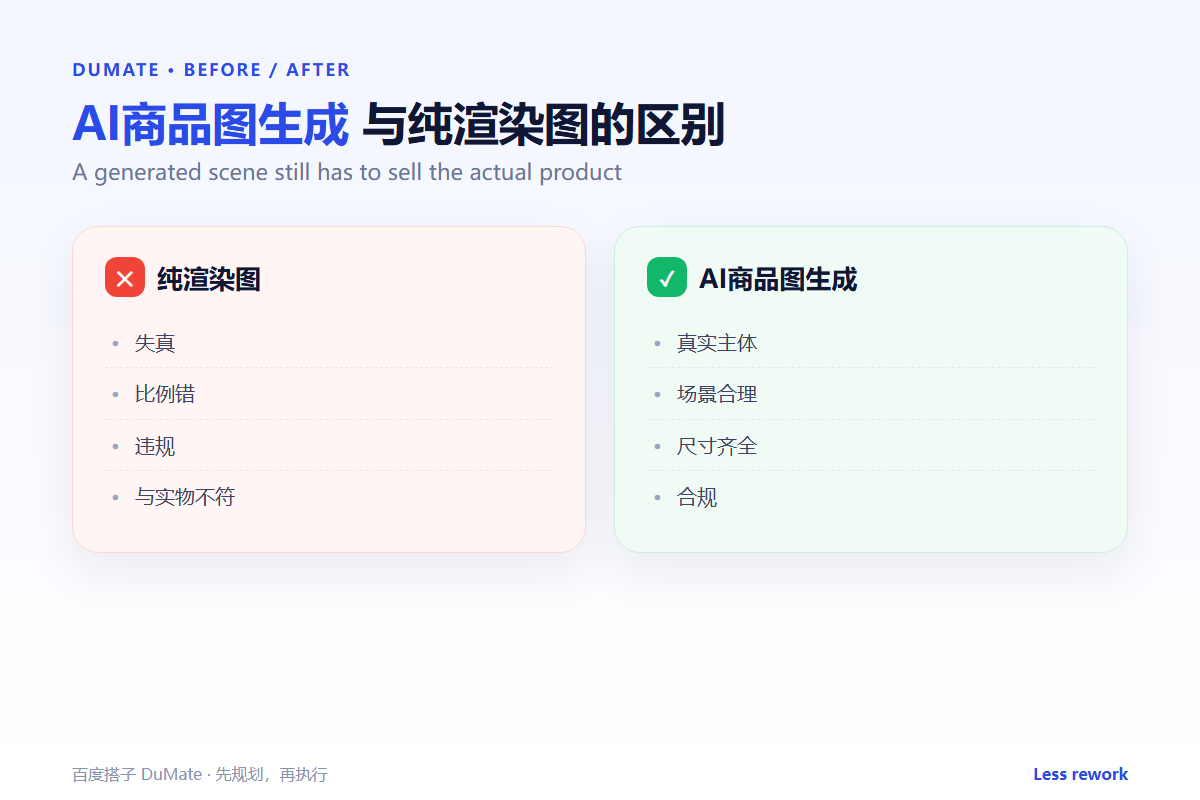
Before and After
Before, the team used a plain white background for every item and struggled to show scale. After, AI商品图生成 placed the real products in simple scenes with reference objects, and customers stopped asking how large the item was.
The scene is there to answer a question, not to decorate.
Used consistently, AI商品图生成 becomes part of the normal review routine rather than a separate project.
A final check with AI商品图生成 takes a minute and catches the errors that are easiest to miss.
The same AI商品图生成 routine works for small tasks and large ones, which is why teams keep using it.
Measuring Whether It Works
Measure AI商品图生成 with three numbers: time spent, rework required, and output accepted without changes. Track them for four weeks before drawing a conclusion. Set a baseline from the manual process, because without a baseline any result looks like progress.
Time alone is misleading. A task that finishes faster but needs a full rewrite is not an improvement. Pair time with rework, and pair both with the quality of the final output. AI商品图生成 should be compared with how the work was done before, not with an ideal.
Review the numbers monthly with the people doing the work. They know why a week was slow or why rework increased. AI商品图生成 improves when the review includes the operators, not only the managers. Keep the dashboard small: three numbers and one note are enough.
Also record the exceptions. A week with an unusual campaign or a system outage is not a fair test. Note the context next to the numbers so a later reader does not compare incomparable weeks. When the numbers are stable, expand the scope; when they move the wrong way, fix the input before adding more use cases. The goal is not to prove that AI商品图生成 works, but to know when it works and when it does not.
Keep the first month simple. One task, one owner, and one weekly review are enough to prove the workflow before it spreads across the team.
Write down what changed after each run. A short note is easier to trust than a memory, and it makes the next improvement obvious.
Review the output before it leaves your desk. A two-minute check catches most of the errors that would otherwise come back as questions.
Keep one example of a good result. New team members learn faster from a concrete reference than from a long explanation.
FAQ
Can I generate the product itself?
Only for concept work. For sales, use the real item to avoid misleading buyers.
How many scenes do I need?
One main image and two supporting scenes are enough for most listings.
What about models?
Use licensed images and disclose synthetic content where required. Never imply a real person used the product if they did not.
延伸阅读
For upscaling, see AI图片放大. Restoration is covered in AI老照片修复. Poster layout is in AI海报设计. Batch work is covered in AI批量处理. Tool selection is in AI效率工具. External references: W3C Web Accessibility Initiative and NIST AI Risk Management Framework.
评论
还没有评论,来说两句吧。