
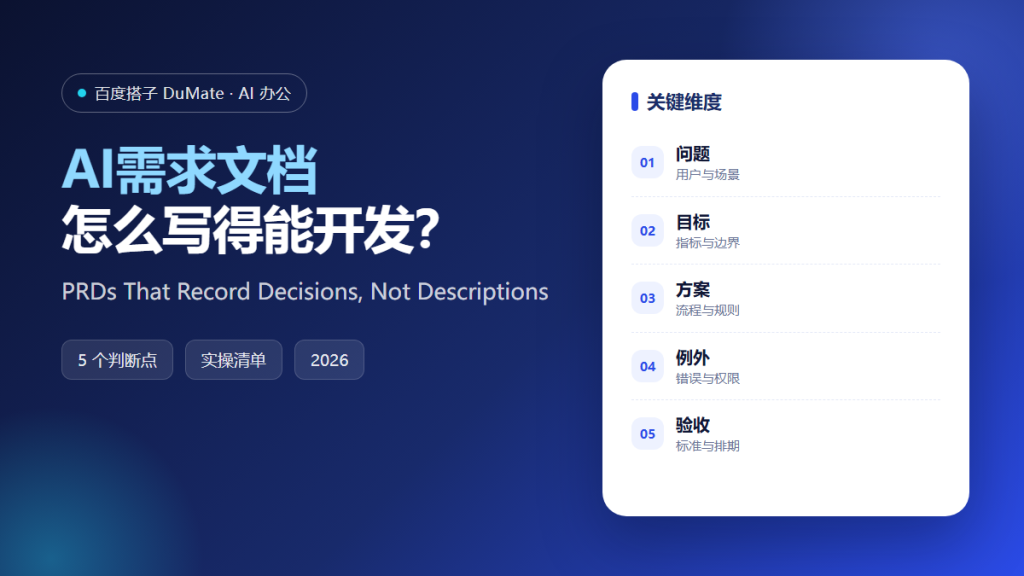
AI需求文档 is often treated as a formatting task, but the document exists to record decisions a team would otherwise forget. When it works, engineers know what to build, testers know what to verify, and nobody argues about scope in the last week. A short document that names choices beats a long one that describes everything and decides nothing.
This guide explains how AI需求文档 turns a vague request into a decision log, the five steps that produce a reviewable draft, and the failure modes that make a long document useless. The aim is a page a busy engineer can read before lunch.
Key Takeaways
- Write the problem before the feature.
- Record decisions with an owner and a date.
- Turn each decision into a testable condition.
- Name what is explicitly out of scope.
- Version the document and publish changes.
Why AI需求文档 Needs a Decision Log
Most requirements are not missing words; they are missing choices. Should a refund be automatic or approved? Is a draft saved locally or on the server? AI需求文档 is useful when it forces each choice into a sentence with an owner and a date. An option left open is a decision postponed to the most expensive moment.
The second reason is memory. Teams change, and the reasoning behind a feature disappears faster than the code. AI需求文档 preserves the alternative that was rejected and the constraint that caused it, which prevents the same debate from returning every quarter. A new joiner can read the log and stop asking why the obvious alternative was rejected.
The third reason is testability. A decision written as a behaviour can be checked; a description written as an aspiration cannot. AI需求文档 should end each section with an observable condition, so quality assurance starts from the document rather than from a demo. If a condition cannot be observed, it is an opinion rather than a requirement.
How AI需求文档 Works in Five Steps
Step 1: Frame the problem and the person
Describe who is stuck, what they are trying to finish, and what happens today. Keep the paragraph short and concrete, and quote a real support ticket if one exists. A document that opens with a solution has already skipped the conversation that matters.
Step 2: List decisions, not features
Write one line per choice: what we decided, what we rejected, and why. AI需求文档 can propose options, but the product owner must select one. Open questions belong in a separate block with a name beside each, so they cannot quietly become assumptions.
Step 3: Write acceptance conditions
Convert each decision into a condition a tester can observe. State the input, the expected result, and the error case. Vague words such as fast or friendly should be replaced with a number, a limit, or an example. If the team cannot agree on the example, the decision is not finished.
Step 4: Review with builders and testers
Read the draft aloud with the people who will implement and verify it. Ask them to describe what they would build. AI需求文档 is finished for this round when their description matches the decision log and the remaining gaps are written down with an owner.
Step 5: Version and publish
Give the document a version, a date, and a change note. Publish it where the team already works instead of a private folder, and link it from the ticket. AI需求文档 that nobody can find is a draft, regardless of how carefully it was written.
‘ alt=’AI需求文档 checklist: problem, decisions, acceptance and scope’ />
A Requirements Review Checklist
- The problem is stated without a solution.
- Every decision has an owner and a date.
- Acceptance conditions are observable.
- Out-of-scope items are explicit.
- The document has a version and a home.
Where AI需求文档 Fails
It fails when the output is a polished description of a feature nobody has agreed to build. It also fails when the document grows to thirty pages because every edge case was pasted in without a decision. Length feels like diligence, but it usually hides the three choices that still need an owner. A reader who cannot find a decision will make a different one, and AI需求文档 will be blamed for a choice it never recorded. That blame is the first sign that the document described a product instead of deciding one.
- Requirements copied from a competitor page.
- Open questions with no owner.
- Acceptance criteria that restate the feature.
- Silent changes after the review.
Before and After
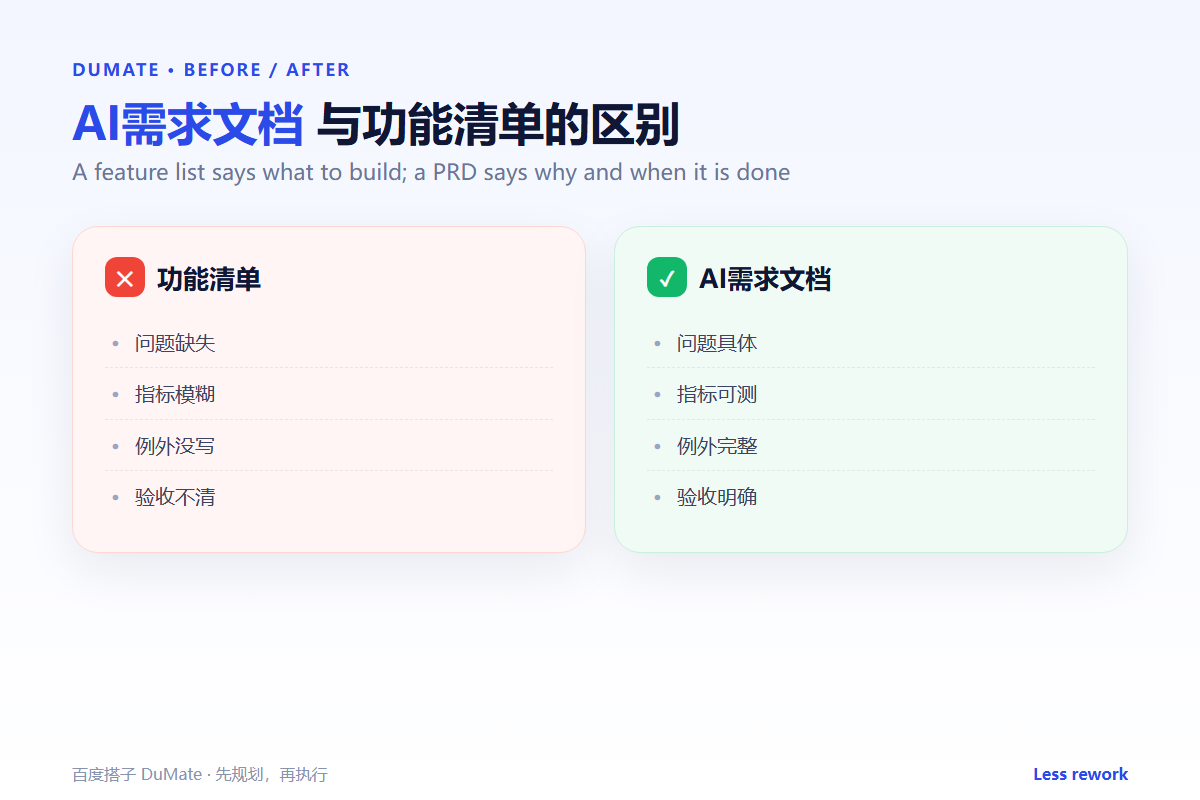
Before, a team received a two-line request, built for three weeks, and discovered at the demo that the approval step was missing. The document had described screens, not decisions, and the conversation that should have happened in week one happened in week four instead.
After, AI需求文档 captured five decisions, two rejected options, and one open question with a name beside it. The build took the same time, but the demo ended with a launch date instead of a redesign. The decision log also made onboarding faster, because new engineers could read why each option was rejected.
FAQ
Does AI需求文档 replace a product manager?
No. It removes blank-page time and catches missing sections. Prioritisation, trade-offs, and the final call still belong to a person who owns the outcome.
How long should the document be?
Long enough to cover decisions and short enough to be read in one sitting. Two to four pages suit most features, and a longer appendix should never replace the main page.
What if the requirements change?
Change the document, add a note, and tell the team. A silent change is worse than a late one, because it breaks the trust that makes a short document useful.
延伸阅读
For clearer prose, read official writing and product copy. User context is covered in customer profile. Verification starts with test cases, and clean drafts with document proofreading. External references: NIST AI Risk Management Framework and ISO/IEC 42001.
评论
还没有评论,来说两句吧。