
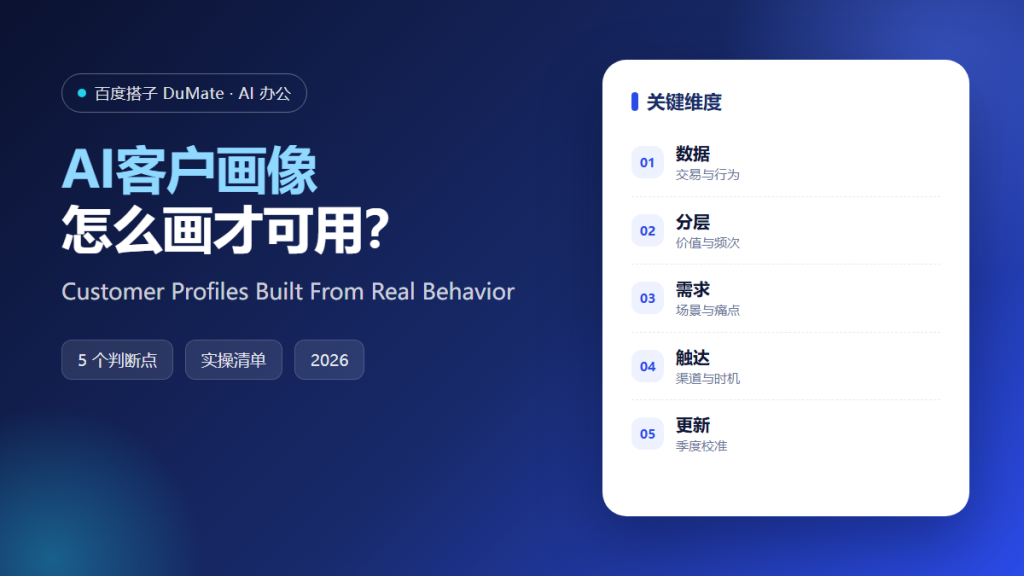
AI客户画像 often produces a document full of adjectives: busy professionals, value-conscious families, young adventurers. None of it helps a team decide what to send, to whom, and when. A useful profile is built from behavior and tied to an action.
This guide covers a five-step profile-building method, the data that matters most, and the update rhythm that prevents a profile from becoming fiction.
Key Takeaways
- Start with transaction and behavior data.
- Segment by value and frequency.
- Describe three real usage moments.
- Match each segment to a channel.
- Refresh the profile every quarter.
Why AI客户画像 Needs Behavior Data
Surveys and assumptions describe intentions, not behavior. Customers say they care about quality and then buy on price. AI客户画像 that relies on stated preferences tends to produce segments that look reasonable and do not predict anything.
The second reason is action. A profile is useful only if it changes a message, a channel, or a timing decision. If the profile cannot be connected to an action, it is a report, not a tool.
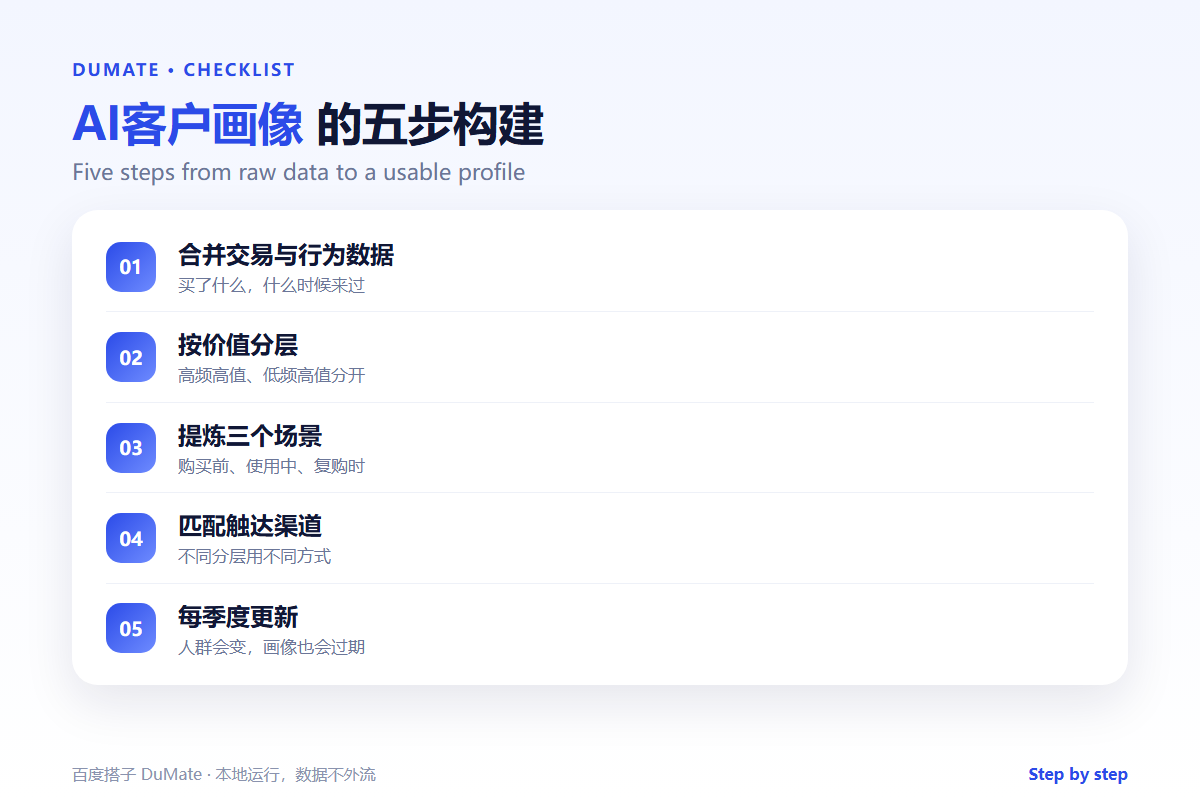
How AI客户画像 Works in Five Steps
Step 1: Merge the data
Combine transactions, support tickets, and product usage where consent allows. Resolve duplicate identities. AI客户画像 should work from a clean, joined table.
Step 2: Segment by value and frequency
Use recency, frequency, and monetary value as a starting point. Add one behavioral dimension such as support contact or feature adoption. AI客户画像 can test how stable the segments are.
Step 3: Describe usage moments
For each segment, write three moments: before purchase, during use, and at renewal. Use real examples. AI客户画像 can draft the descriptions from the data, but the team should confirm they are recognizable.
Step 4: Match channels and offers
Decide where each segment can be reached and what offer fits. A high-value, low-frequency segment may need a human call, not a discount. AI客户画像 should output a table of segment, channel, and action.
Step 5: Refresh quarterly
Recompute the segments and compare. If a segment has disappeared, remove it. AI客户画像 that is not updated becomes a historical document.
A Profile Checklist
- Data comes from behavior, not opinion.
- Segments are stable over time.
- Each profile has three usage moments.
- Each segment has a channel and an action.
- The profile is refreshed every quarter.
Where AI客户画像 Fails
It fails when the data is too sparse to segment, which produces groups that are really just noise. It also fails when the profile is used to justify a message that was already planned.
- Segments with no actionable difference.
- Profiles based on a single survey.
- Ignoring support and return data.
- No owner for updates.
Before and After
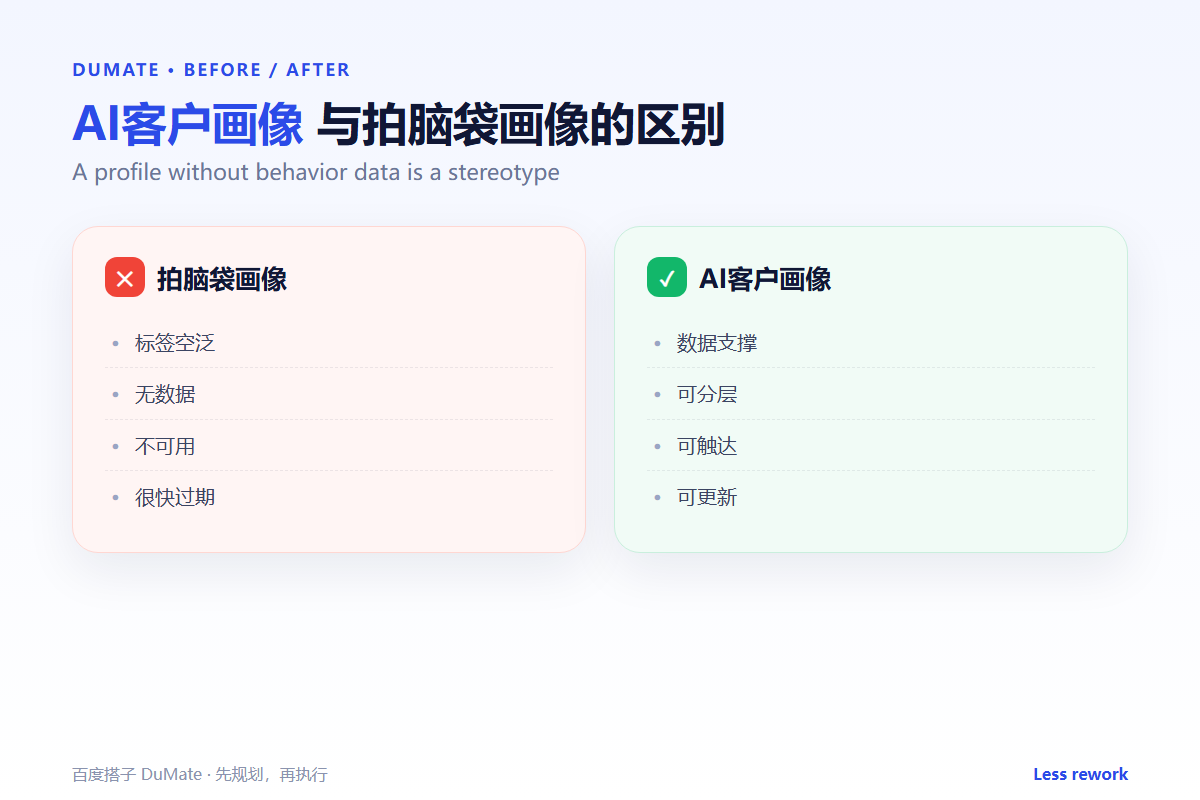
Before, the team had four personas with names and stock photos, and campaign decisions still relied on intuition. After, AI客户画像 produced six behavior-based segments with a channel and an action for each, and the next campaign used three of them.
A profile is valuable when it changes a decision. Otherwise it is decoration.
Used consistently, AI客户画像 becomes part of the normal review routine rather than a separate project.
A final check with AI客户画像 takes a minute and catches the errors that are easiest to miss.
The same AI客户画像 routine works for small tasks and large ones, which is why teams keep using it.
A Four-Week Rollout
The first week with AI客户画像 should be a small pilot, not a team-wide launch. Choose one recurring task with a clear output and run it end to end. Keep the sample small enough to check by hand. The point is to see where AI客户画像 saves time and where it creates review work.
During the pilot, keep a short log of inputs, outputs, and corrections. Record the time spent before and after. AI客户画像 feels faster even when it is not, so the log matters. At the end of the week, review the log with one colleague and decide whether to continue, change the input, or stop.
In week two, write a one-page standard for input and output. Include what must be checked and who approves the result. AI客户画像 works better when the standard is visible to everyone. In week three, add permissions and a review step. In week four, compare the results and write a short guide. That guide is what makes AI客户画像 survive after the first month.
Keep the pilot narrow. A broad rollout hides which step failed, and a narrow one shows exactly where the workflow needs help. Expand only after the narrow case is stable.
Keep the first month simple. One task, one owner, and one weekly review are enough to prove the workflow before it spreads across the team.
Write down what changed after each run. A short note is easier to trust than a memory, and it makes the next improvement obvious.
Review the output before it leaves your desk. A two-minute check catches most of the errors that would otherwise come back as questions.
Keep one example of a good result. New team members learn faster from a concrete reference than from a long explanation.
FAQ
How many segments should we have?
Three to eight. More than that is hard to reach with distinct messages.
Can we profile without personal data?
Yes, using aggregated behavior. Check consent and privacy rules before joining datasets.
How often should profiles change?
Refresh quarterly, and after a major product or pricing change.
延伸阅读
For segmentation, see AI用户分群. For retention, read AI流失预警. Analysis is covered in AI数据分析工具. Prepare data with AI数据清洗. Access rules are in AI权限管理. External references: NIST AI Risk Management Framework and ISO/IEC 42001.
评论
还没有评论,来说两句吧。以下为本文的引用通告: