
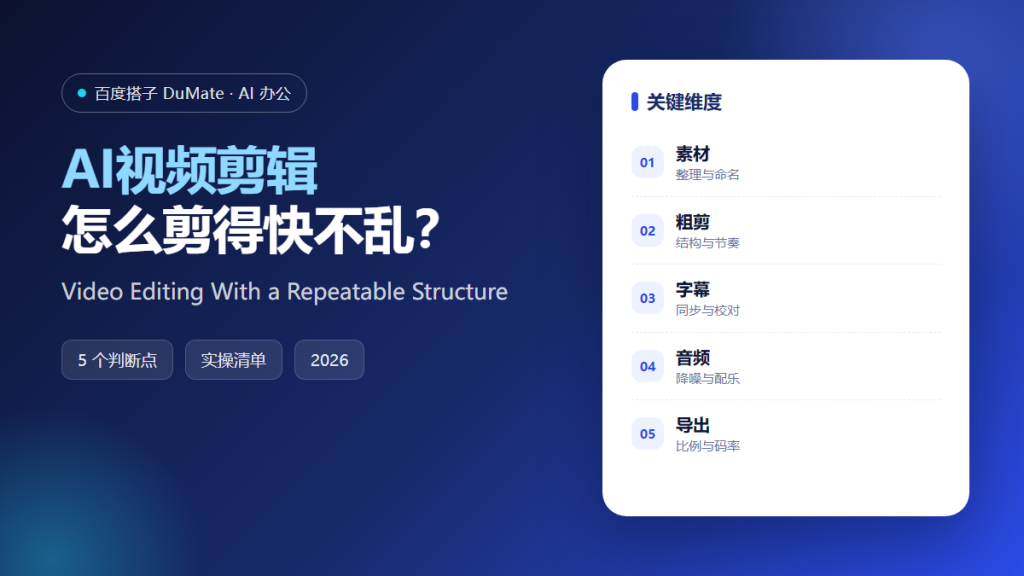
AI视频剪辑 speeds up the mechanical parts: cutting silence, generating captions, and matching audio levels. It does not decide what the video is about. That decision still determines whether the edit works.
This guide covers a five-step editing workflow, the organization that saves the most time, and the export checks that prevent a good edit from looking bad on a phone.
Key Takeaways
- Organize and name footage before editing.
- Build the structure in a rough cut.
- Add captions and proofread them.
- Fix audio before adding music.
- Export for the target platform.
Why AI视频剪辑 Needs Organized Footage
Editing time is mostly search time. When files are named by camera and scene, the editor can find the right take in seconds. AI视频剪辑 can detect scenes and silence, but it cannot guess which take carries the best delivery.
The second reason is structure. A rough cut that establishes the beginning, middle, and end prevents hours of polishing scenes that will be removed.
How AI视频剪辑 Works in Five Steps
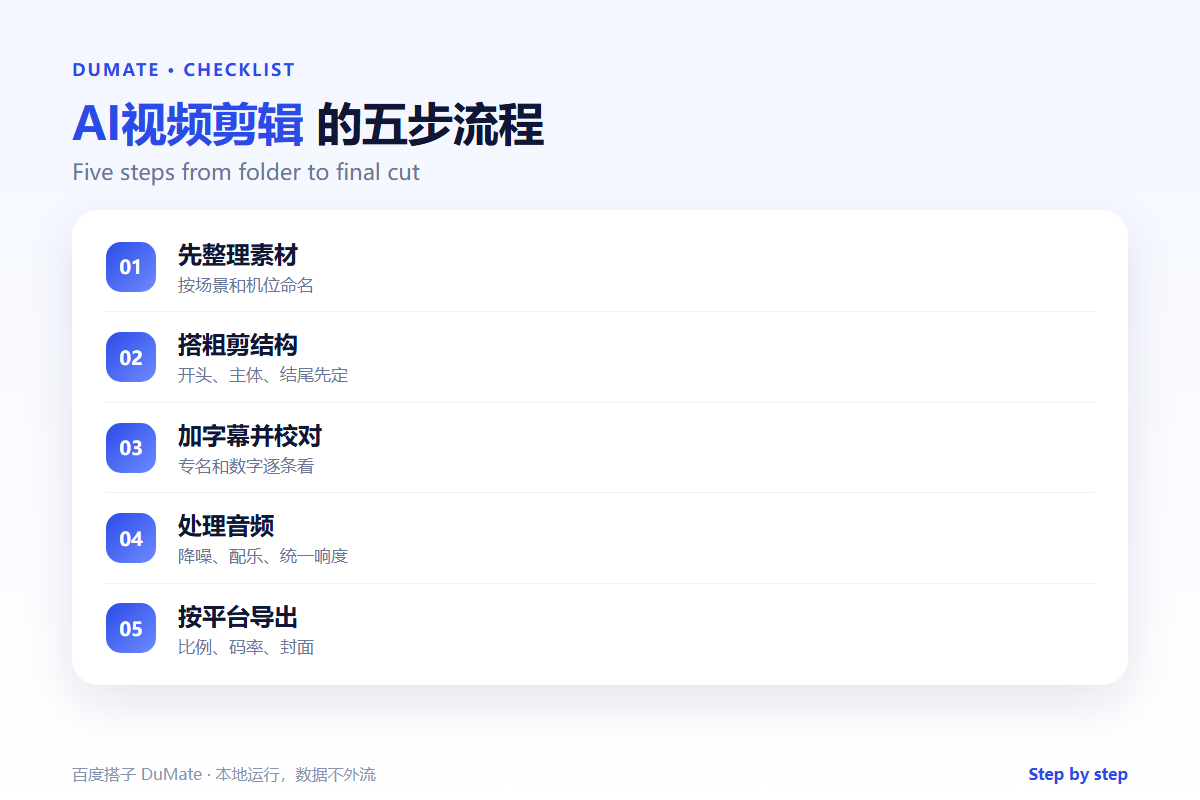
Step 1: Organize the footage
Create folders by scene and rename files consistently. Mark the best takes. AI视频剪辑 tools can transcribe and index clips, which makes search faster.
Step 2: Build a rough cut
Assemble the story with the simplest cuts. Do not add transitions or effects yet. AI视频剪辑 can remove silences and obvious mistakes, but the structure is yours.
Step 3: Add captions
Generate captions, then proofread names and numbers. Check line length and timing. AI视频剪辑 makes captioning fast; the errors are still visible to viewers.
Step 4: Fix the audio
Reduce noise, balance voices, and only then add music. Music should support the voice, not compete with it. AI视频剪辑 can normalize levels automatically.
Step 5: Export by platform
Check aspect ratio, resolution, bitrate, and loudness. Watch the export on a phone. AI视频剪辑 presets are a starting point, not a guarantee.
An Edit Checklist
- Footage is named and sorted.
- The rough cut tells one story.
- Captions are proofread.
- Audio is balanced before music.
- The export matches the platform.
Where AI视频剪辑 Fails
It fails when the editor trusts automatic cuts without watching the result. It also fails on fast speech and overlapping audio, where captions and cuts drift.
- Captions with wrong names.
- Music louder than speech.
- Portrait video exported in landscape.
- Effects covering the subject.
Before and After
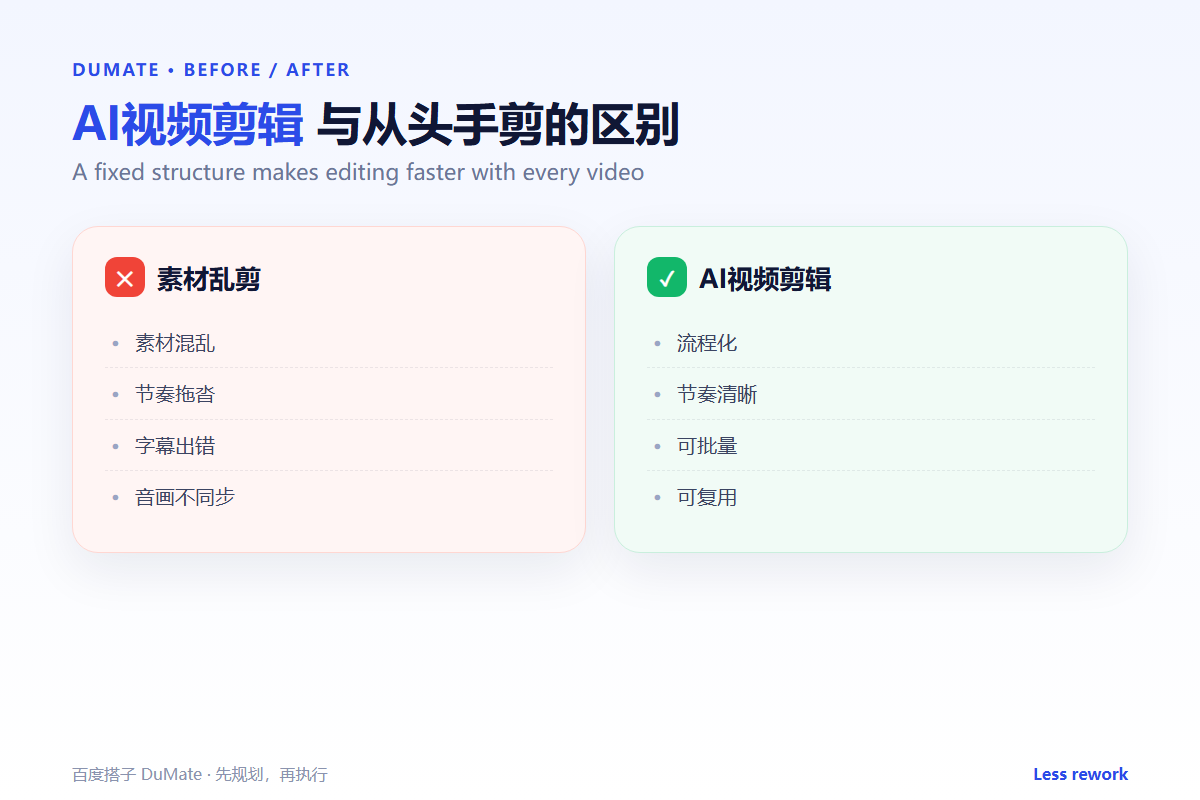
Before, an editor spent a day on a five-minute video and still missed a caption error. After, AI视频剪辑 handled silence removal and captions, and the editor spent the time on structure and pacing.
The tool removes repetitive work. It does not remove the need to watch the video.
Used consistently, AI视频剪辑 becomes part of the normal review routine rather than a separate project.
A final check with AI视频剪辑 takes a minute and catches the errors that are easiest to miss.
The same AI视频剪辑 routine works for small tasks and large ones, which is why teams keep using it.
Measuring Whether It Works
Measure AI视频剪辑 with three numbers: time spent, rework required, and output accepted without changes. Track them for four weeks before drawing a conclusion. Set a baseline from the manual process, because without a baseline any result looks like progress.
Time alone is misleading. A task that finishes faster but needs a full rewrite is not an improvement. Pair time with rework, and pair both with the quality of the final output. AI视频剪辑 should be compared with how the work was done before, not with an ideal.
Review the numbers monthly with the people doing the work. They know why a week was slow or why rework increased. AI视频剪辑 improves when the review includes the operators, not only the managers. Keep the dashboard small: three numbers and one note are enough.
Also record the exceptions. A week with an unusual campaign or a system outage is not a fair test. Note the context next to the numbers so a later reader does not compare incomparable weeks. When the numbers are stable, expand the scope; when they move the wrong way, fix the input before adding more use cases. The goal is not to prove that AI视频剪辑 works, but to know when it works and when it does not.
Keep the first month simple. One task, one owner, and one weekly review are enough to prove the workflow before it spreads across the team.
Write down what changed after each run. A short note is easier to trust than a memory, and it makes the next improvement obvious.
Review the output before it leaves your desk. A two-minute check catches most of the errors that would otherwise come back as questions.
Keep one example of a good result. New team members learn faster from a concrete reference than from a long explanation.
The first version does not need to be perfect. It needs to be complete enough to review, so the team can see the gaps and fix them in the next round.
FAQ
Can AI edit a whole video automatically?
It can produce a rough cut from a transcript. A person still needs to choose the story and the pacing.
Should I add music first?
No. Fix the voices first, then choose music that supports them.
What is the most common export error?
Wrong aspect ratio. Check the platform before exporting, not after uploading.
延伸阅读
For scripting, see AI短视频脚本. Voice production is covered in AI配音工具 and AI数字人. File conversion is in AI文件转换. Batch work is covered in AI批量处理. External references: W3C Web Accessibility Initiative and NIST AI Risk Management Framework.
评论
还没有评论,来说两句吧。