
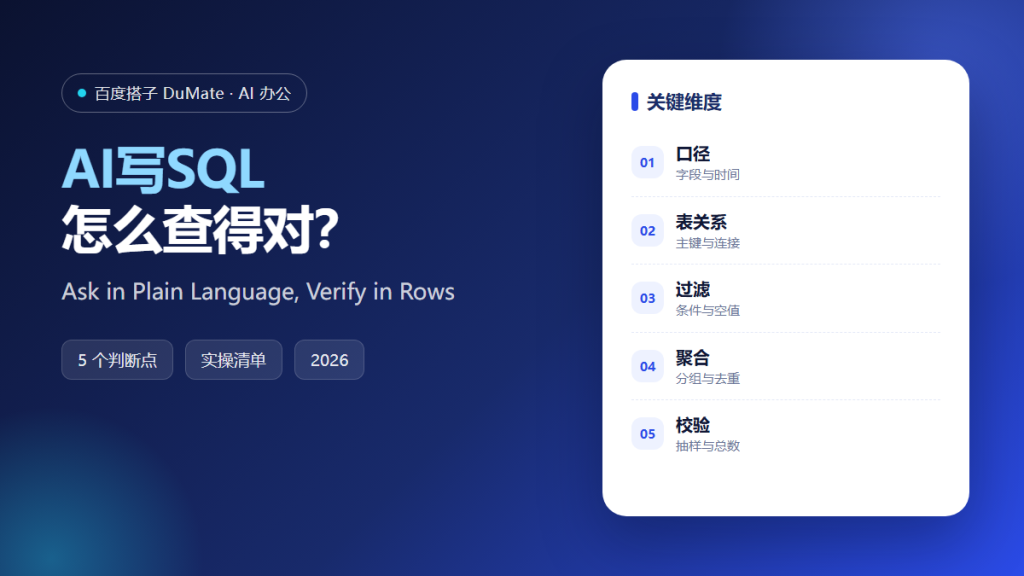
AI写SQL is most useful when a question arrives in plain language and the answer is checked in rows, not in confidence. The model can draft a join in seconds; the analyst still owns the definition of a customer and the grain of a sale. That division of labour is the whole method.
This guide covers the five steps from schema description to verified query, the checks that catch silent duplicates, and the habits that keep generated SQL out of production without review.
Key Takeaways
- Describe the tables and their grain first.
- Ask one question per query.
- Inspect sample rows before totals.
- Check joins for duplication.
- Explain the plan and add a limit.
Why AI写SQL Needs a Schema Conversation
SQL is only as correct as the schema description behind it. If the model does not know that an order can have several payments, it will happily sum the wrong column. AI写SQL should receive table names, keys, and one-line definitions before it writes a line, and it should repeat them back for confirmation. Ask for the exact column that represents the event time, and confirm whether it is stored in local time or UTC.
The second reason is ambiguity. Revenue by month can mean bookings, invoices, or cash collected. AI写SQL will choose one unless the question names it. The analyst should resolve the definition before the query is generated, not after the numbers disagree in a meeting with finance.
The third reason is verification. A query that returns a plausible total can still be wrong. AI写SQL should produce a sample of rows, a count, and a short explanation, so the reviewer can test the logic instead of admiring the output. Plausibility is not correctness.
How AI写SQL Works in Five Steps
Step 1: Describe the schema
Paste the relevant tables with keys, types, and a sentence about each. Mention known traps, such as soft deletes or timezone offsets. AI写SQL with a partial schema will invent the missing relationships, and the invented join will look perfectly reasonable. Say which table is the fact and which are dimensions.
Step 2: State one question
Write the question with a period, a population, and a measure. For example: count distinct buyers with at least one paid order in September. Avoid stacking three questions into one prompt, because the model will answer the easiest one and ignore the rest.
Step 3: Generate and read the query
Read the joins before running anything. Check the filter placement and the date boundary. AI写SQL often puts a condition in the where clause that silently turns an outer join into an inner one, which removes rows nobody intended to remove.
Step 4: Inspect the rows
Run a sample, a count, and a null check. Compare a few rows with the source system. AI写SQL can explain each column, but only the data can confirm that the grain is what the question assumed, and a count by day often reveals the duplicate. Compare a daily total with the source report for the same day, not only the monthly figure.
Step 5: Explain, limit, and save
Ask for the plan and look for a full scan on a large table. Add a limit for exploration. Save the final query with a comment that states the definition. AI写SQL output without a definition becomes a rumour, and a rumour becomes a dashboard. Save the result to a table only after the review is complete.
‘ alt=’AI写SQL checklist: schema, question, rows and query plan’ />
A Query Review Checklist
- The schema and keys are stated.
- The measure and population are defined.
- Join cardinality was checked.
- Sample rows match the source.
- The query is limited and commented.
Where AI写SQL Fails
It fails when the question hides a definition, and it fails when a join multiplies rows without changing the shape of the result. A total can be wrong by a factor of three and still look reasonable. The only defence is a row-level check before anyone presents a number. A second query that counts the same rows is the cheapest test, and it often takes less time than the argument about which number is right.
- Duplicates from a one-to-many join.
- Dates compared across timezones.
- Soft-deleted rows counted as active.
- Generated queries run straight in production.
Before and After
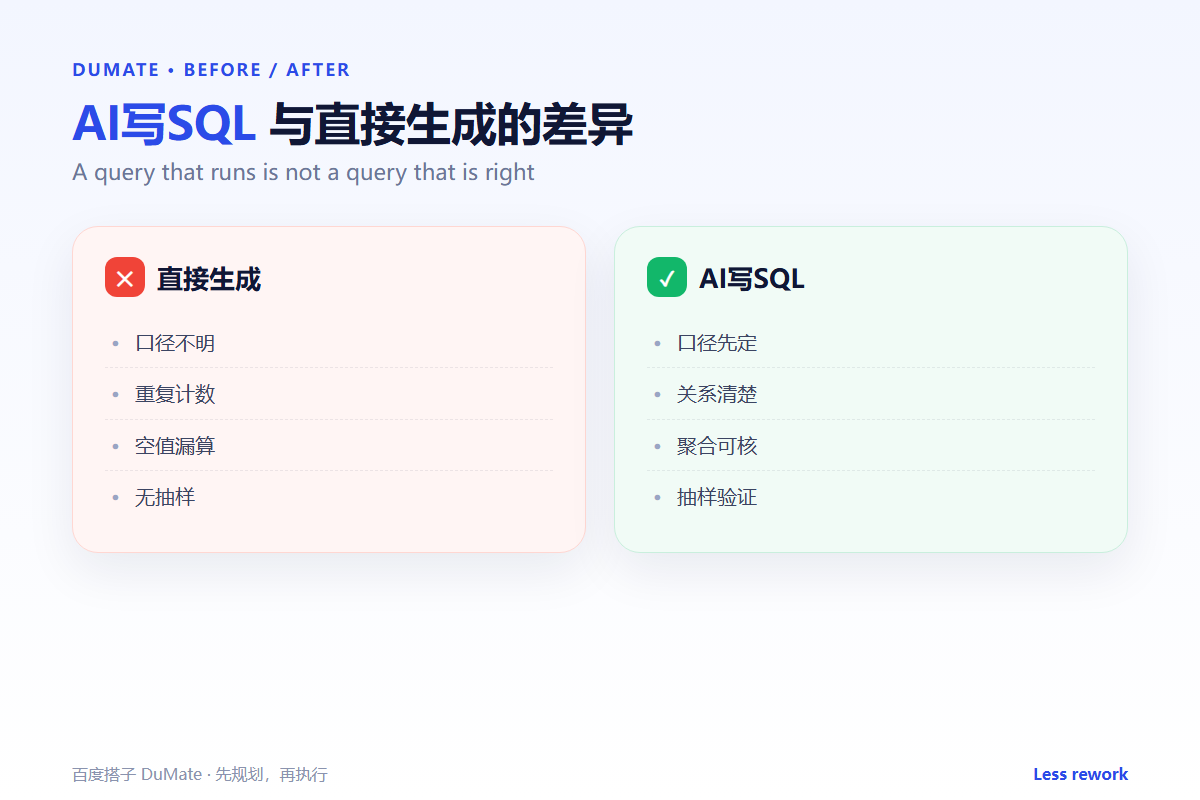
Before, an analyst asked for monthly revenue, received a clean query, and sent a dashboard to the board. A week later, finance found that refunds had been excluded and two payments per order were counted twice, and the correction had to be explained in public. The dashboard had been shared before anyone checked a single row against the source report.
After, AI写SQL was given the payment table, the refund rule, and the order grain. The first draft was slower, the review took ten minutes, and the dashboard survived a finance audit without a footnote.
FAQ
Can AI写SQL handle complex analytics?
It can draft windows and common table expressions. Complex attribution still needs an analyst who can state the logic, compare it with a known total, and explain why the result differs from last month. AI写SQL is weakest when nobody can name the number that should appear.
Is it safe for production databases?
Read-only queries are safer, but always review before execution. Never let generated SQL run with write permissions on a live system, and keep a limit on exploratory work.
What about different SQL dialects?
Name the engine and version. AI写SQL will otherwise mix functions from two dialects in one query, and the error appears at the worst possible moment.
延伸阅读
Prepare clean inputs with data labeling and inspect system events in log analysis. For finance context, read financial statements, sales forecast, and inventory forecast. External references: NIST AI Risk Management Framework and ISO/IEC 42001.
评论
还没有评论,来说两句吧。